logo

My Projects

Software Requirement Bot

Overview

Software Requirement Bot is a full-stack, AI-powered web application designed to automate and streamline the software requirements gathering process. The platform enables stakeholders to interact with an intelligent chatbot that conducts natural conversations and converts them into a structured, professional Software Requirements Specification (SRS).

๐Ÿค– Built to reduce ambiguity, save time, and improve clarity in early-stage software planning for students, startups, and development teams.
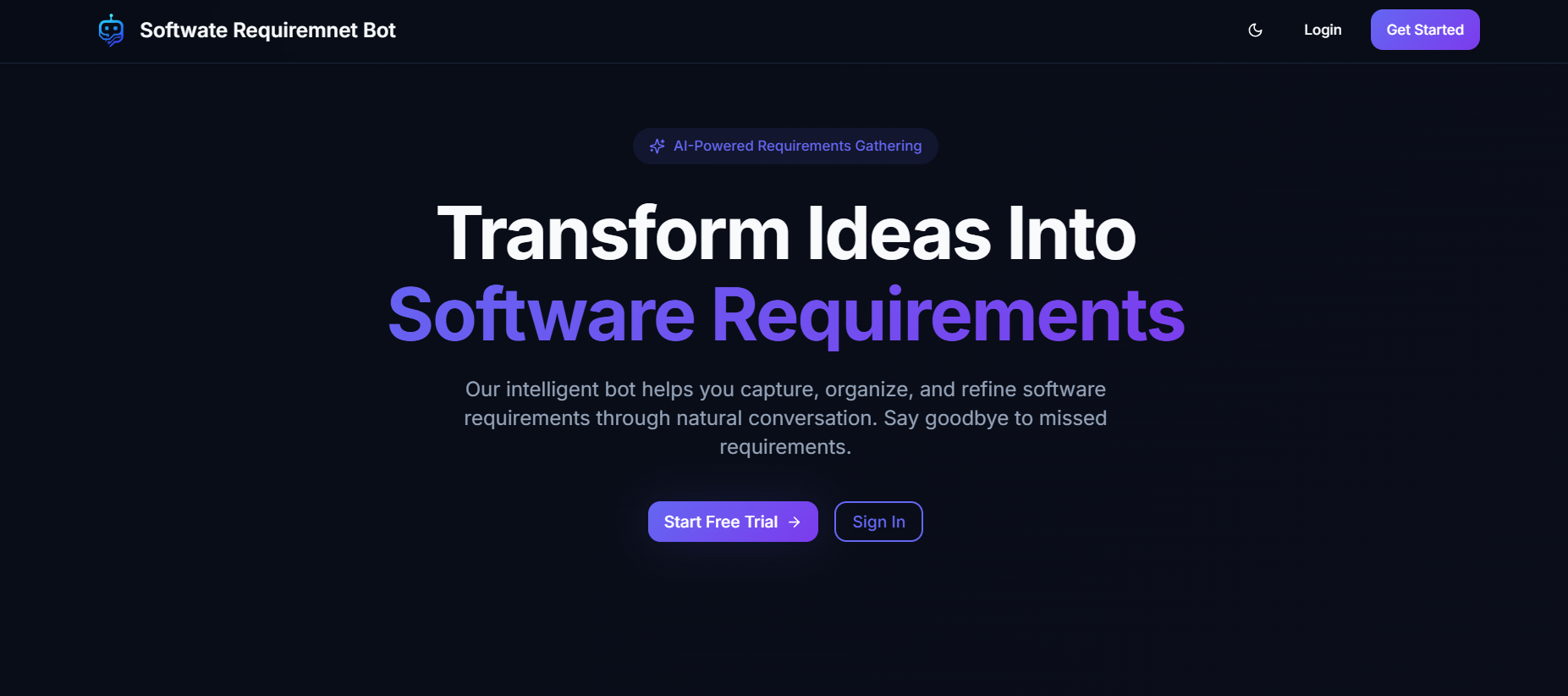
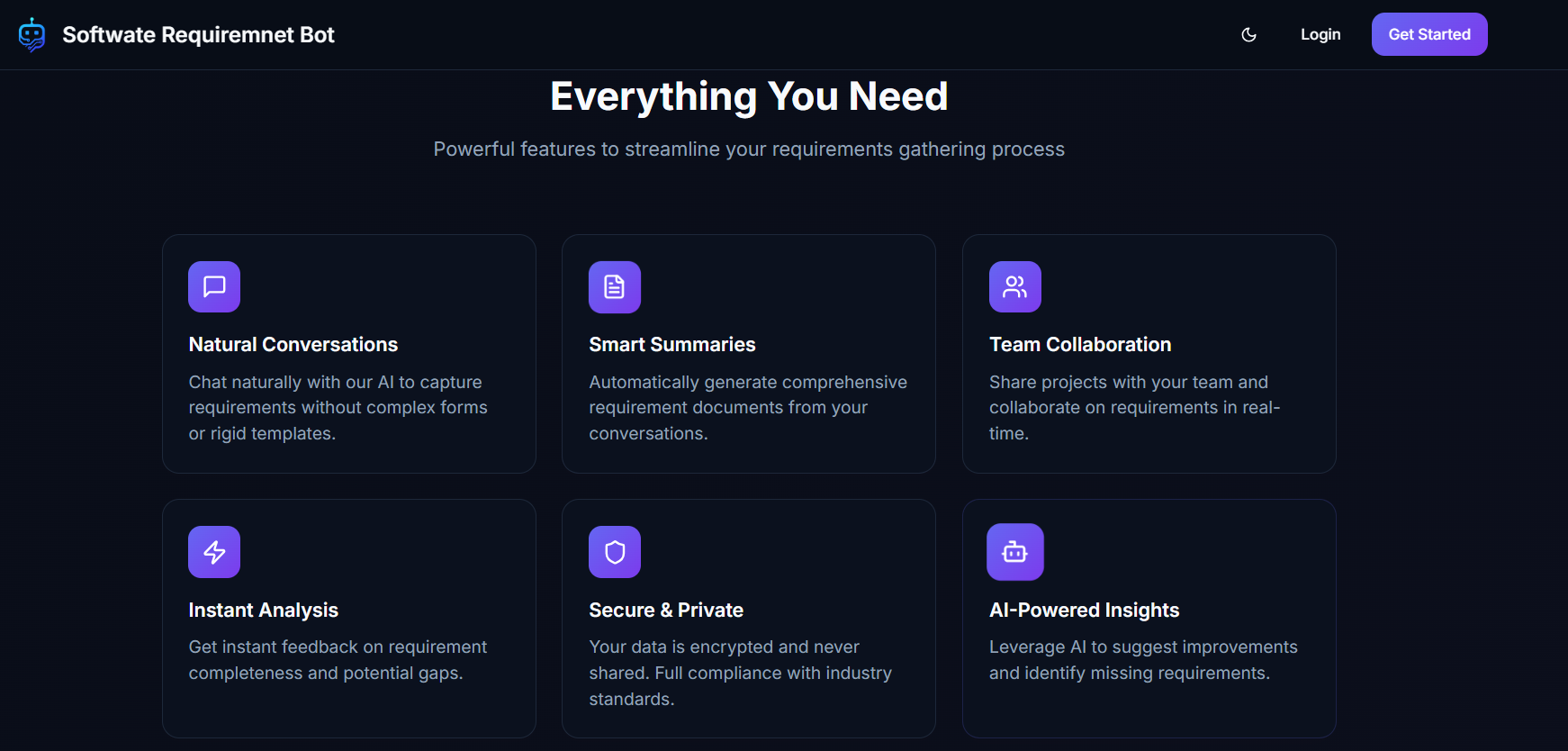
Landing Page landing

Project Background

Software Requirement Bot was developed as a major academic and practical project for the Software Requirements Engineering (SRE) course. The goal was to design an industry-relevant tool that demonstrates how AI can improve requirement elicitation, analysis, and documentation.

๐Ÿ“Œ Full-stack project developed in 2025

  1. Frontend built with modern UI/UX principles.
  2. Secure authentication with OTP-based password recovery.
  3. Conversational AI using Gemini with OpenAI fallback.
  4. Structured SRS extraction from free-form chat.
  5. Deployed on Vercel with scalable architecture.
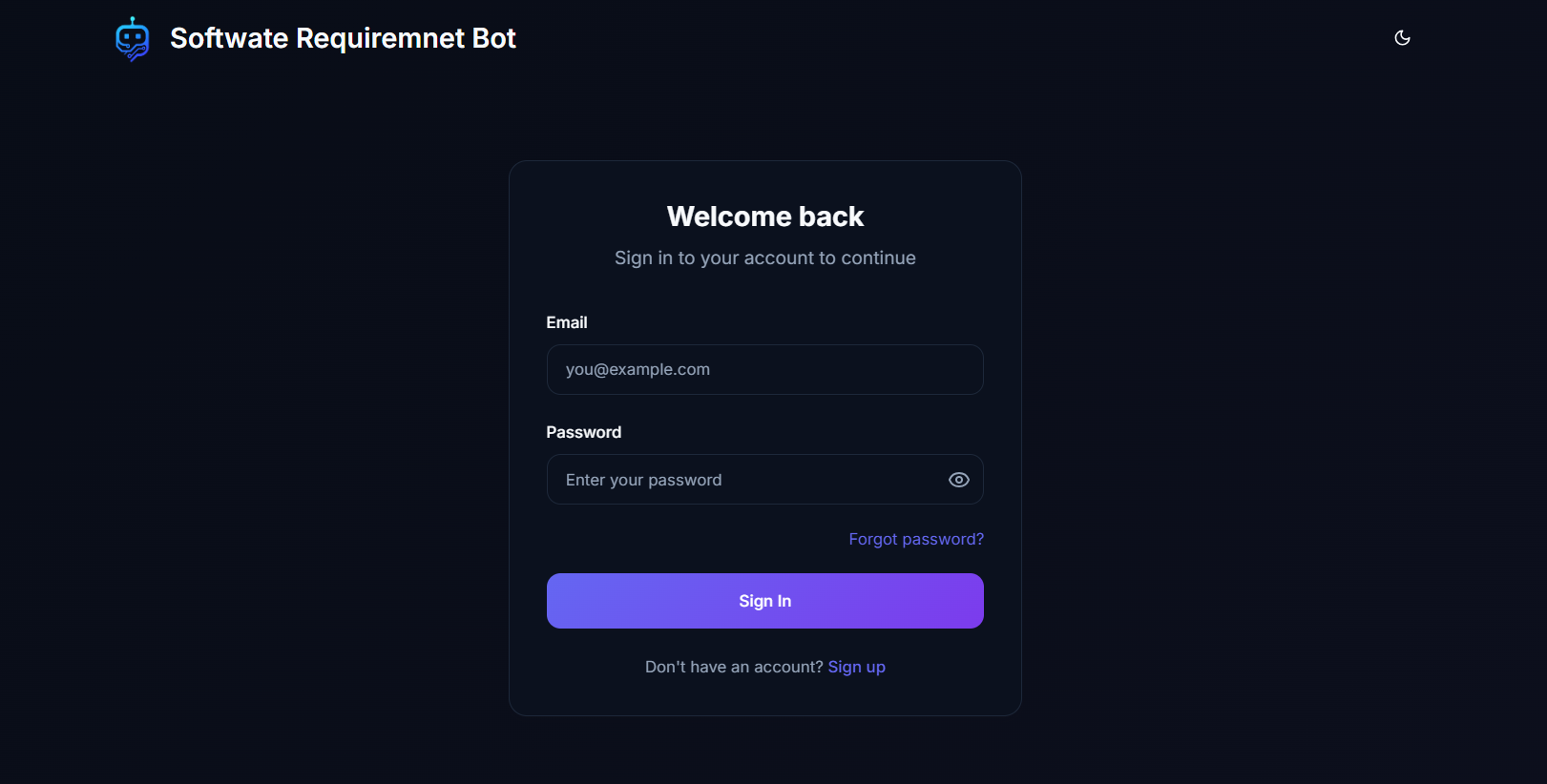
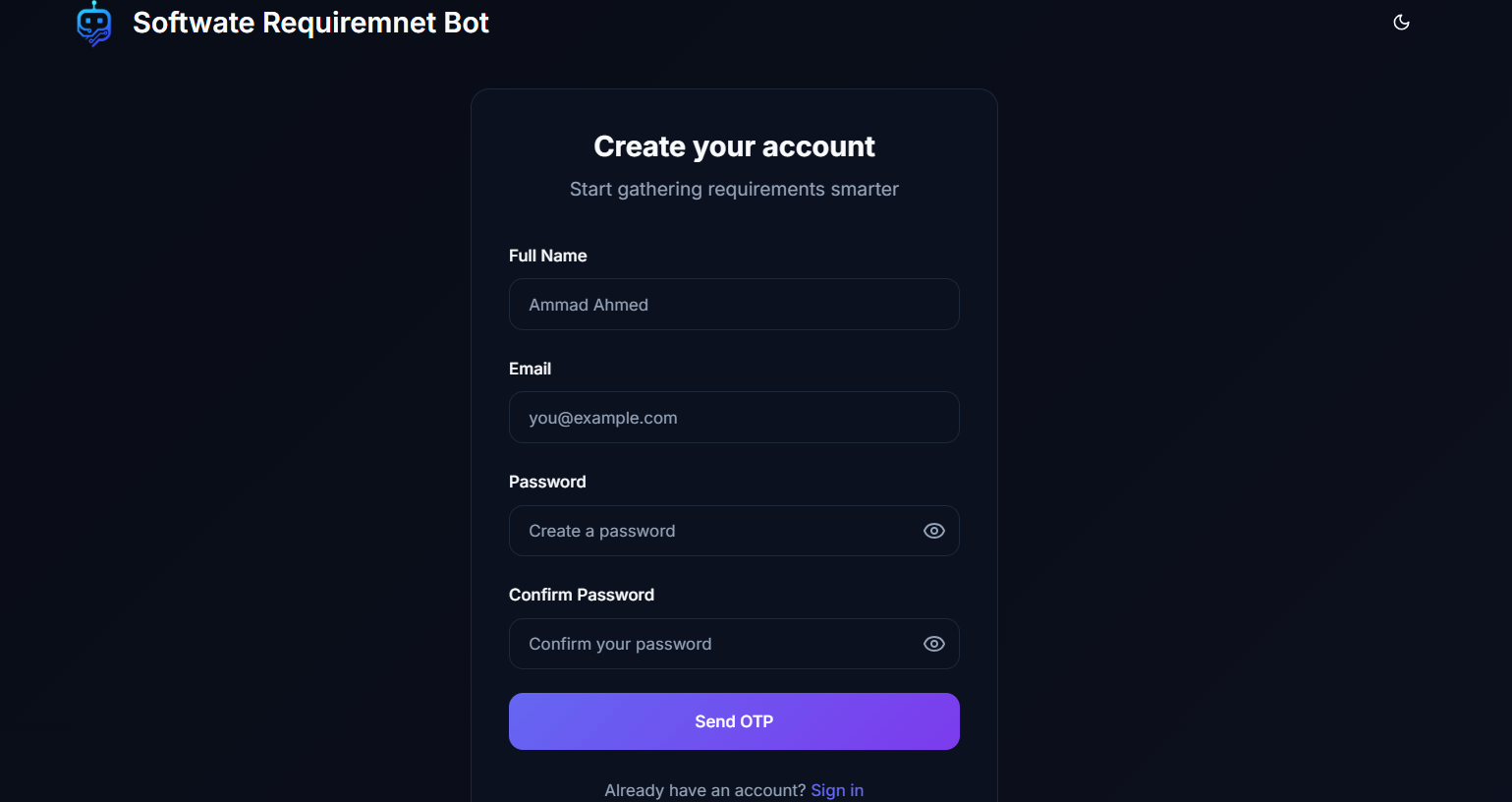
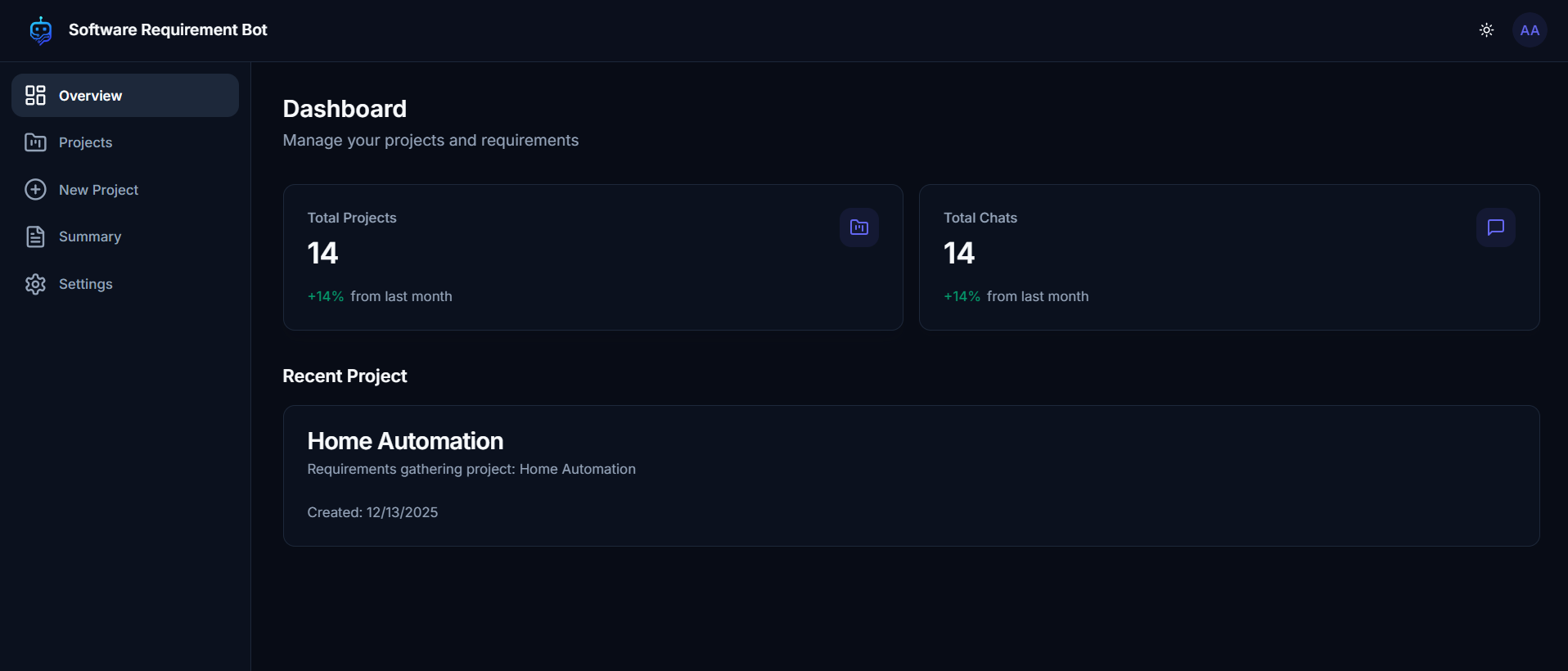
Login Page Signup Page Dashboard Overview

Key Features

  • Conversational Requirement Gathering

    Natural chat interface that adapts questions based on user input.

    No rigid forms or step-based questionnaires.

  • AI-Generated SRS

    Automatically extracts functional & non-functional requirements.

    Includes stakeholders, user stories, constraints, risks, timeline, and cost.

  • User Dashboard

    Create, view, and manage multiple projects.

    Generate summaries and downloadable PDF reports.

    Edit profile and account settings.

  • Admin Dashboard

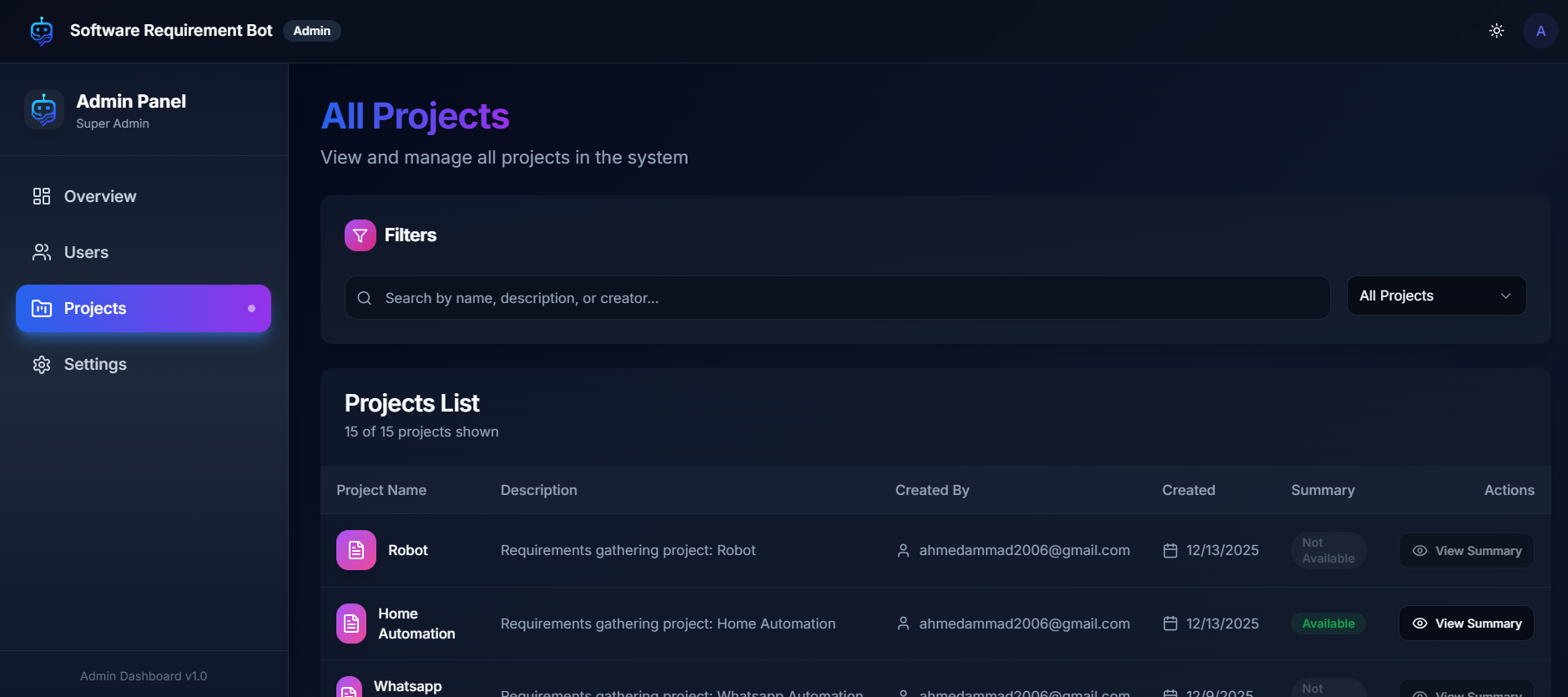
    View all users, projects, and generated summaries.

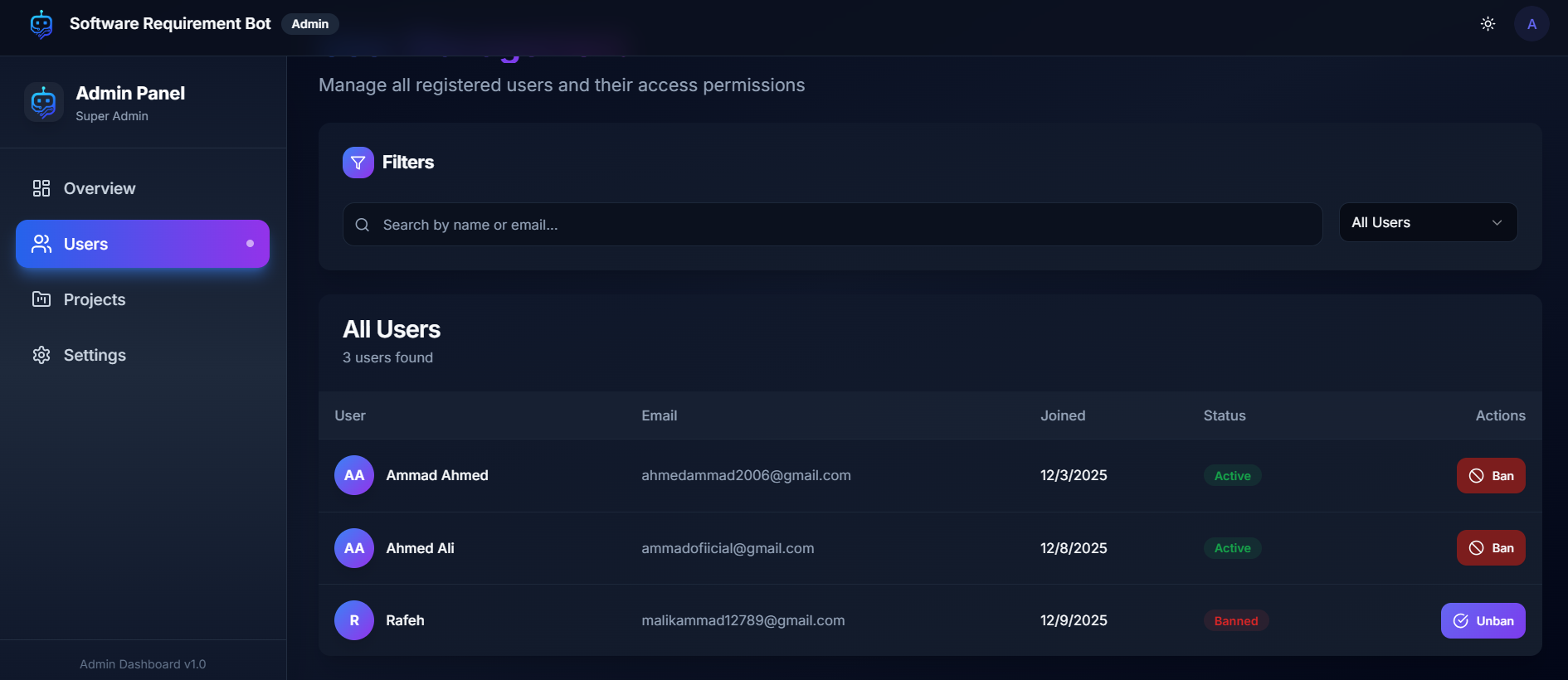
    Ban/unban users and monitor system activity.

  • Security & Authentication

    Login, Signup, and OTP-based Forgot Password.

    Role-based access control (User / Admin).

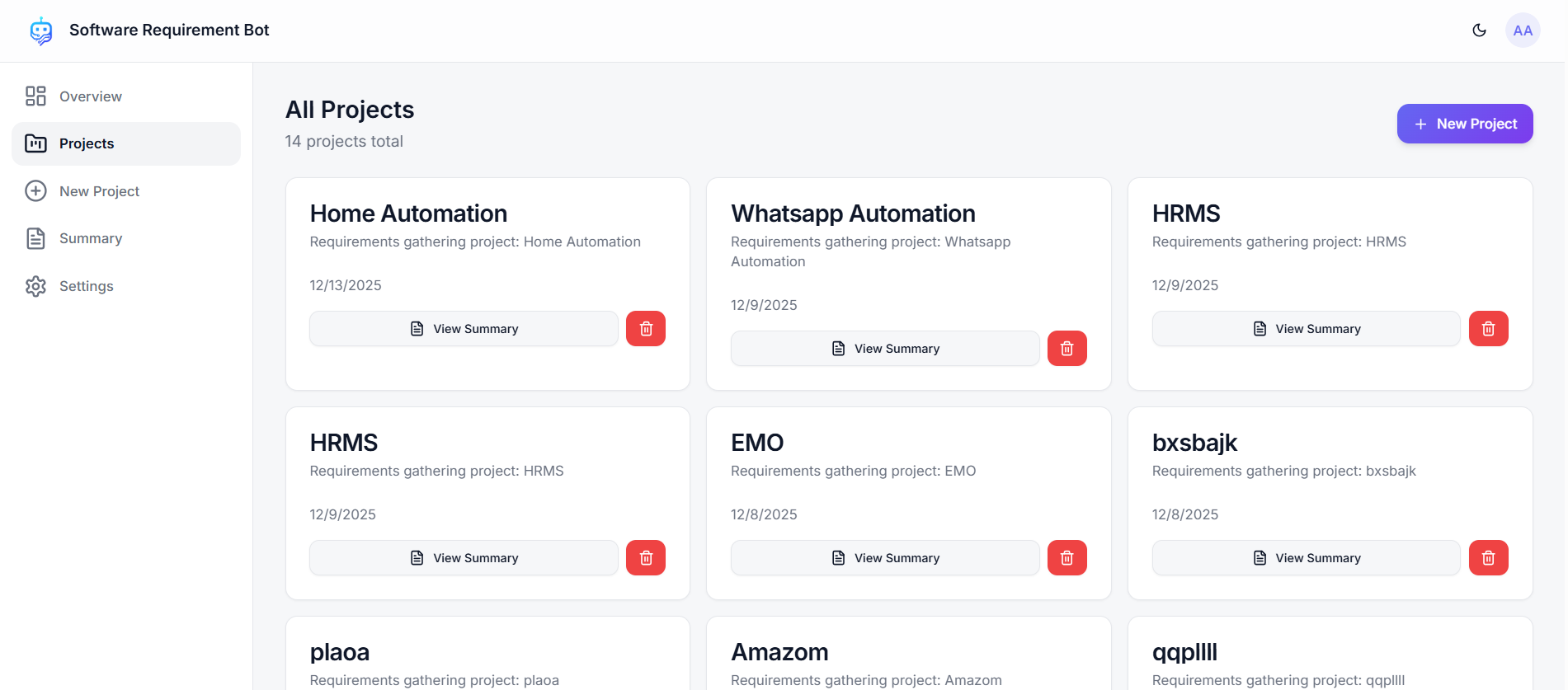
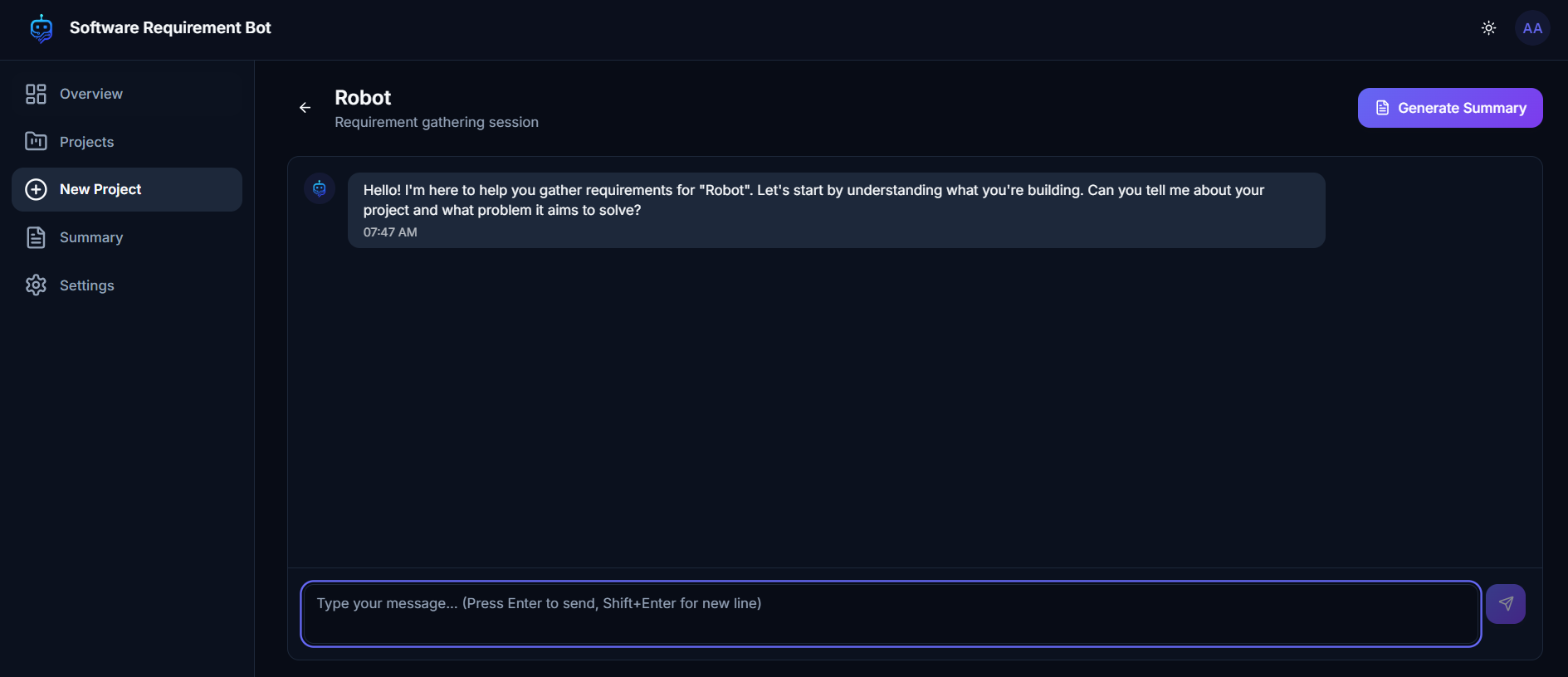
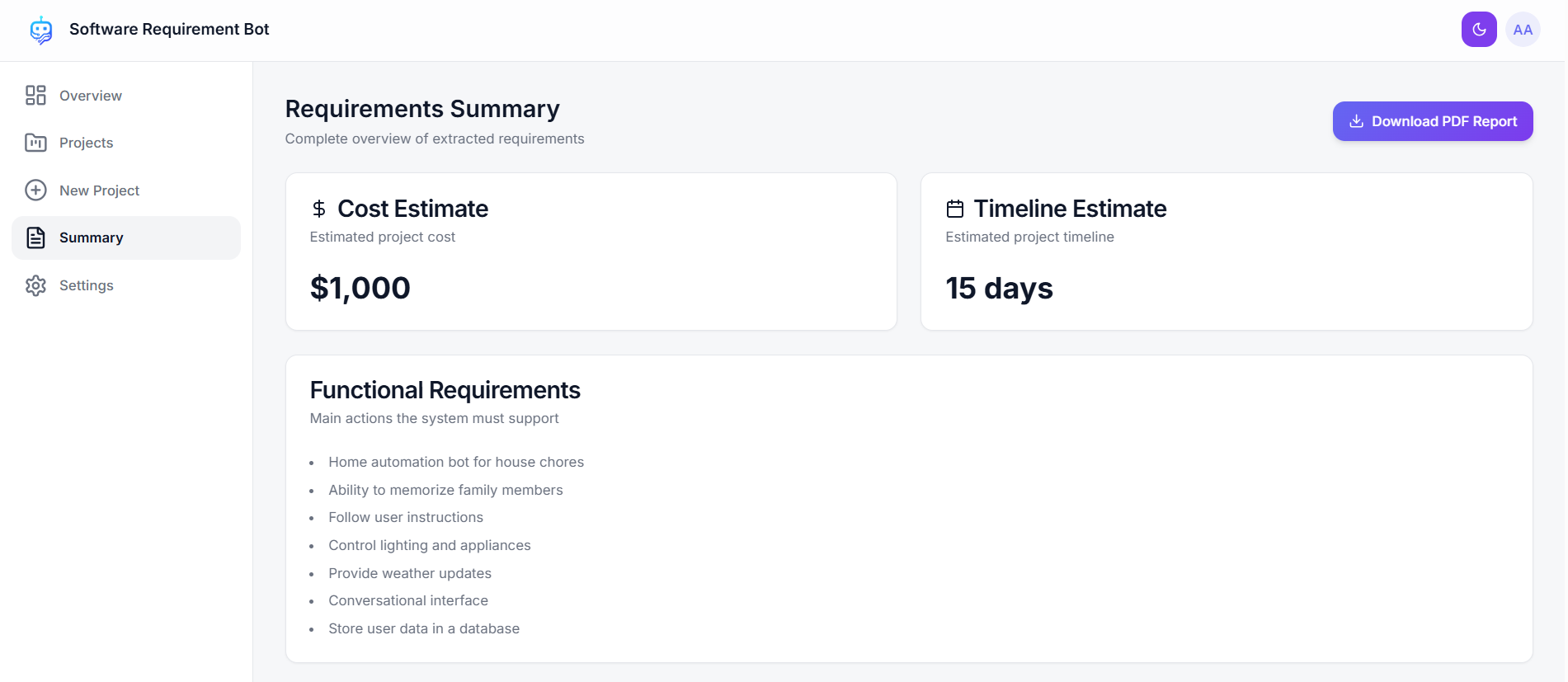
Projects Dashboard Chat Interface Summary Page

Learning & Development

  1. Designing AI-driven requirement elicitation systems.
  2. Building conversational flows that support structured extraction.
  3. Implementing role-based dashboards and secure authentication.
  4. Integrating multiple AI providers with fallback mechanisms.
  5. Generating professional SRS documents automatically.
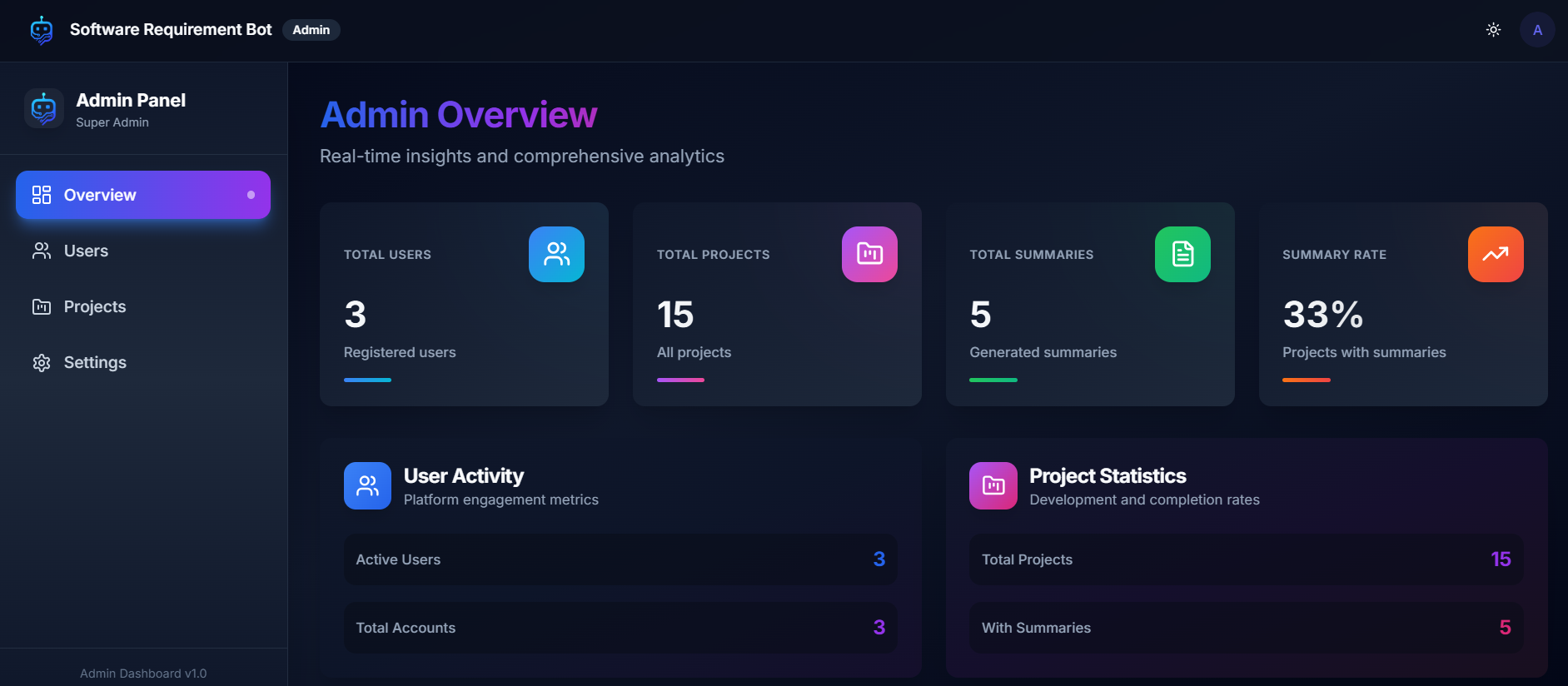
Admin Overview Projects List

Visit the Website


Explore Software Requirement Bot Live

๐Ÿš€ Experience how conversational AI can transform stakeholder discussions into clean, structured, and shareable SRS documents.

Users List

SmartCal - Smart Agenda & Meeting Management Platform

Overview

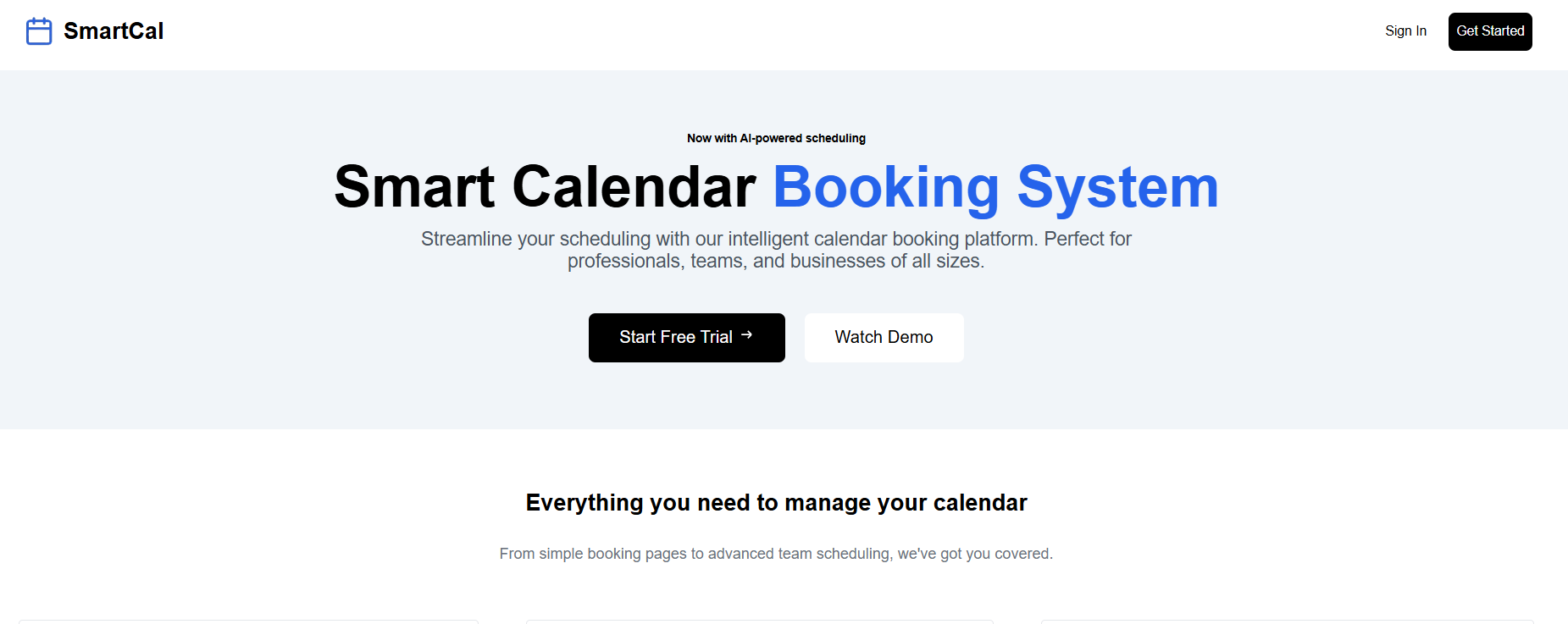
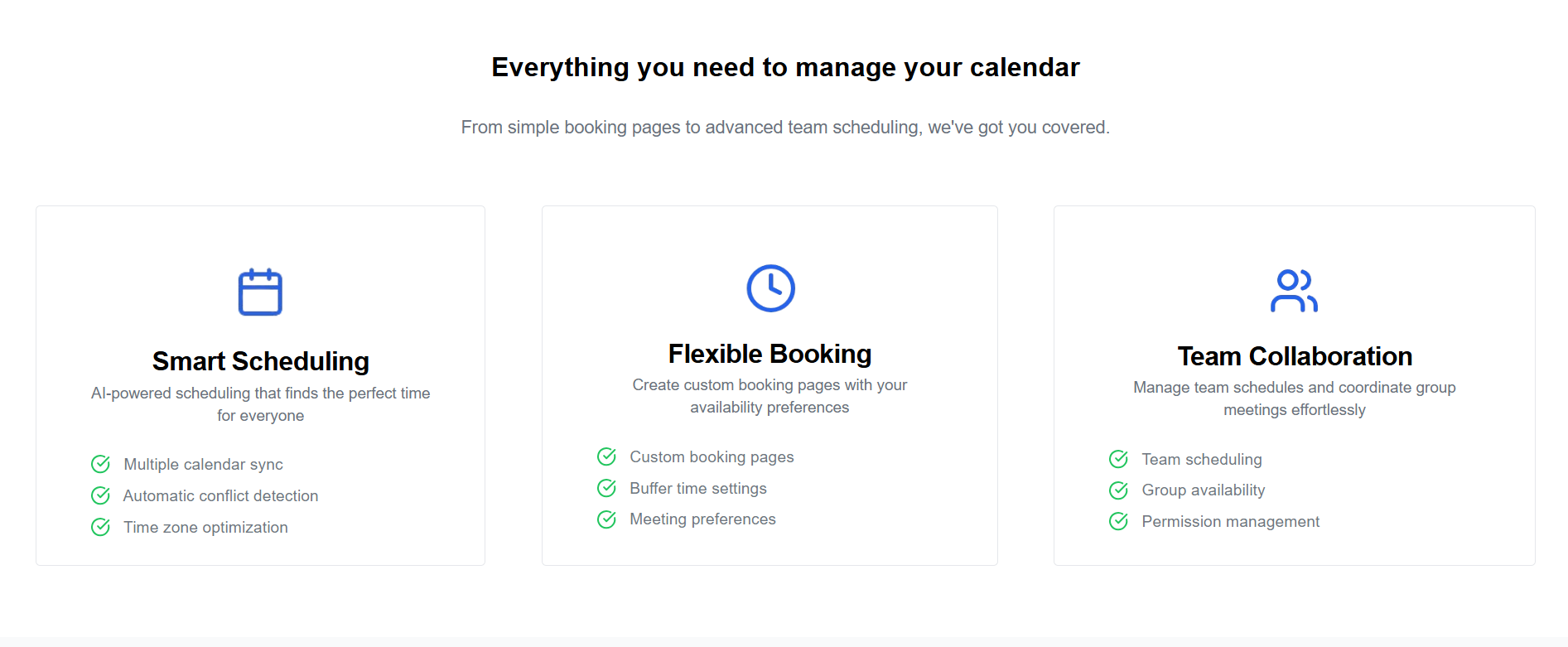
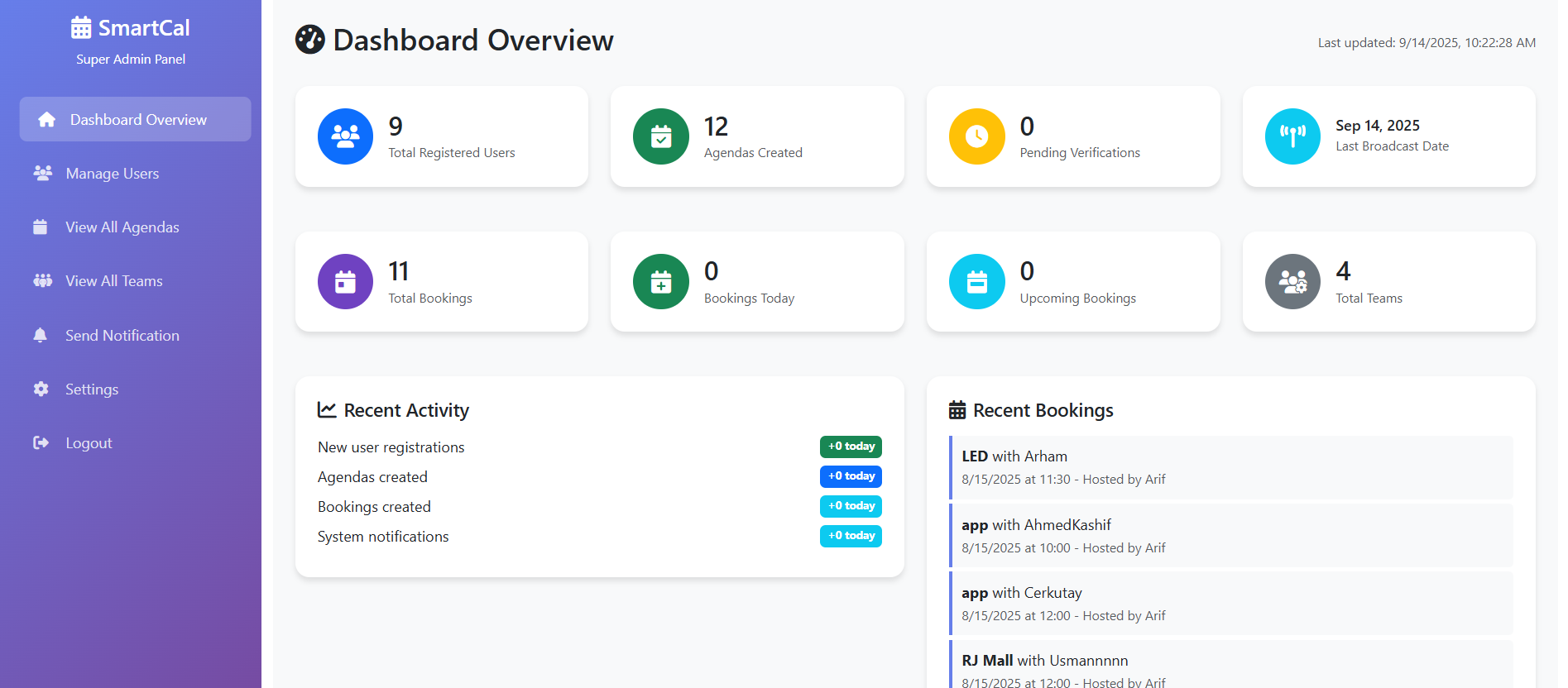
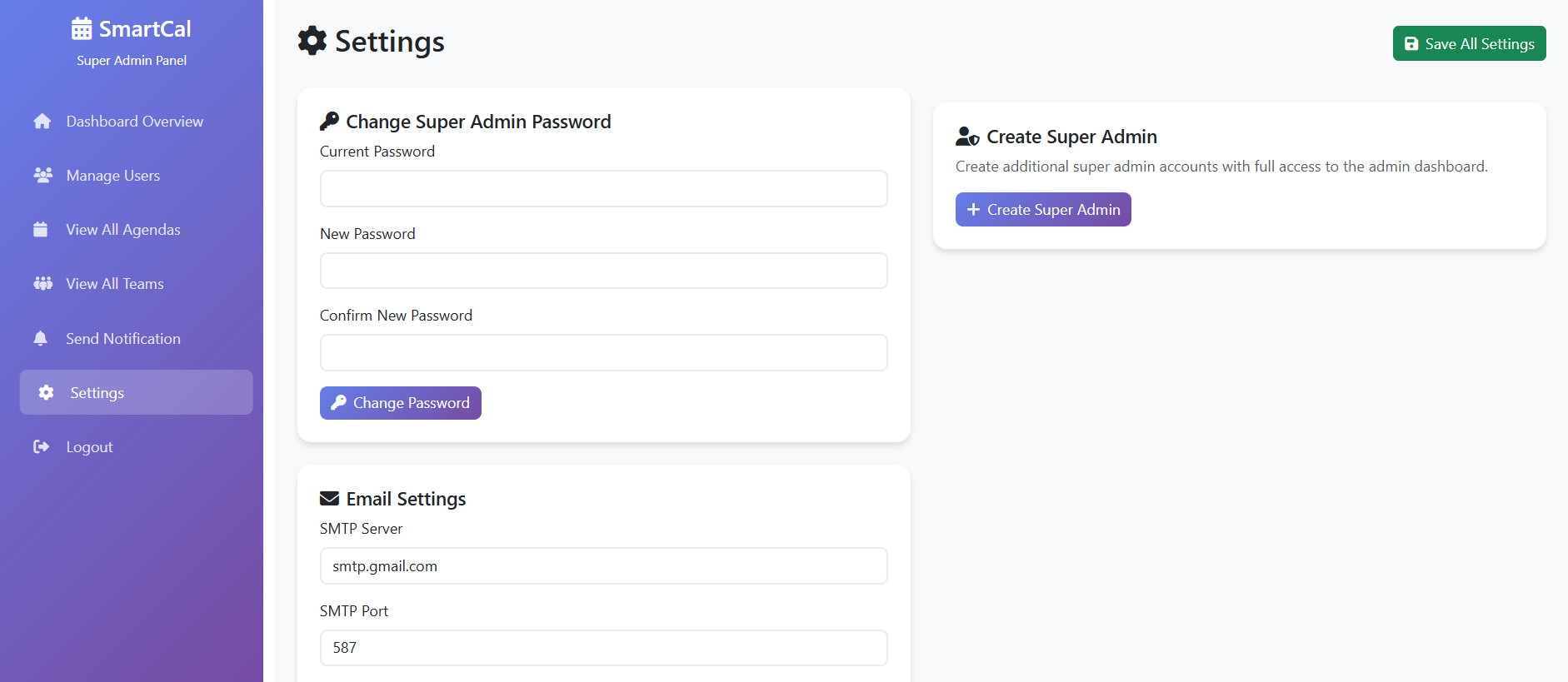
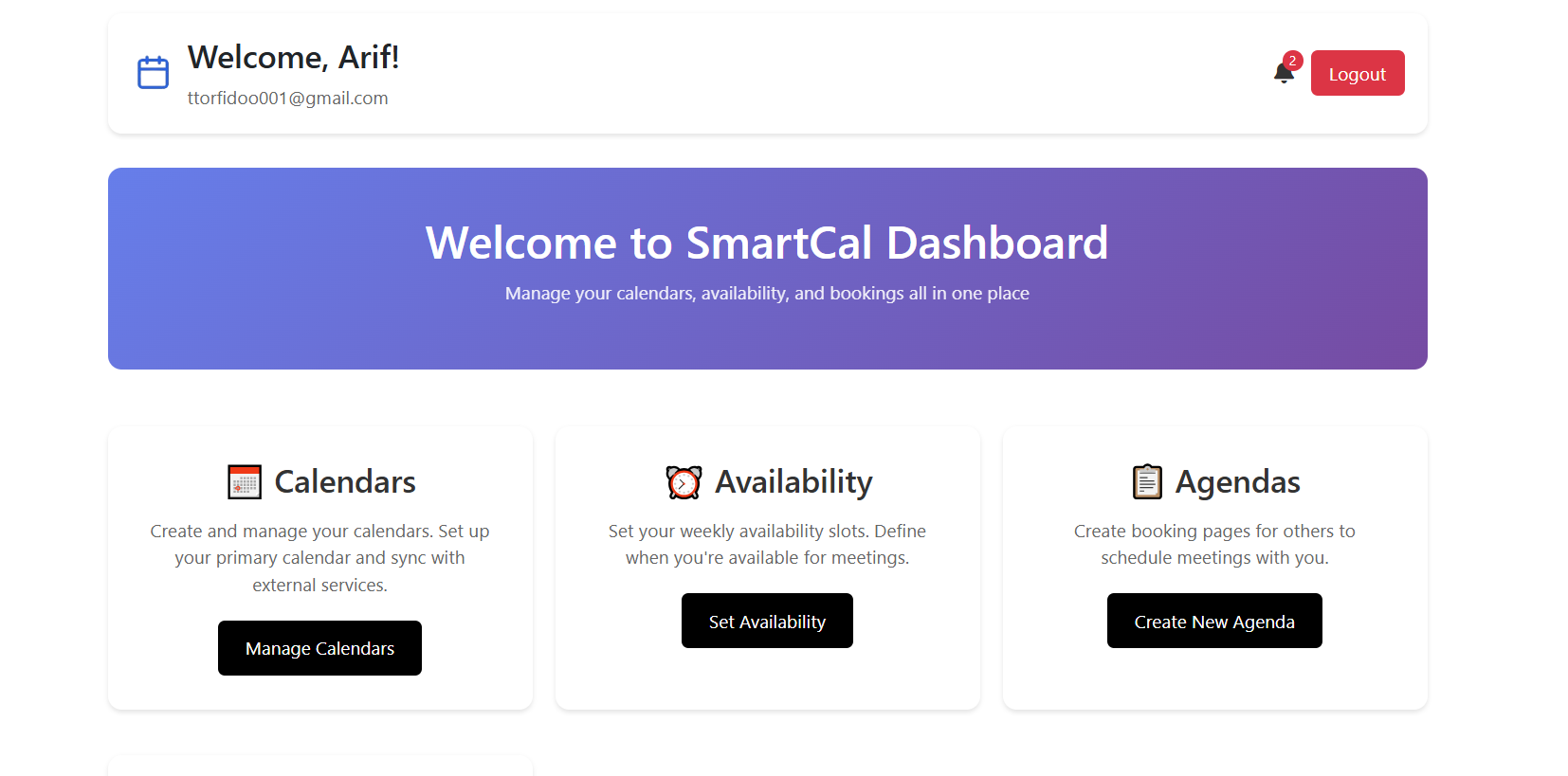
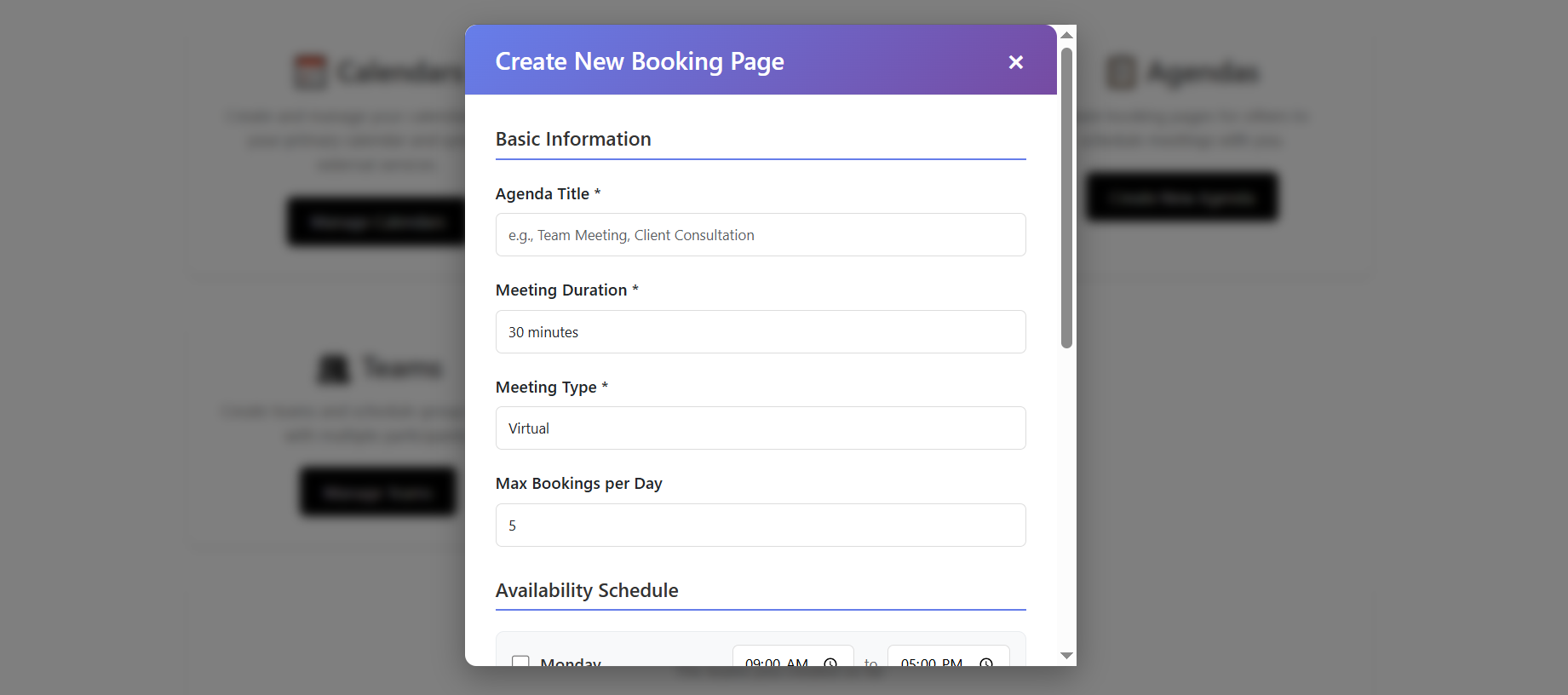
SmartCal is a powerful full-stack web application developed as a client project during my time at Potentials Dev+. It streamlines agenda and meeting management with features for individuals, teams, and administrators. Users can schedule in-person or virtual meetings, manage teams, and integrate their Google Calendar for seamless workflows.
๐Ÿ“… Designed for professionals, teams, and organizations looking for smart scheduling and collaboration tools.

SmartCal Home Page SmartCal Overview

Project Background

SmartCal was fully developed by me as a client project, combining modern frontend technologies, a secure backend, and dynamic integrations. The application supports role-based dashboards for users and admins, advanced meeting management, and team collaboration.

๐Ÿ“Œ Client Project completed in 2025 under Potentials Dev+

  1. Frontend: Modern UI/UX with responsive design.
  2. Backend: Python (Flask) with secure APIs and email integration.
  3. Database: SQLite for user and meeting data.
  4. Deployment: Live with a custom domain (Contabo).
  5. Integrations: Jitsi for virtual meetings, Google Calendar sync.
User Dashboard Admin Login Admin Login

Key Features

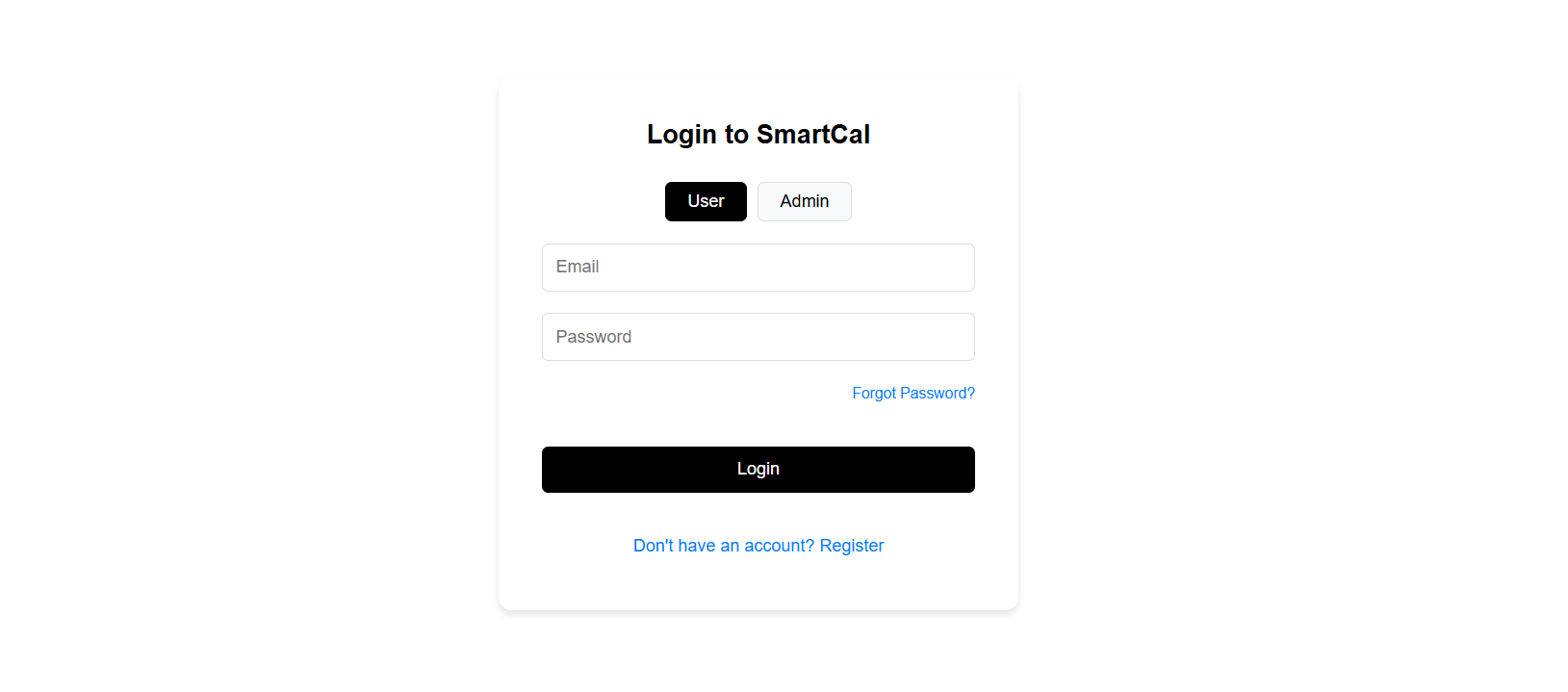
  • Dynamic Authentication

    Secure login/signup with email integration.

  • User Dashboard

    Schedule meetings, manage agendas, update profile.

    Meetings can be in-person or virtual (Jitsi link generated automatically).

    Guests receive email notifications (both host & guest informed).

  • Team Management

    Create teams with registered or non-registered users.

    Team meetings supported with smart scheduling.

  • Google Calendar Integration

    Users can sync their events with Google Calendar.

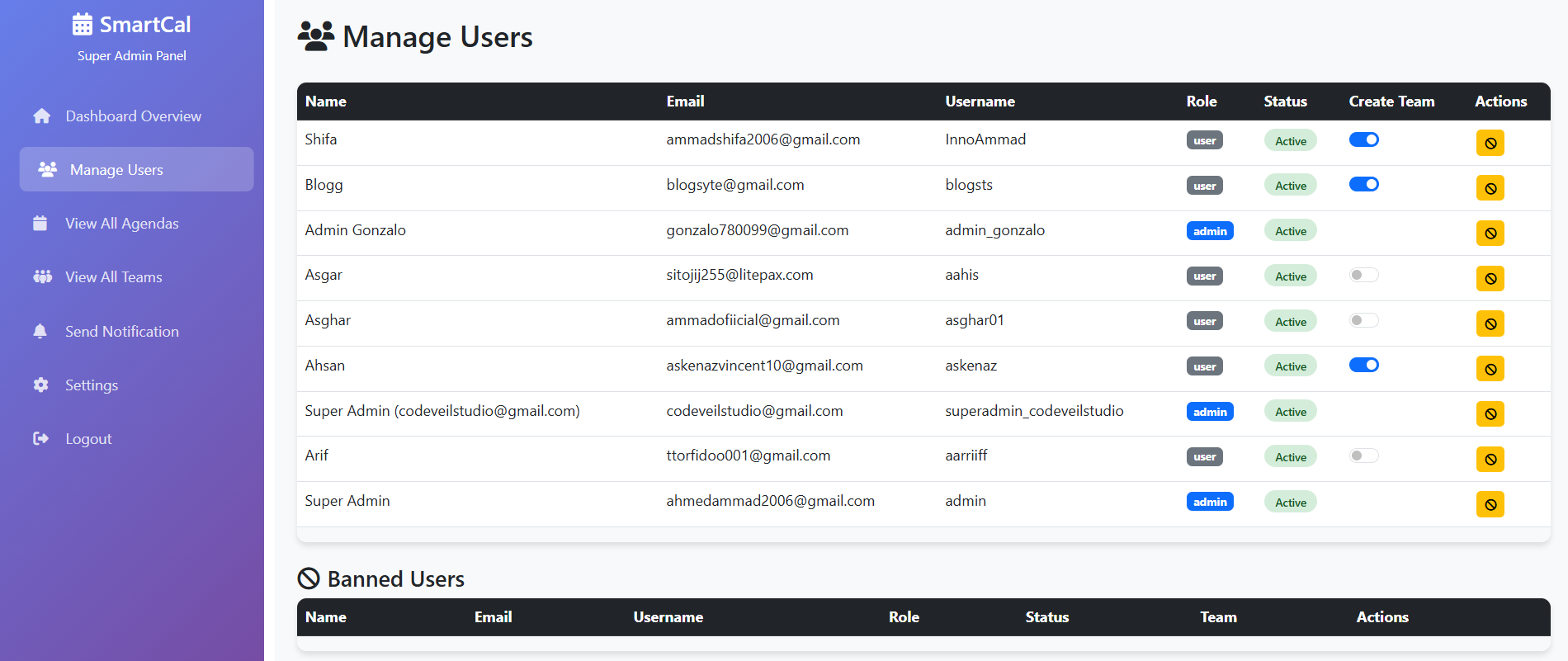
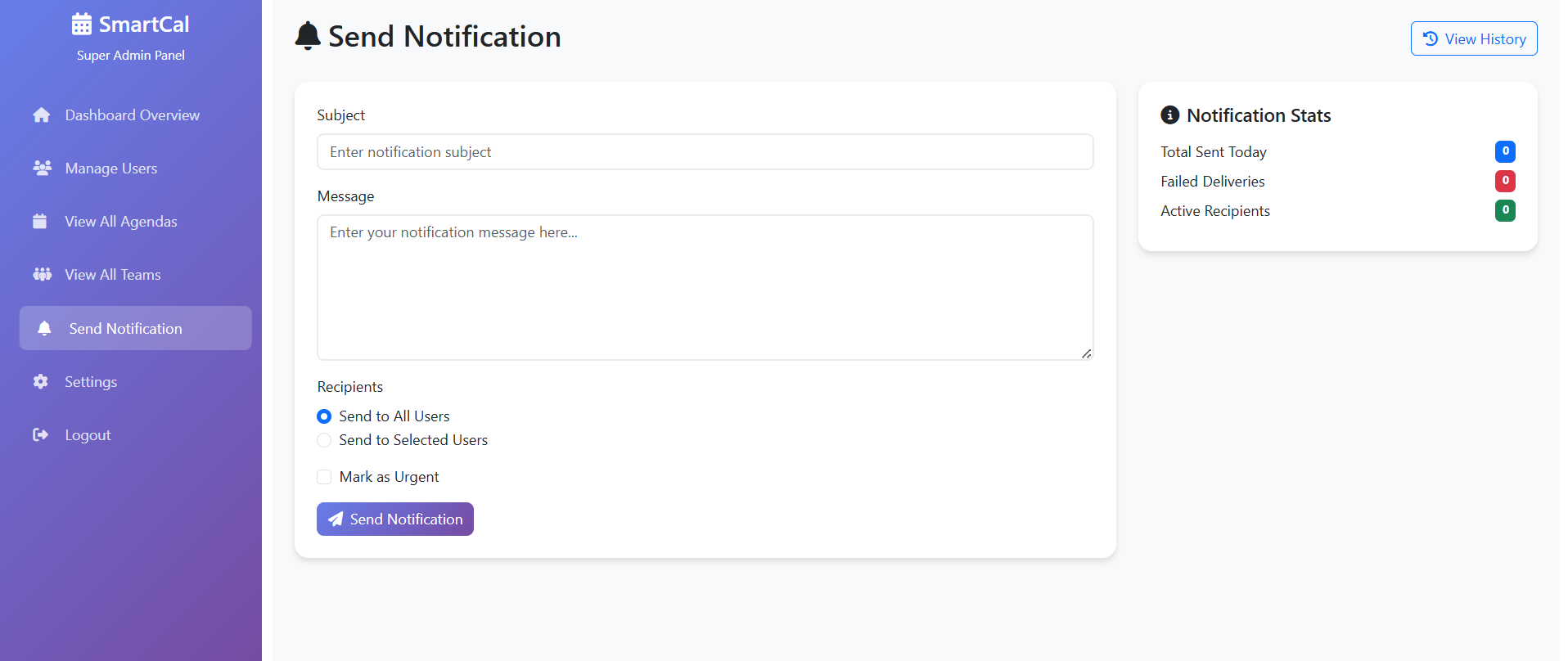
  • Admin Dashboard

    Separate secure admin login protected with 2FA.

    Monitor all activities across the platform.

    Ban/unban users, delete meetings, manage teams.
    Send notifications to all or selected users.

    Promote other users to admin with 2FA verification.

Meeting Scheduling Team Management Dashboard Dashboard

Learning & Development

  1. Developing a production-ready client project from scratch.
  2. Implementing role-based dashboards and secure 2FA authentication.
  3. Integrating Jitsi API for seamless virtual meetings.
  4. Implementing Google Calendar sync for real-time event management.
  5. Designing scalable backend with advanced admin controls.
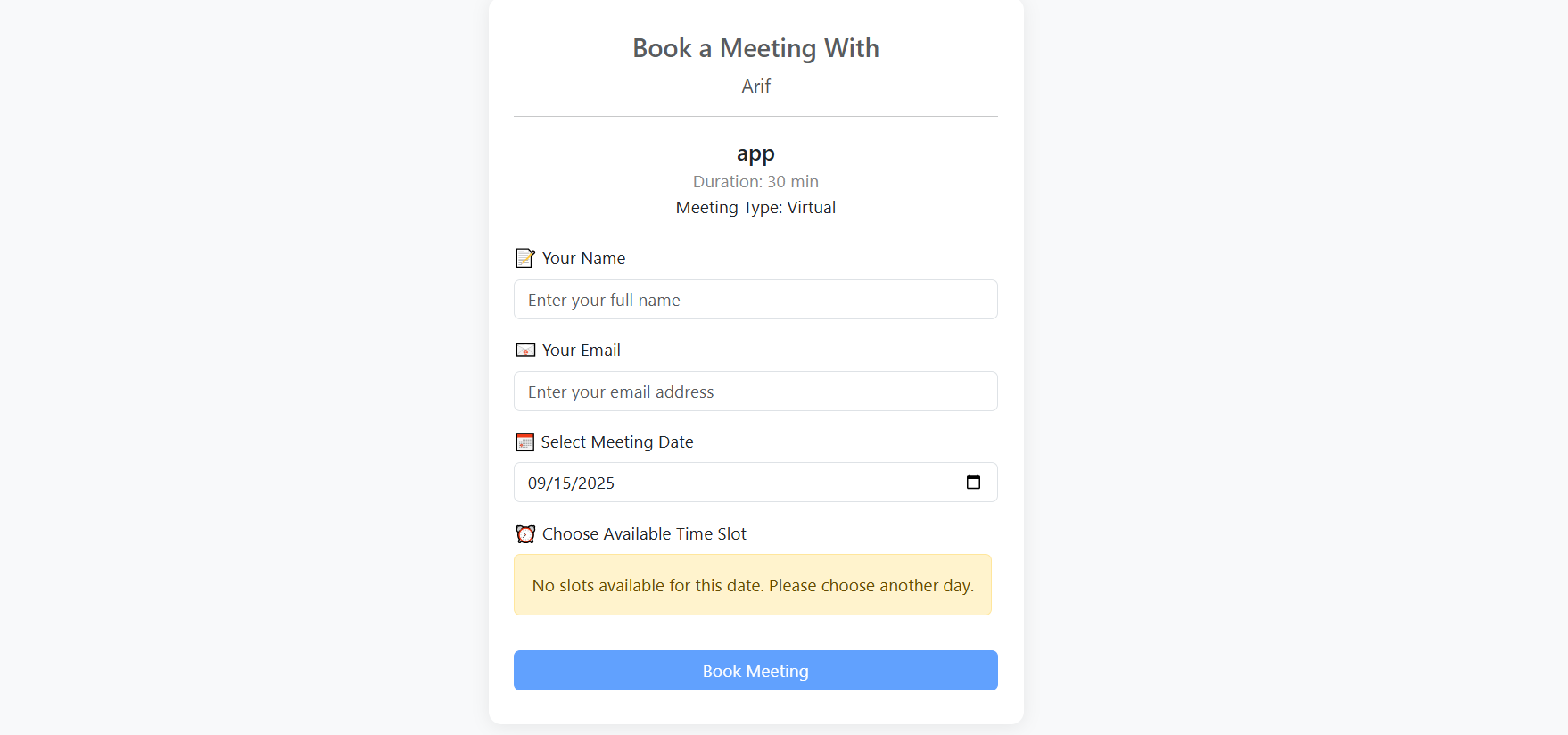
Booking Page Register

Visit the Website


Explore SmartCal Live

โš ๏ธ Disclaimer: The domain smartcal.duckdns.org is managed by the client and may be changed in the future. ๐Ÿš€ Explore the full functionality of SmartCal to experience smart scheduling, team collaboration, and powerful admin features.

Home Page

GenCraft - All-in-One AI Services

Overview

GenCraft is an all-in-one AI-powered platform designed to simplify daily tasks with cutting-edge artificial intelligence. Deployed via Vercel, it integrates multiple AI services under a single, smooth, and responsive UI.
๐Ÿค– Built for developers, creators, and everyday users looking for powerful AI tools in one place.

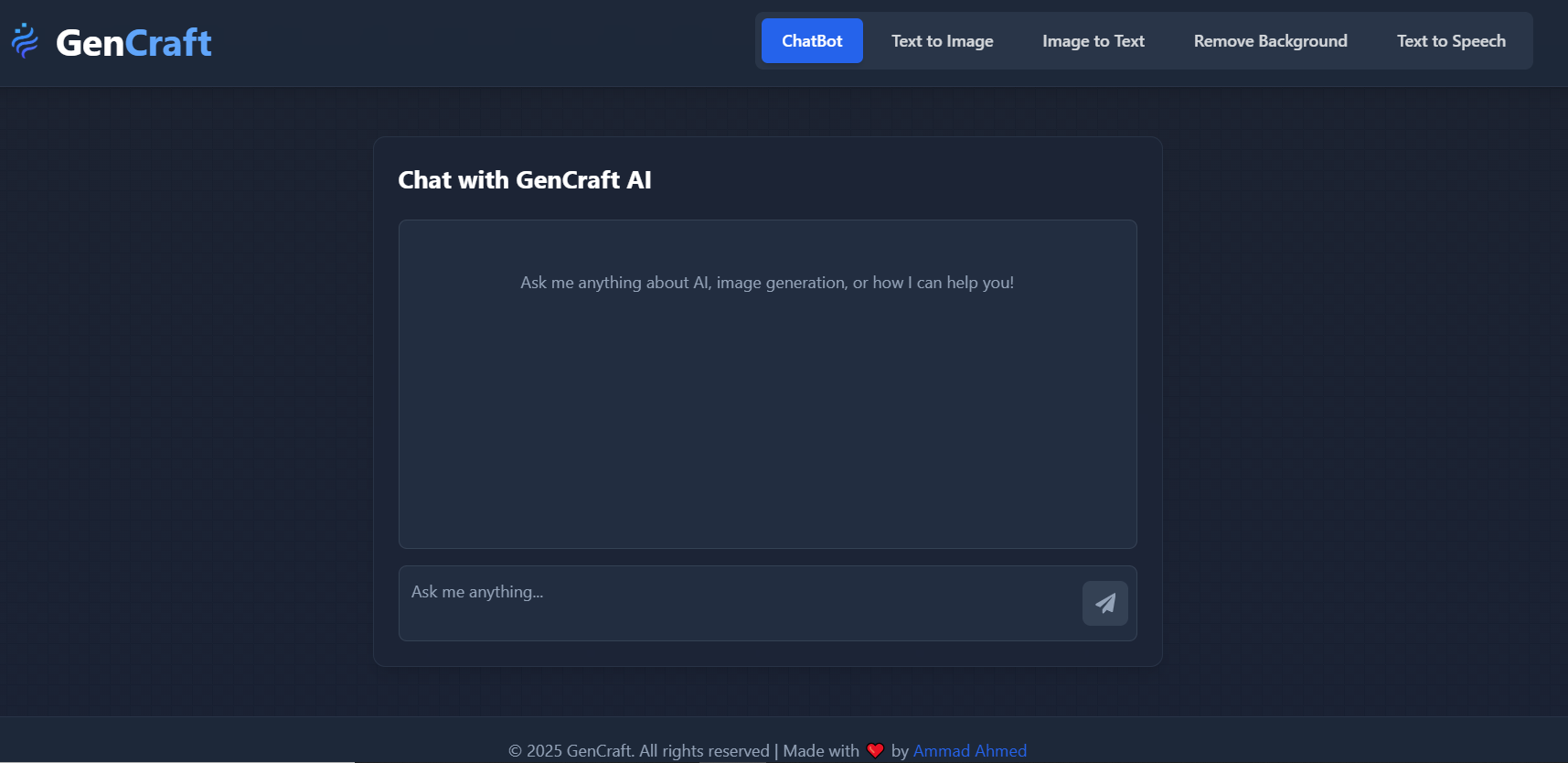
GenCraft Home Page

Project Background

GenCraft was created to bring together essential AI services into a single platform. From chatting with an intelligent assistant to generating and analyzing images, GenCraft covers it all. The platform is hosted on Vercel with a modular architecture, making it lightweight, fast, and accessible across all devices.

๐Ÿ“… Developed in September 2025

  1. Frontend: React + Vite for blazing-fast UI and modular design.
  2. Backend: Node.js APIs integrated with multiple AI services.
  3. AI and API Integrations
  4. Deployment: Entire app hosted on Vercel.
  5. Fully responsive across all devices.
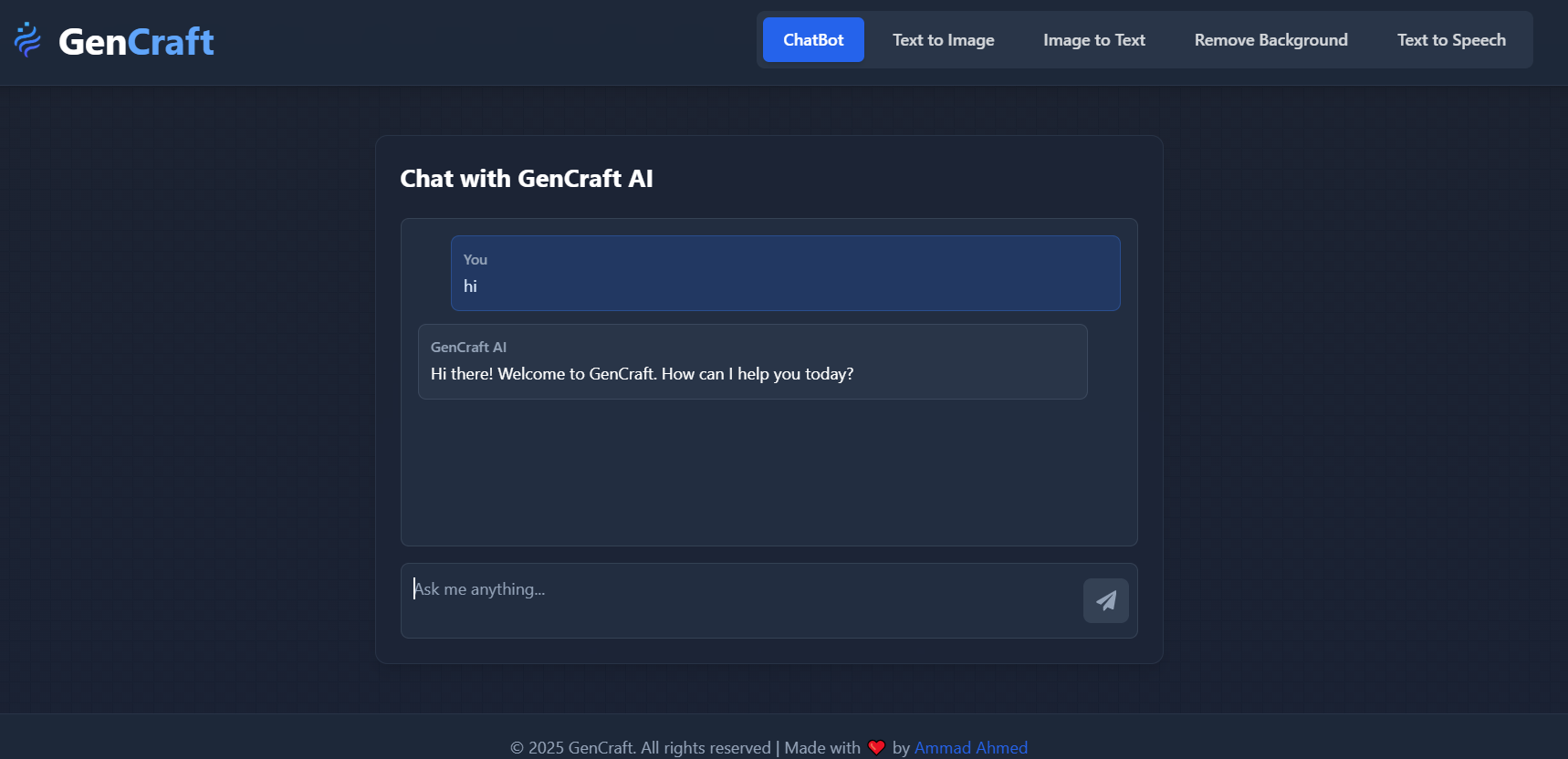
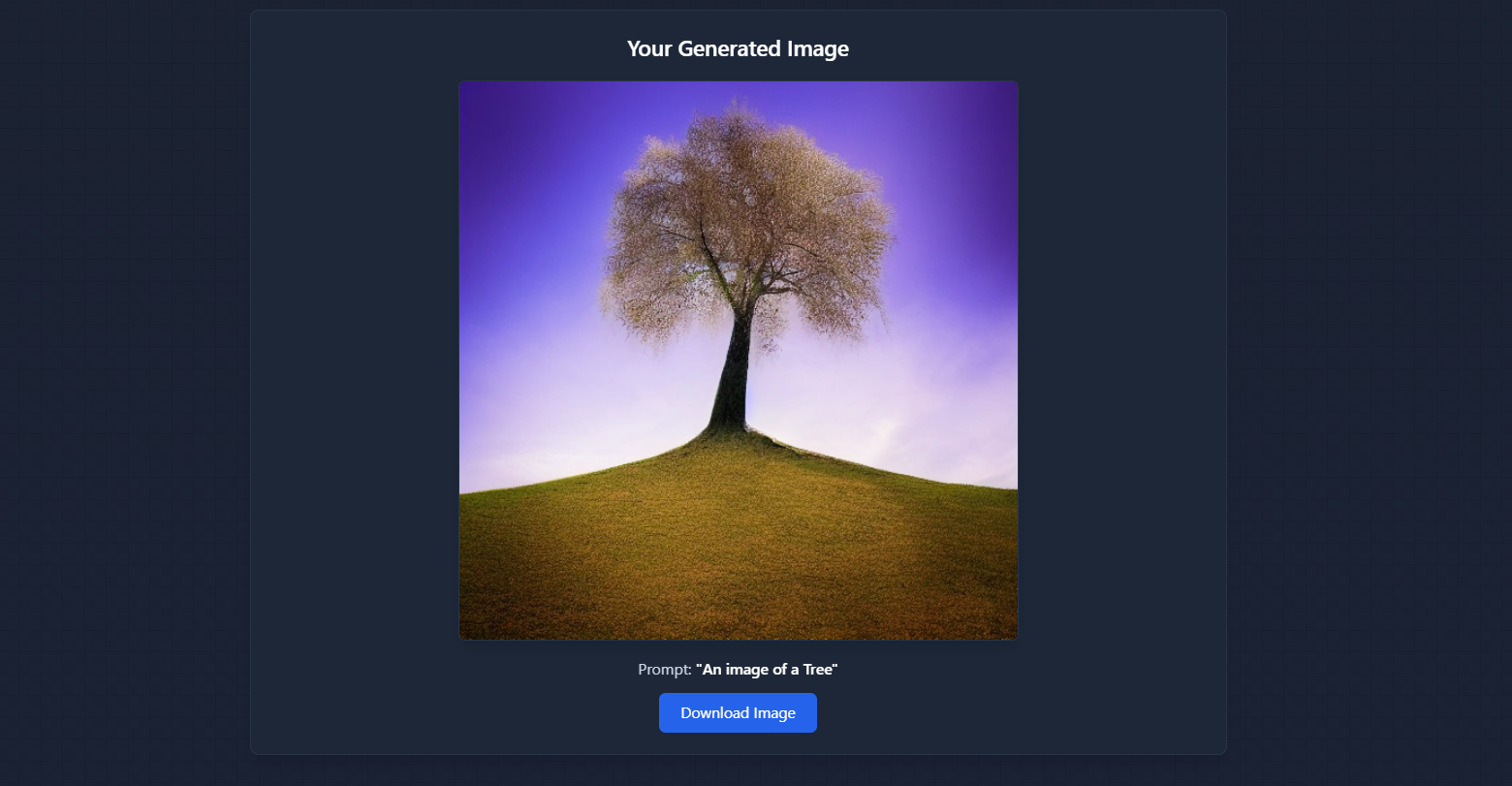
AI Chatbot Text to Image

Key Features

  • AI Chatbot

    Chat with an intelligent assistant powered by Gemini API.

  • Text-to-Image

    Generate creative images from text prompts using AI Horde API.

  • Image-to-Text

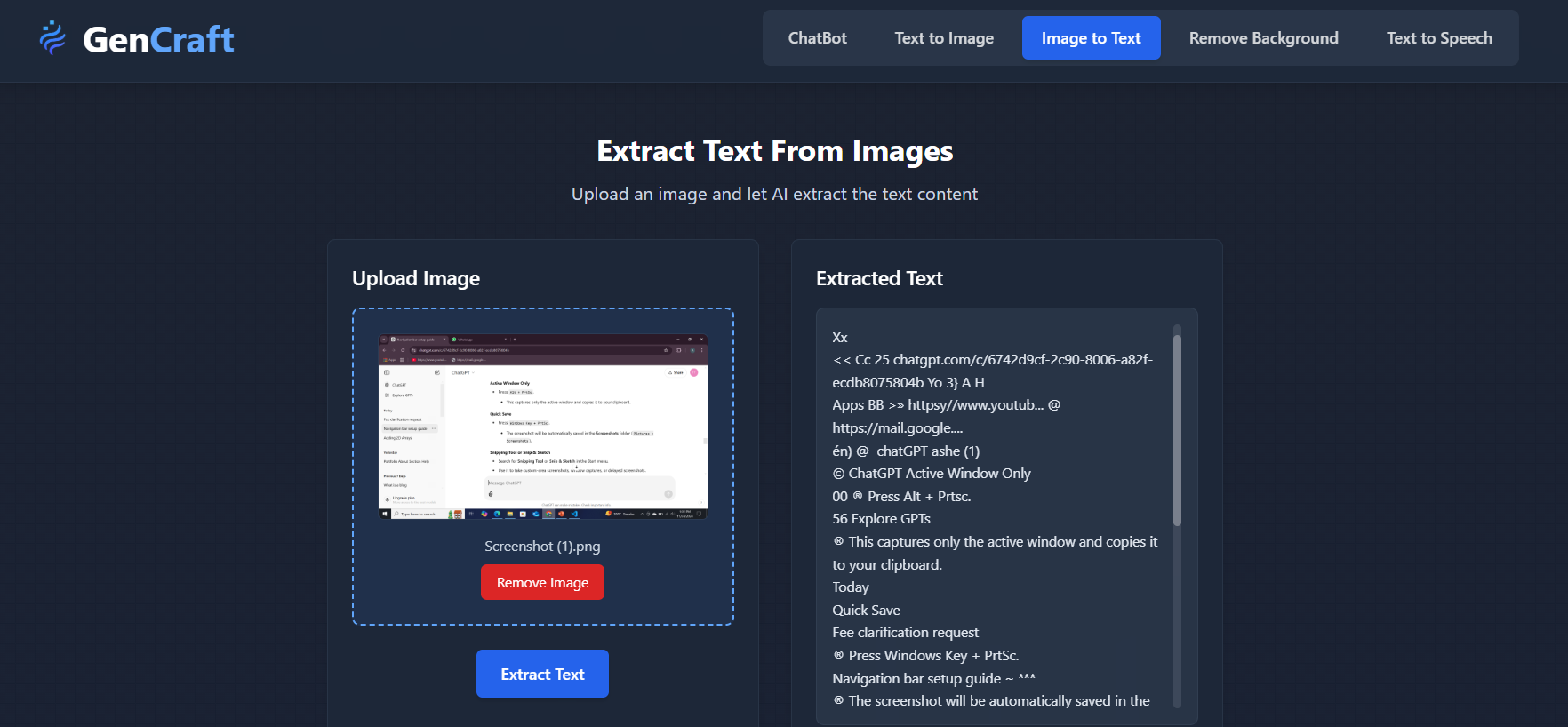
    Extract text from images instantly with OCR.

  • Background Removal

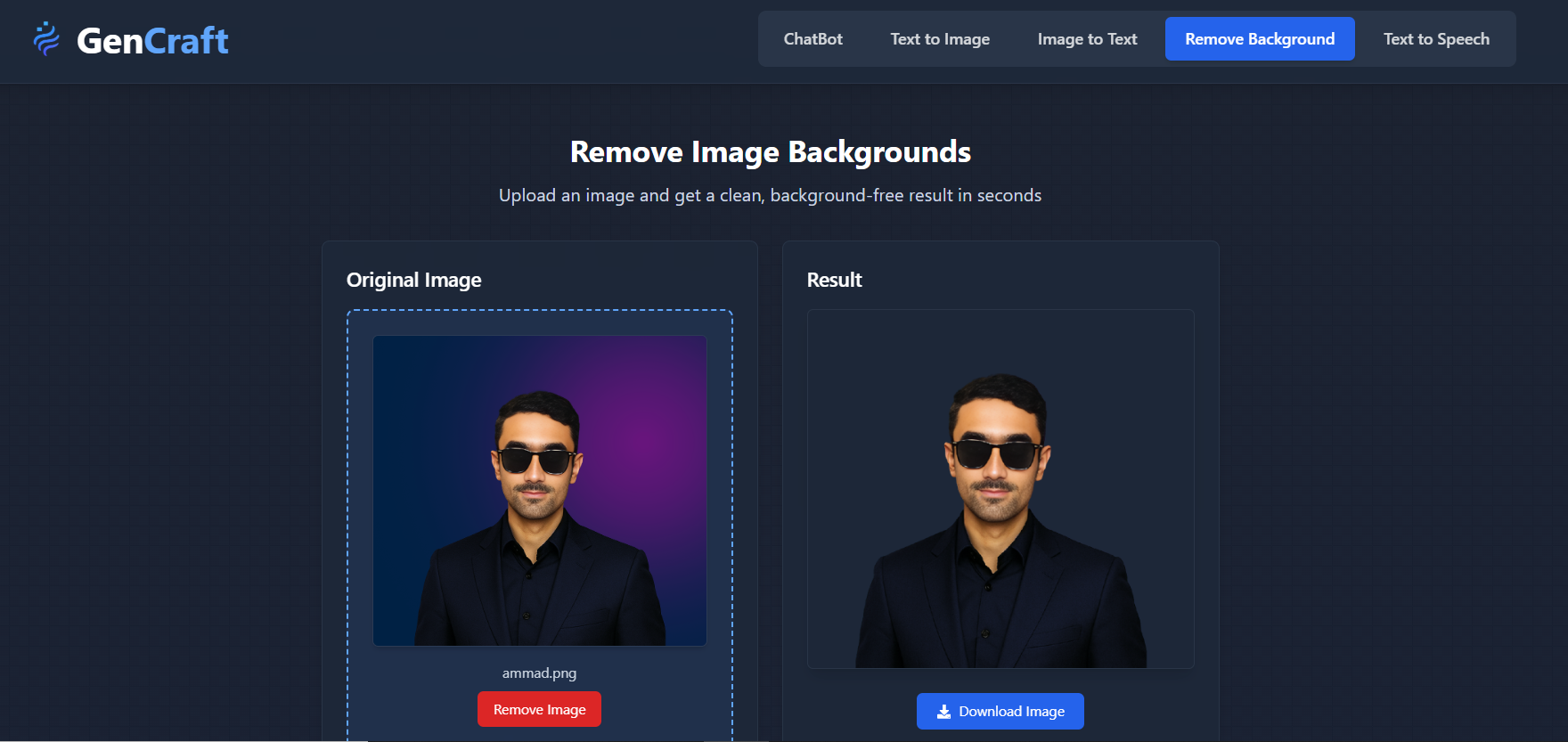
    Remove image backgrounds seamlessly via Remove.bg API.

  • Text-to-Speech

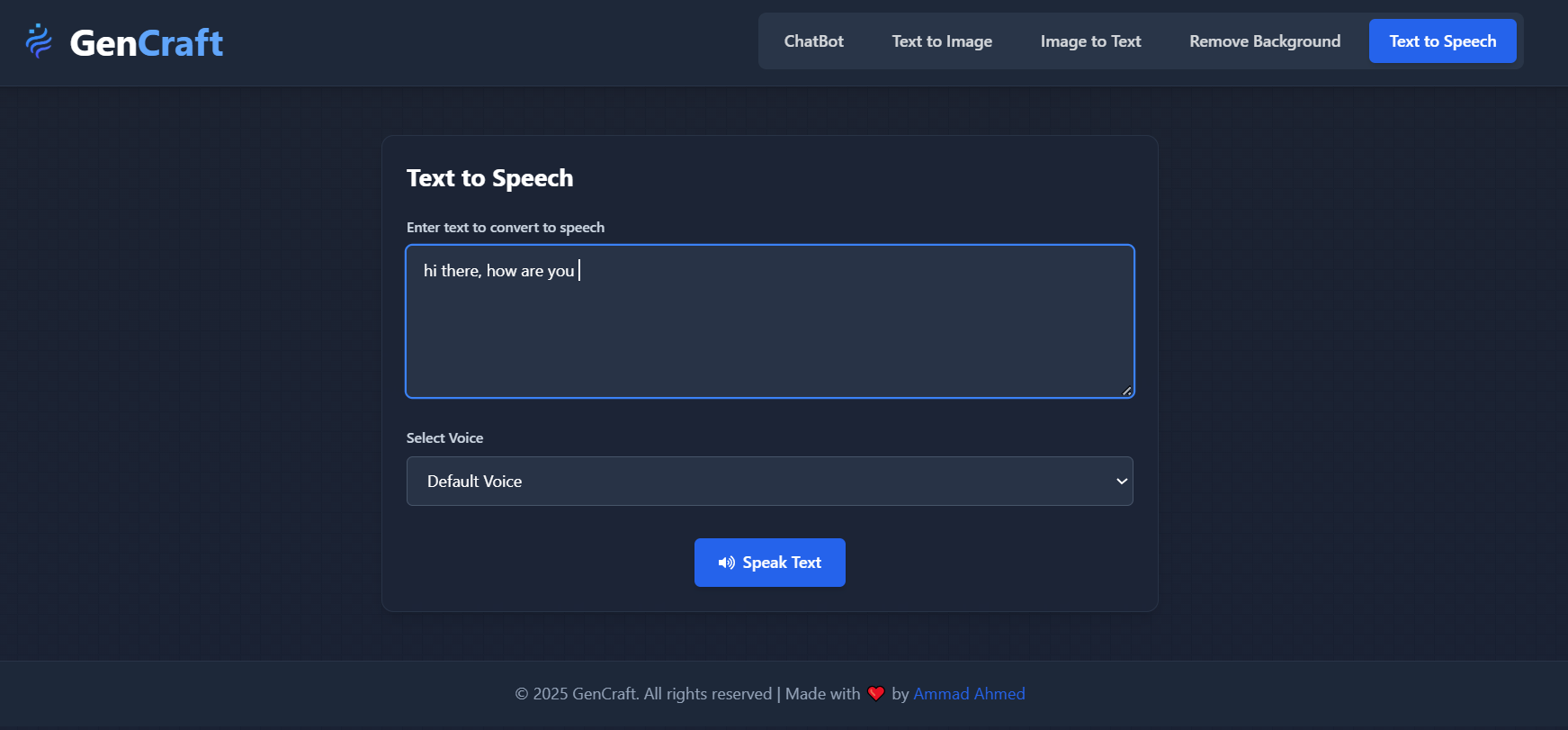
    Convert written text into natural voice with open-source TTS.

Image to Text Text to Speech

Learning & Development

  1. Integrating multiple AI APIs into a single full-stack platform.
  2. Handling asynchronous requests and API rate limits effectively.
  3. Building a modular architecture for scalability.
  4. Optimizing UI/UX for fast response and cross-device compatibility.
GenCraft Dashboard

Visit the Website


Explore GenCraft Live

๐Ÿš€ Try out the different AI tools available on GenCraft and experience the power of all-in-one AI. Feedback and collaboration are always welcome!

BlogSyte - Full Stack Web Application

Overview

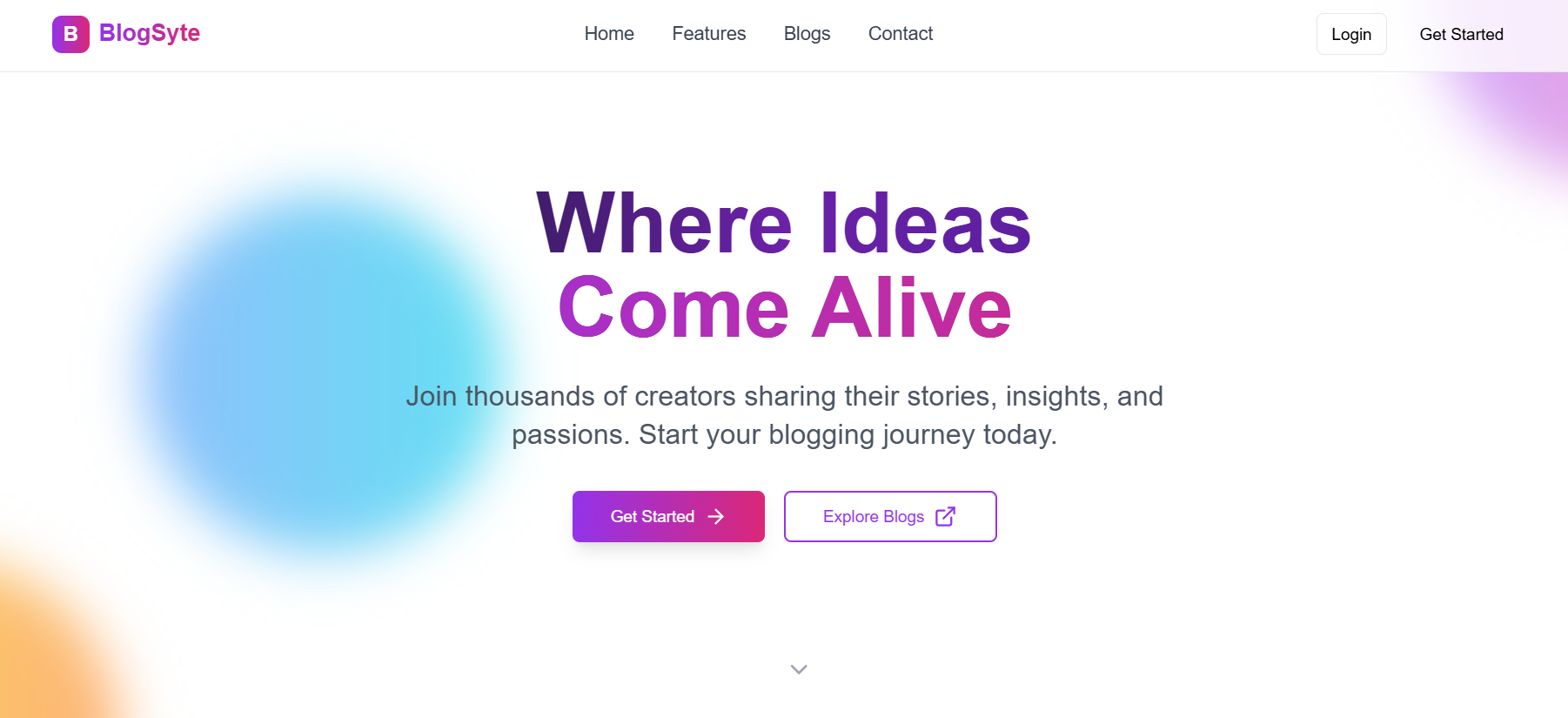
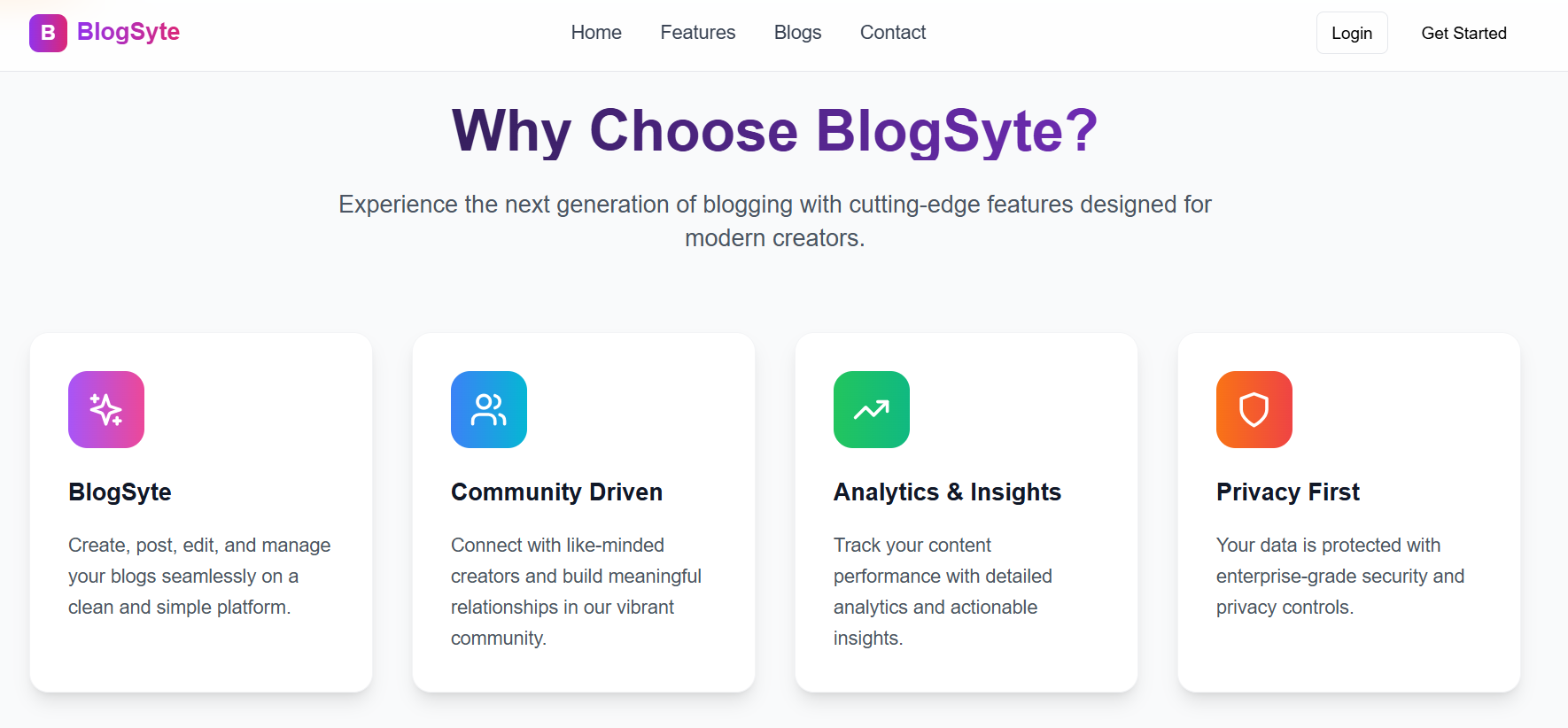
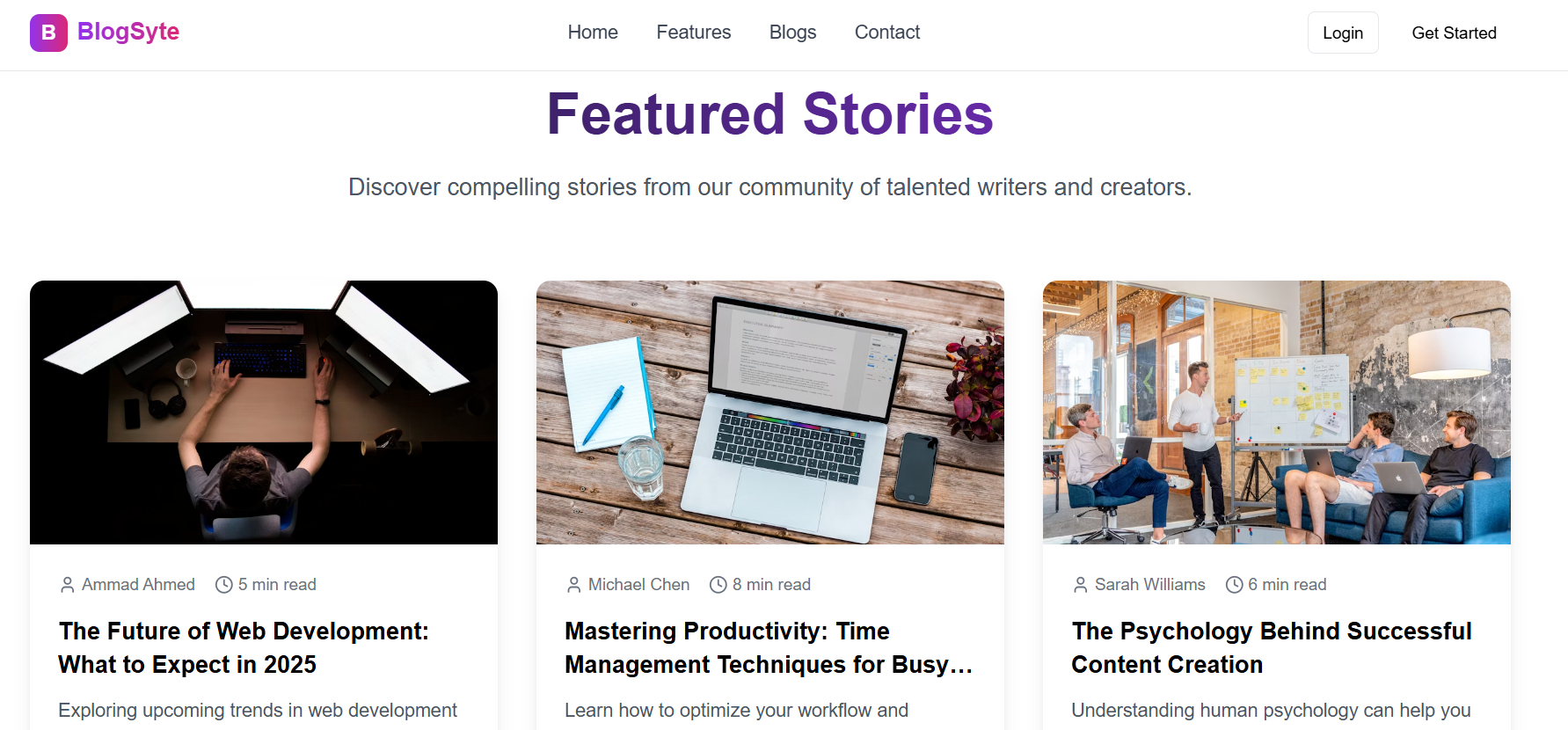
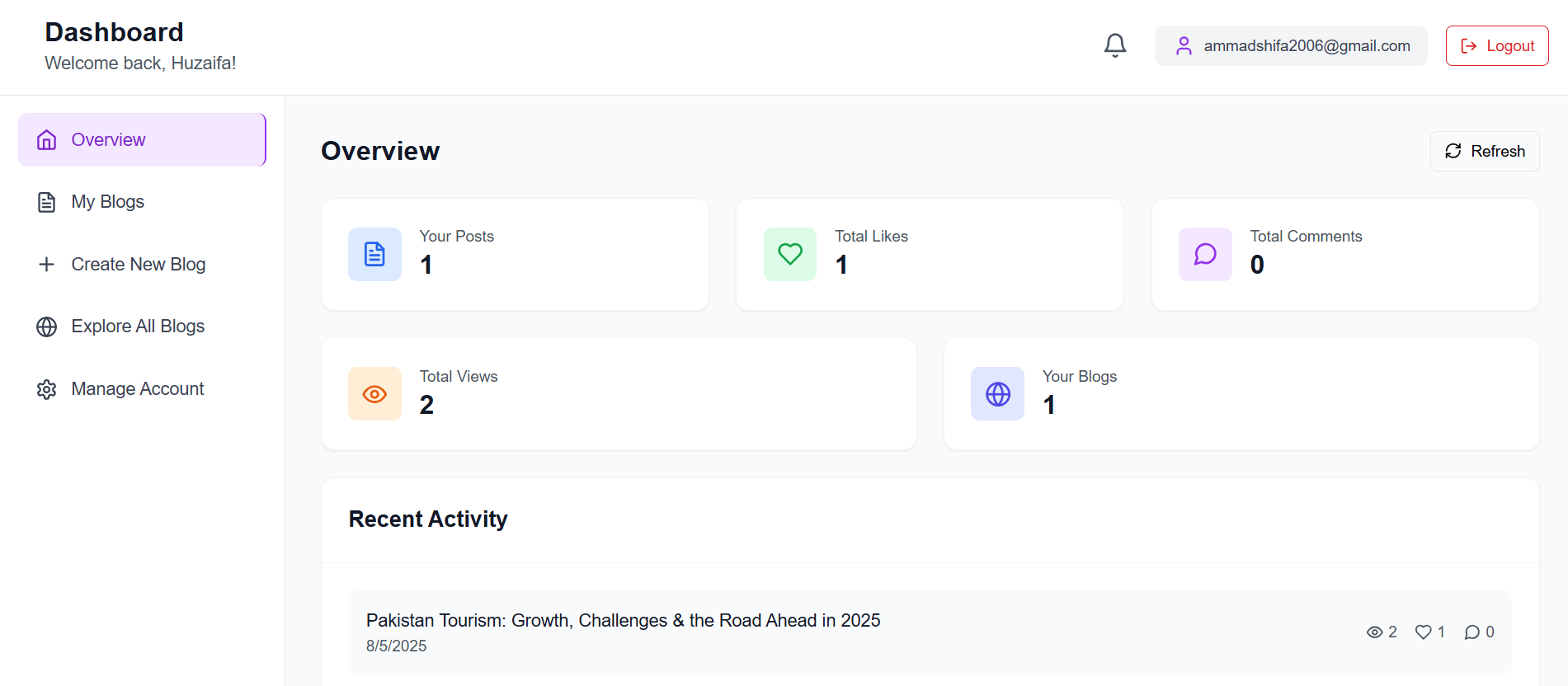
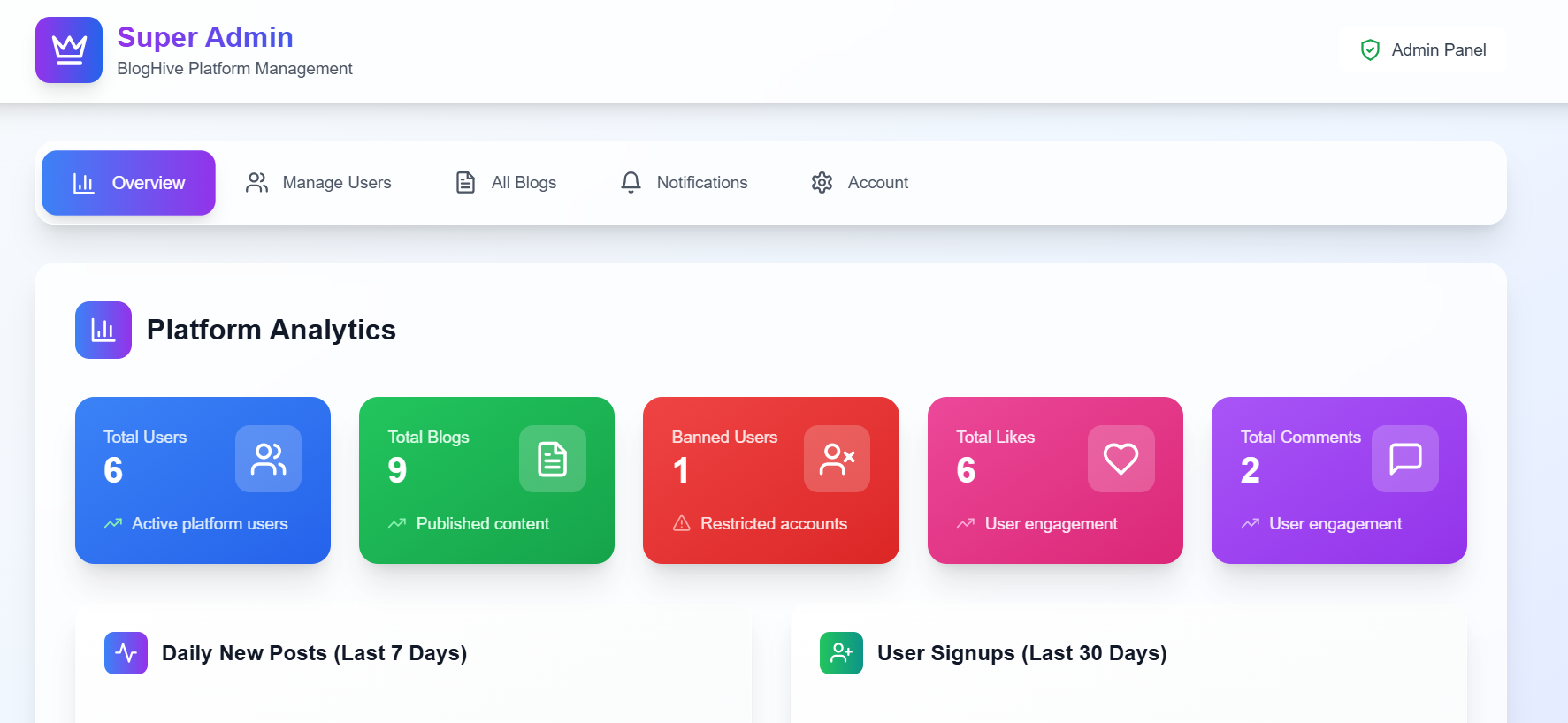
BlogSyte is a modern full-stack blogging platform built from scratch and deployed via Vercel. It allows users to create, explore, and manage blog posts with a smooth and responsive UI. The platform integrates real-time email verification, role-based dashboards, and an admin control panel for app integrity.
๐ŸŒ Designed for content creators, bloggers, and admins to manage content securely and efficiently.

BlogSyte Home Page BlogSyte Home Page

Project Background

BlogSyte was developed after months of continuous effort to combine a powerful backend with an engaging frontend. Initially hosted locally, it was migrated to Vercel using serverless functions to make it live without owning a dedicated backend server. Some dynamic features (likes, comments, views) may have limited real-time updates due to Vercelโ€™s free plan function limit (12), but all other features work seamlessly.

  1. Frontend: React + Vite for speed and modularity.
  2. Backend: Node.js, restructured for Vercel serverless functions.
  3. Database: PostgreSQL hosted on Neon.tech.
  4. Deployment: Entire app hosted on Vercel.
  5. Responsive design for all devices.
Stories Sign in User Dashboard

Key Features

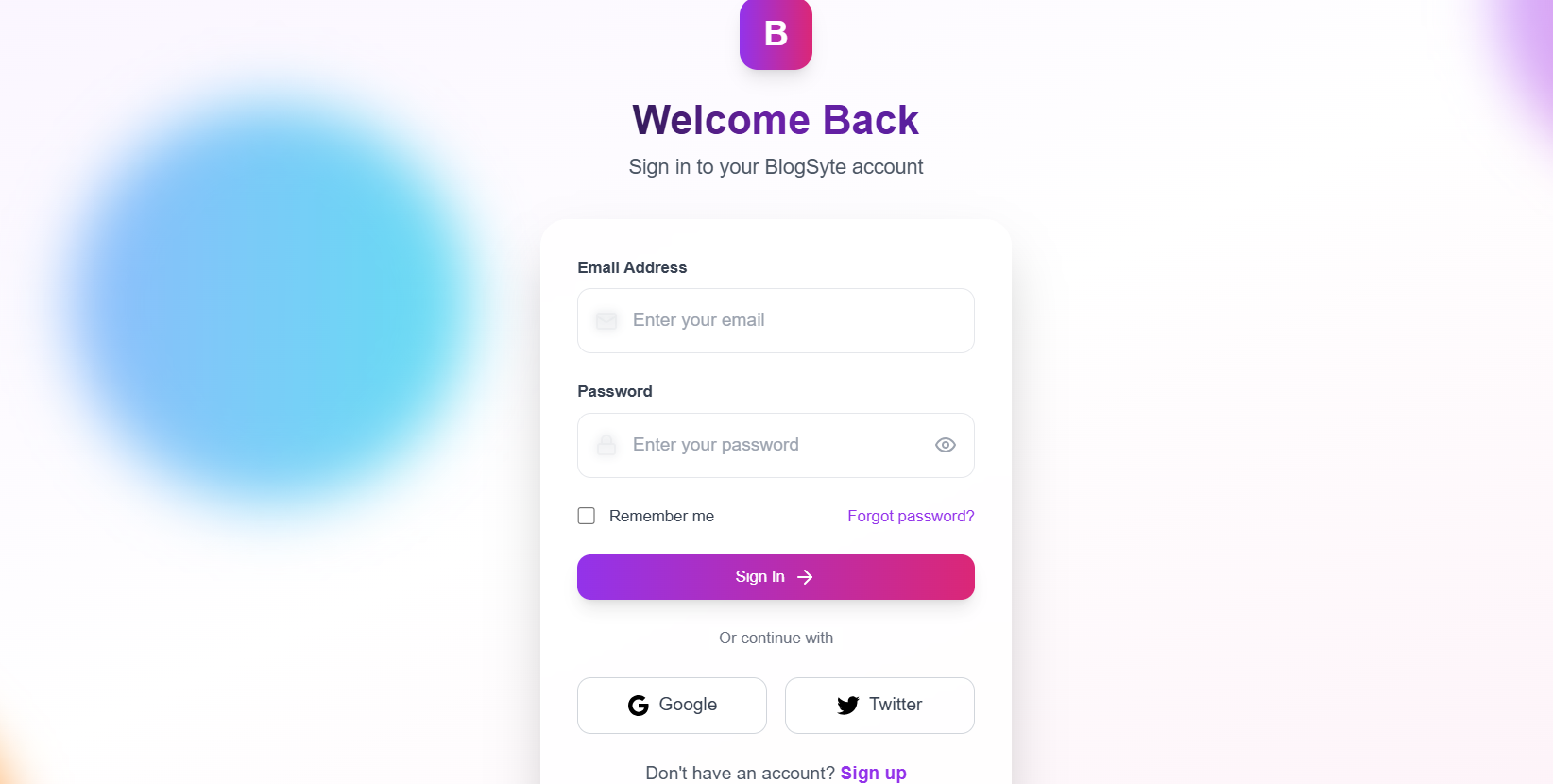
  • Dynamic Authentication

    Secure login and signup with hashed passwords.

  • Real-time Email Verification

    OTP-based verification using SMTP.

  • Forgot Password

    Password reset with email OTP verification.

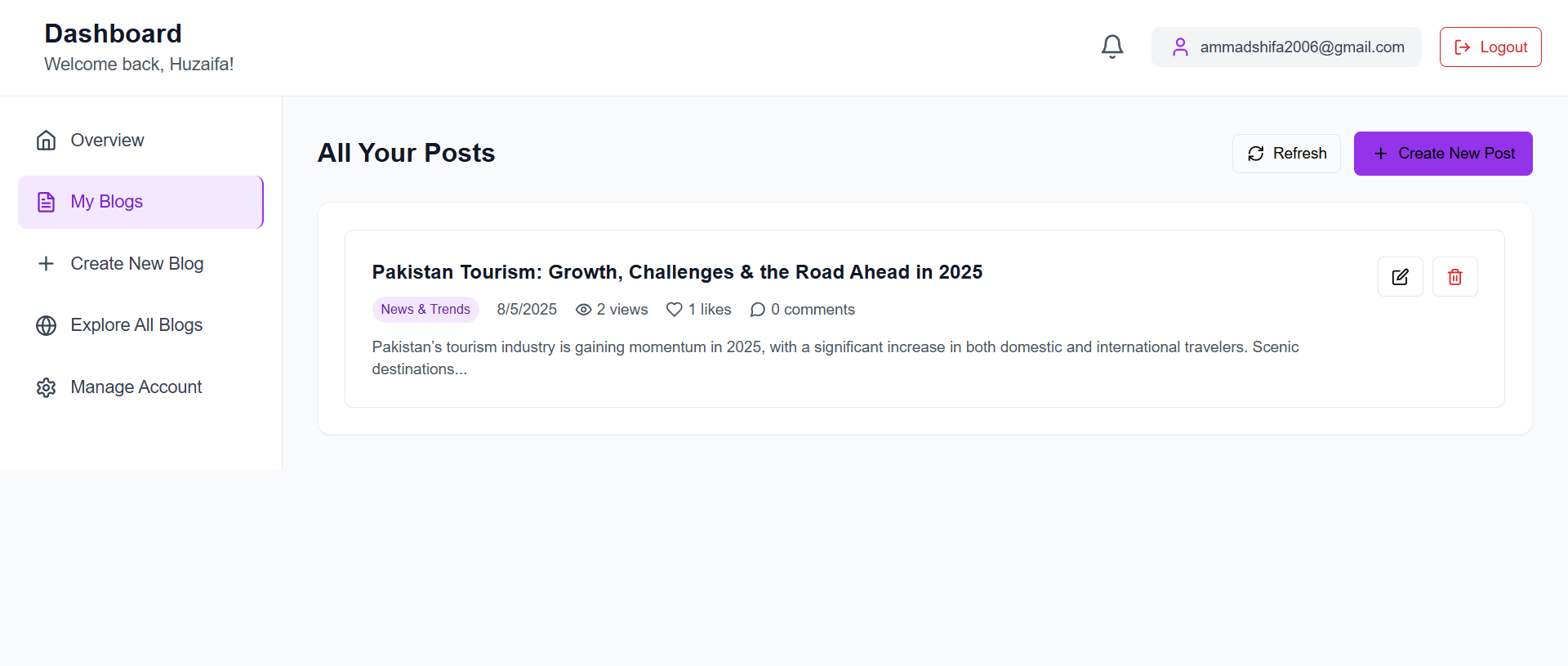
  • Dual Dashboards

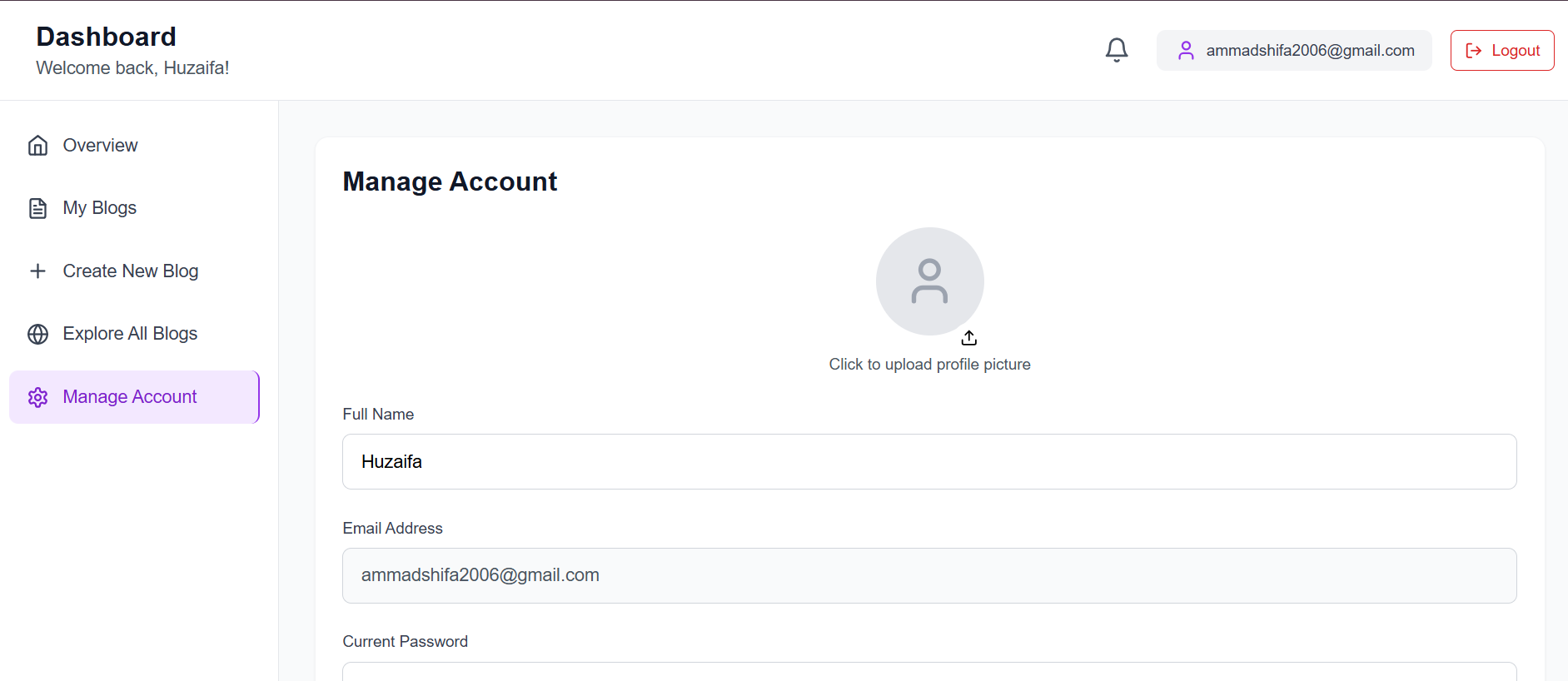
    User Dashboard โ€“ Create, manage blogs, track stats, update profile.

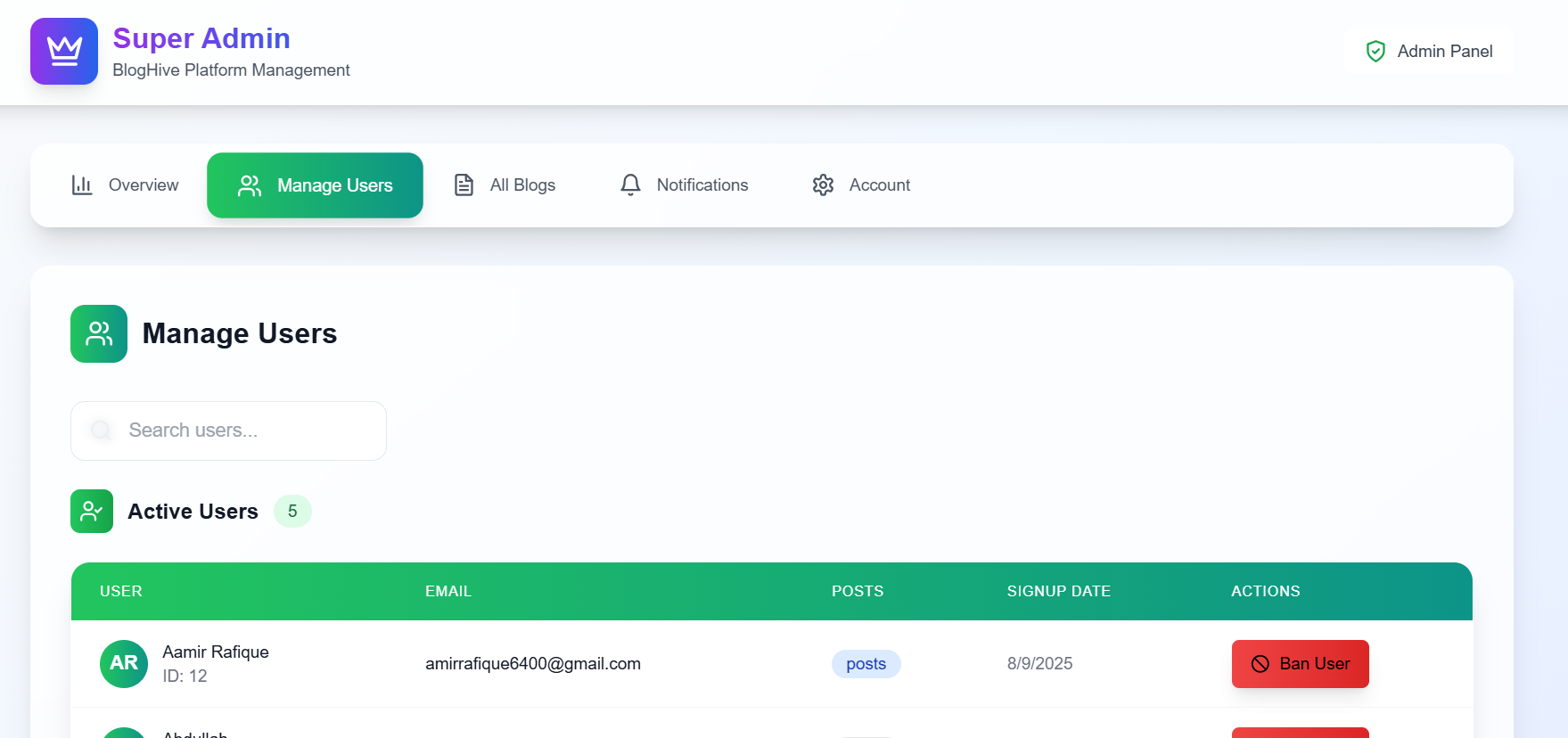
    Super Admin Dashboard โ€“ Ban/unban users, delete posts, send notifications.

  • Blog Management

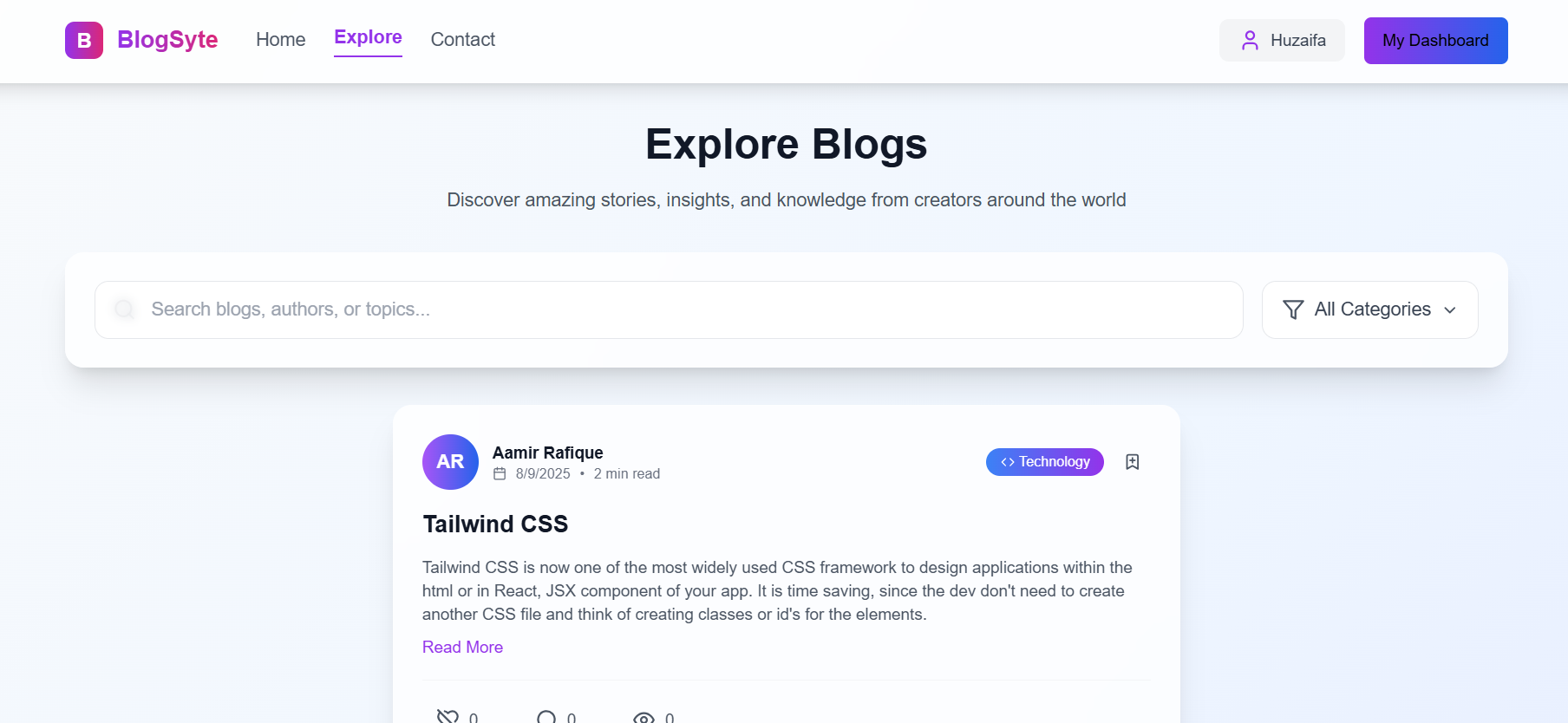
    Create new blog posts, view explore page with all blogs, edit/delete posts.

  • Account Controls

    Change password, delete account securely.

  • Explore Page

    All blogs displayed with author details and timestamps.

Create Blog Post manage Account Explore Blogs Admin panel

Learning & Development

  1. Integration of PostgreSQL with serverless architecture.
  2. Handling authentication, verification, and role-based access control.
  3. Optimizing React + Vite for faster development and builds.
  4. Adapting a backend to work within Vercelโ€™s function limitations.
manage Users

Visit the Website


Explore BlogSyte Live

๐Ÿ’Œ It would mean the world to me if you create an account and post at least one blog. Anyone interested in collaborating or extending this project is most welcome.

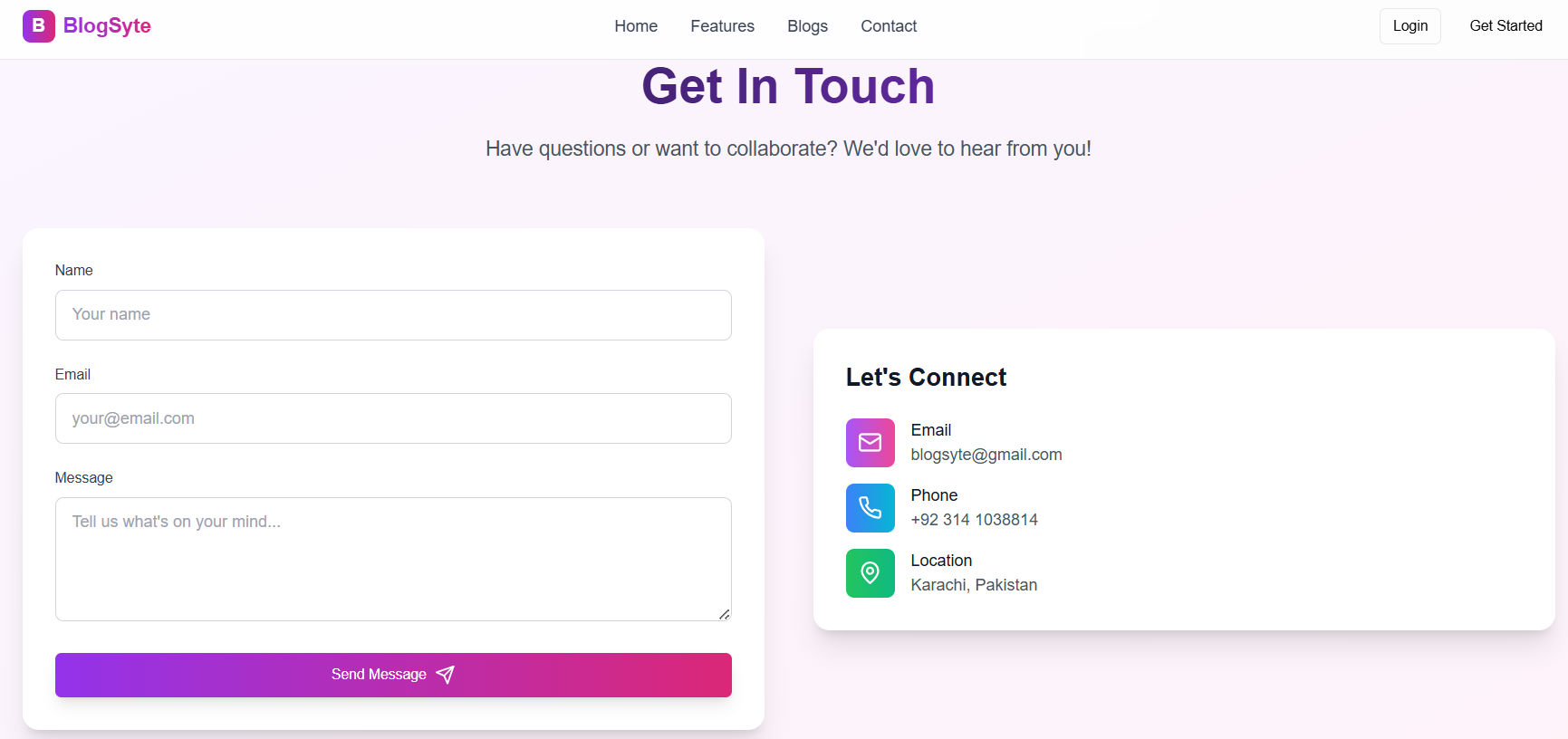
Contact Page

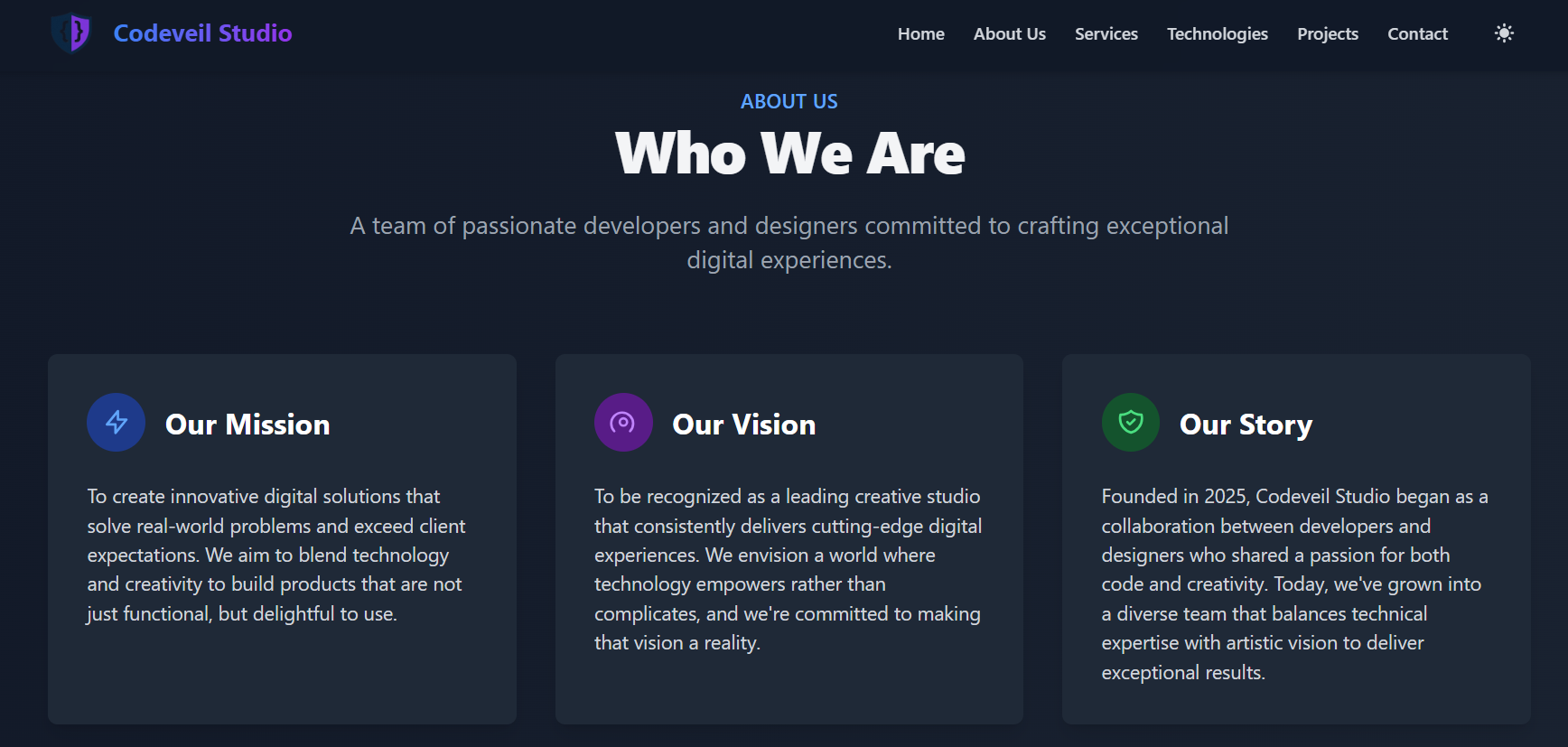
Codeveil Studio - Software & Creative Agency

Overview

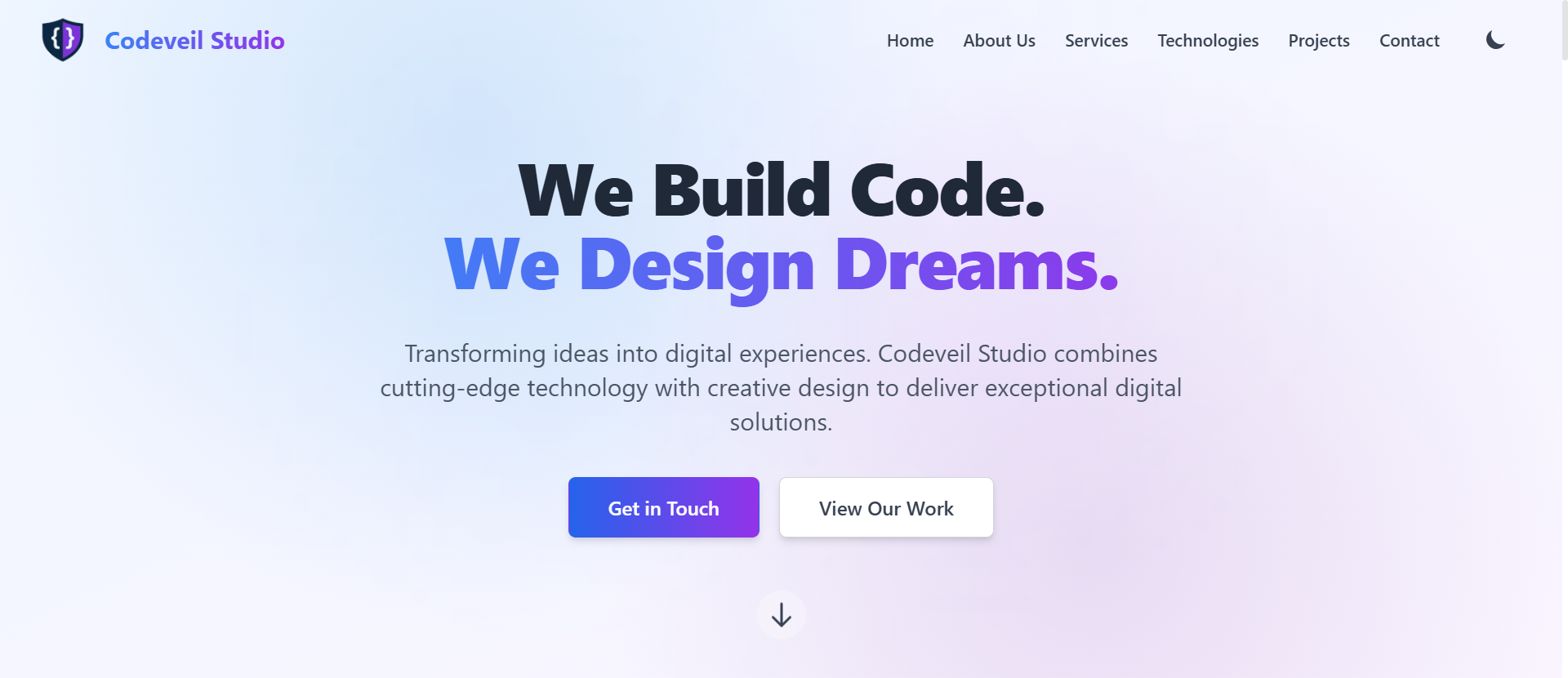
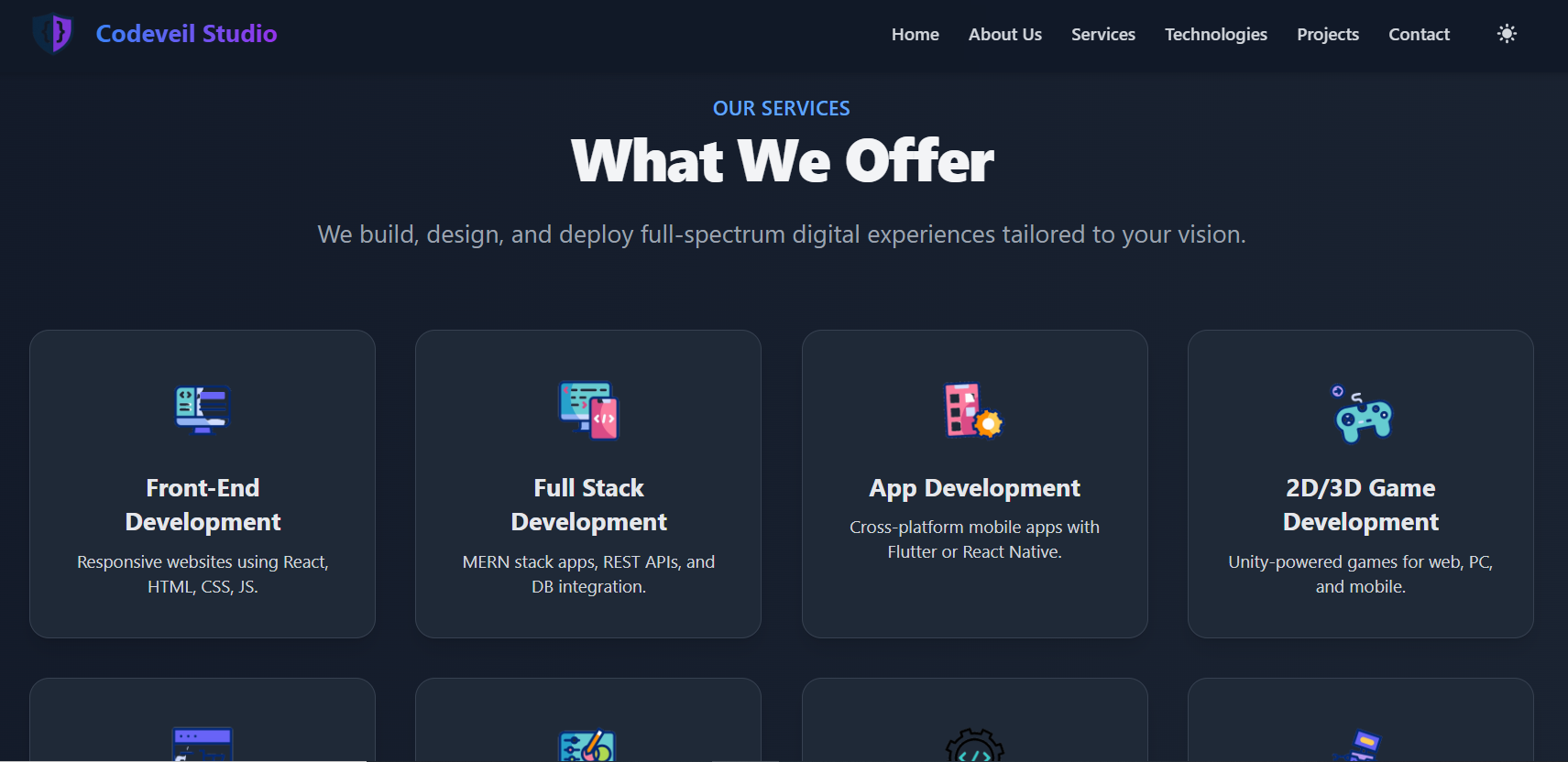
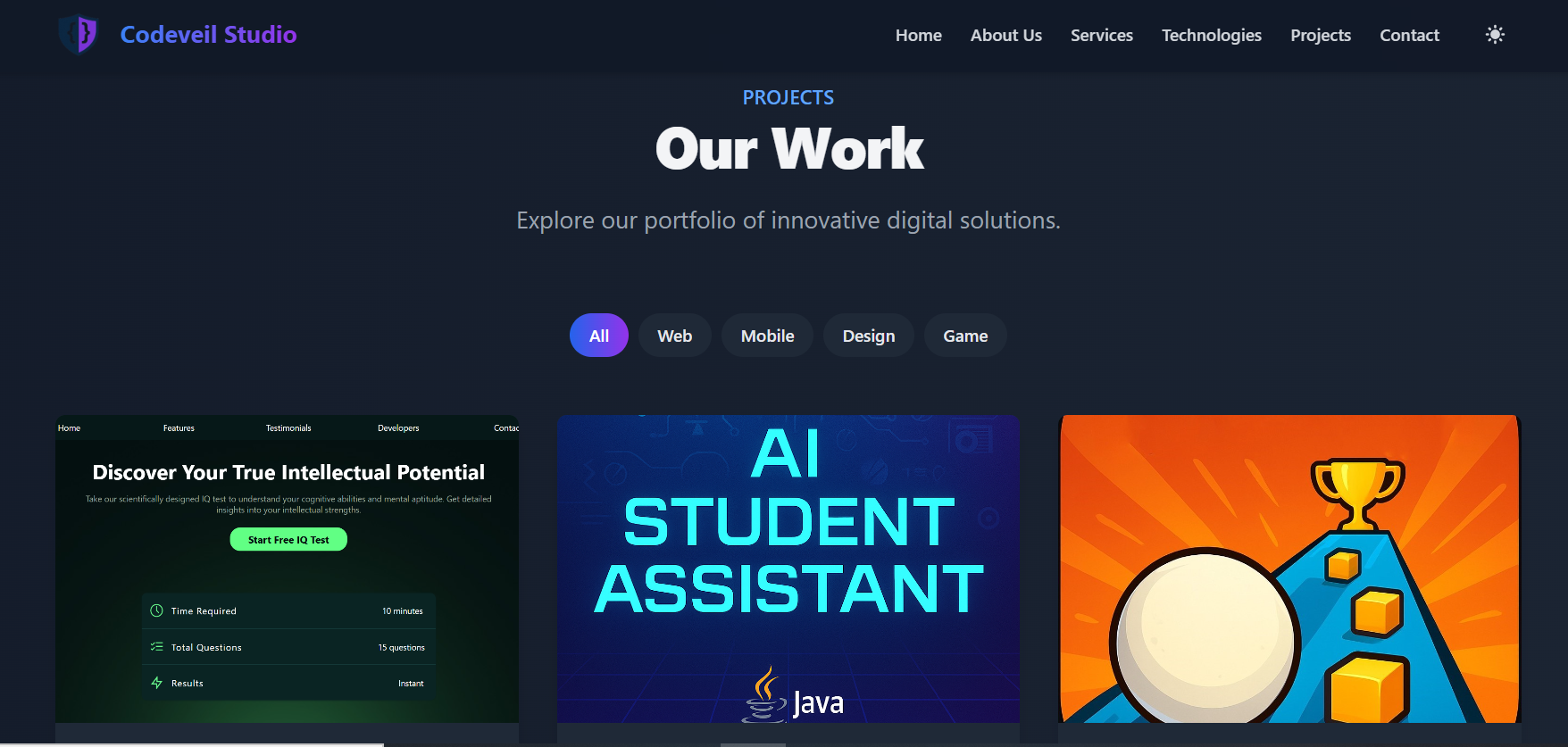
Codeveil Studio is a professional service-based portfolio website showcasing creative and tech-based solutions including Web & App Development, Game Design, AI Chatbot Integration, and Graphic Design. It reflects a blend of development skills and creative vision tailored for real-world clients.
๐ŸŒ Built for modern startups, businesses, and individuals looking for digital transformation.

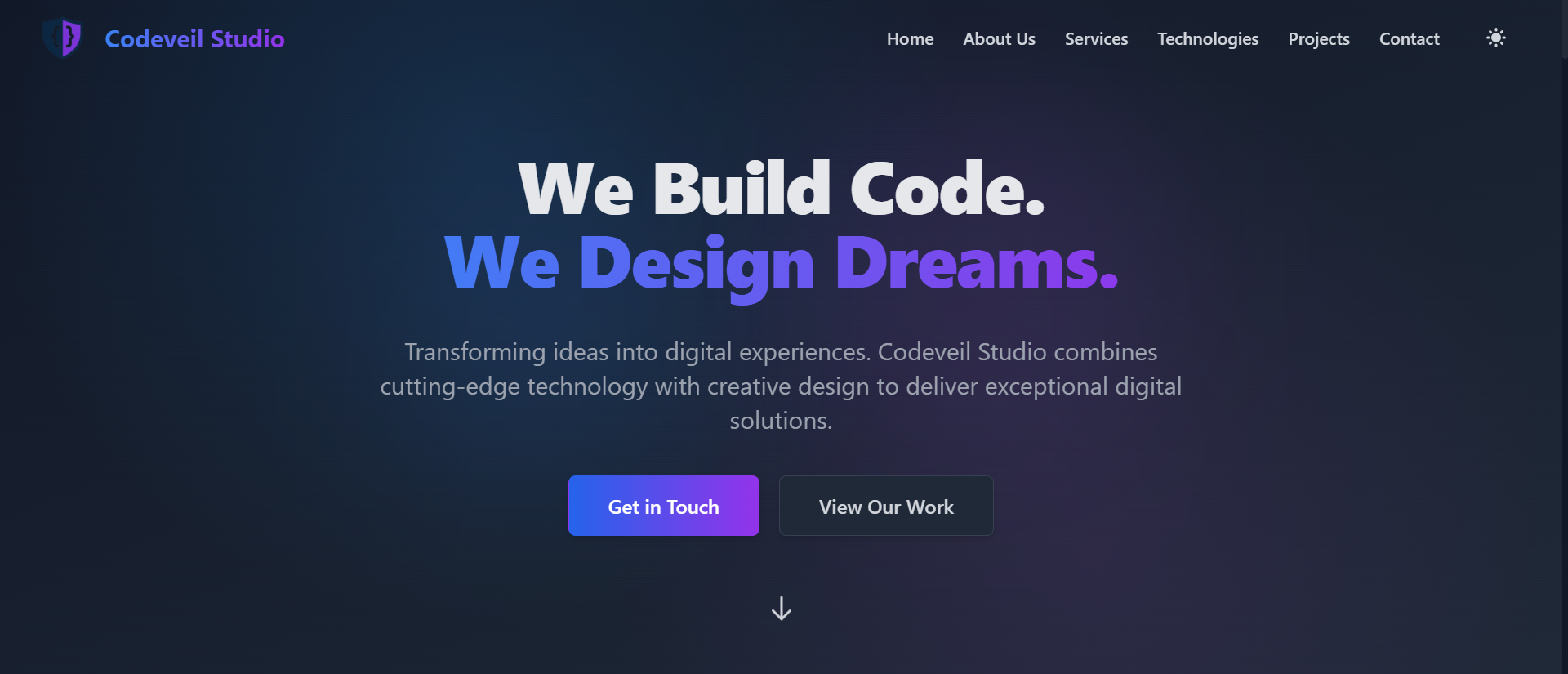
Codeveil Studio Home Page

Project Background

This website was created to serve as a digital identity for a freelance agency โ€” showcasing capabilities, services, and creative work all in one place. Itโ€™s clean, responsive, and hosted on Netlify with a focus on performance and clarity.

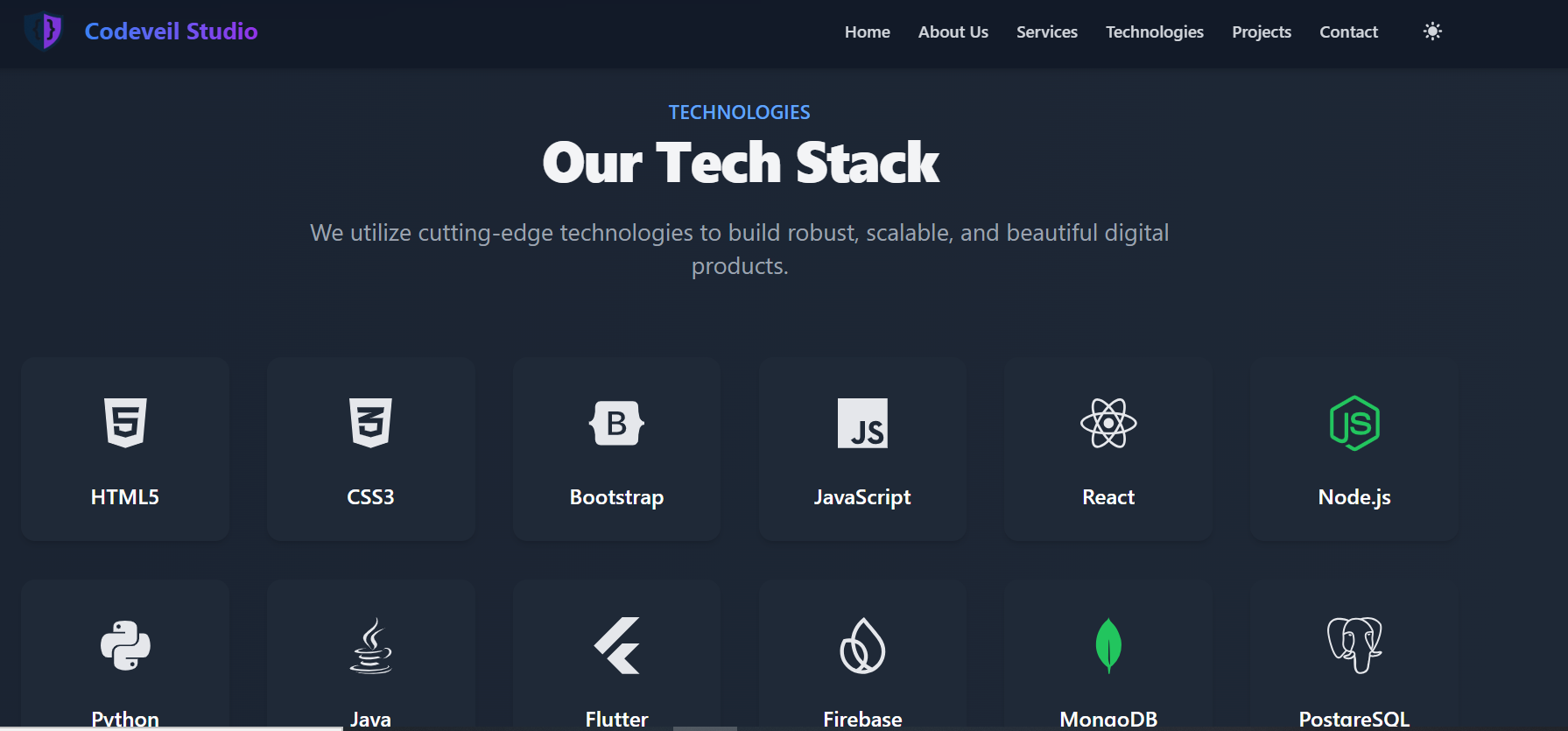
  1. Built with HTML, CSS, JavaScript, and custom styling.
  2. Highlights 5 major services with interactive UI.
  3. Fully responsive design for desktop and mobile.
  4. Clean call-to-actions (CTAs) for engagement.
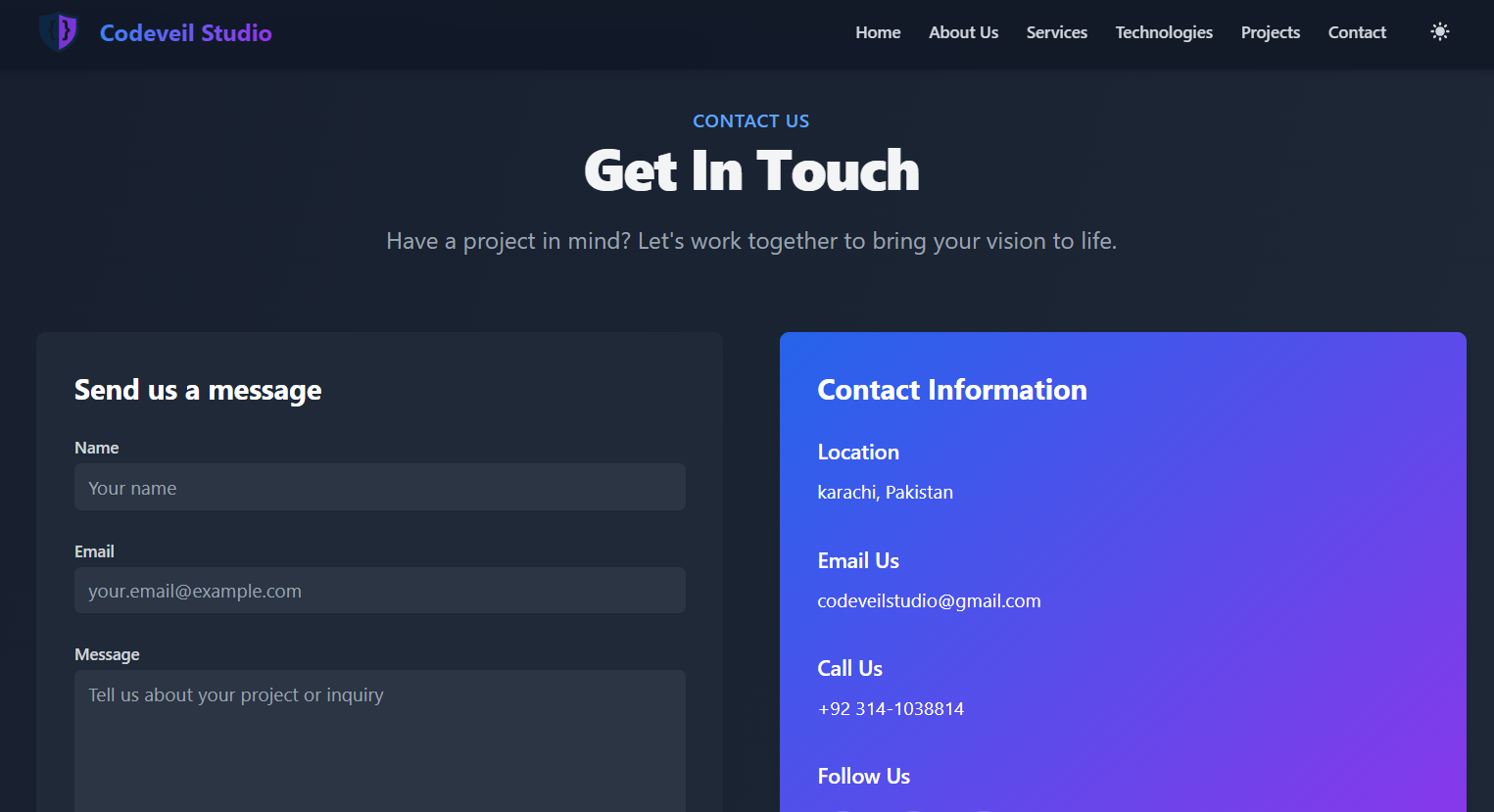
Services Section Contact Section

Services Offered

  • Web Development

    Custom websites, portfolios, and business landing pages.

  • App Development

    Cross-platform mobile and desktop applications.

  • Game Development

    2D and 3D games with Unity and C#.

  • AI Chatbot Integration

    Smart chatbot systems powered by Google Gemini or OpenAI.

  • Graphic Design

    Logos, banners, posters, and UI/UX mockups.

Design Preview AI Chatbot UI

Learning & Development

  1. Responsive layout building and flex/grid mastery.
  2. Interactive navigation and section transitions.
  3. Service structuring for client-focused agencies.
  4. UI/UX planning for service portfolios.
Mobile Responsive View

AI Student Assistant - Java Desktop App

Overview

AI Student Assistant is a smart desktop application developed in Java, designed to help university students with academic and general queries. Featuring a modern GUI and integrated with Googleโ€™s Gemini API, this project offers intelligent responses, user authentication, and clean dashboard functionality.
๐Ÿง  Powered by Gemini API and built with full object-oriented design.

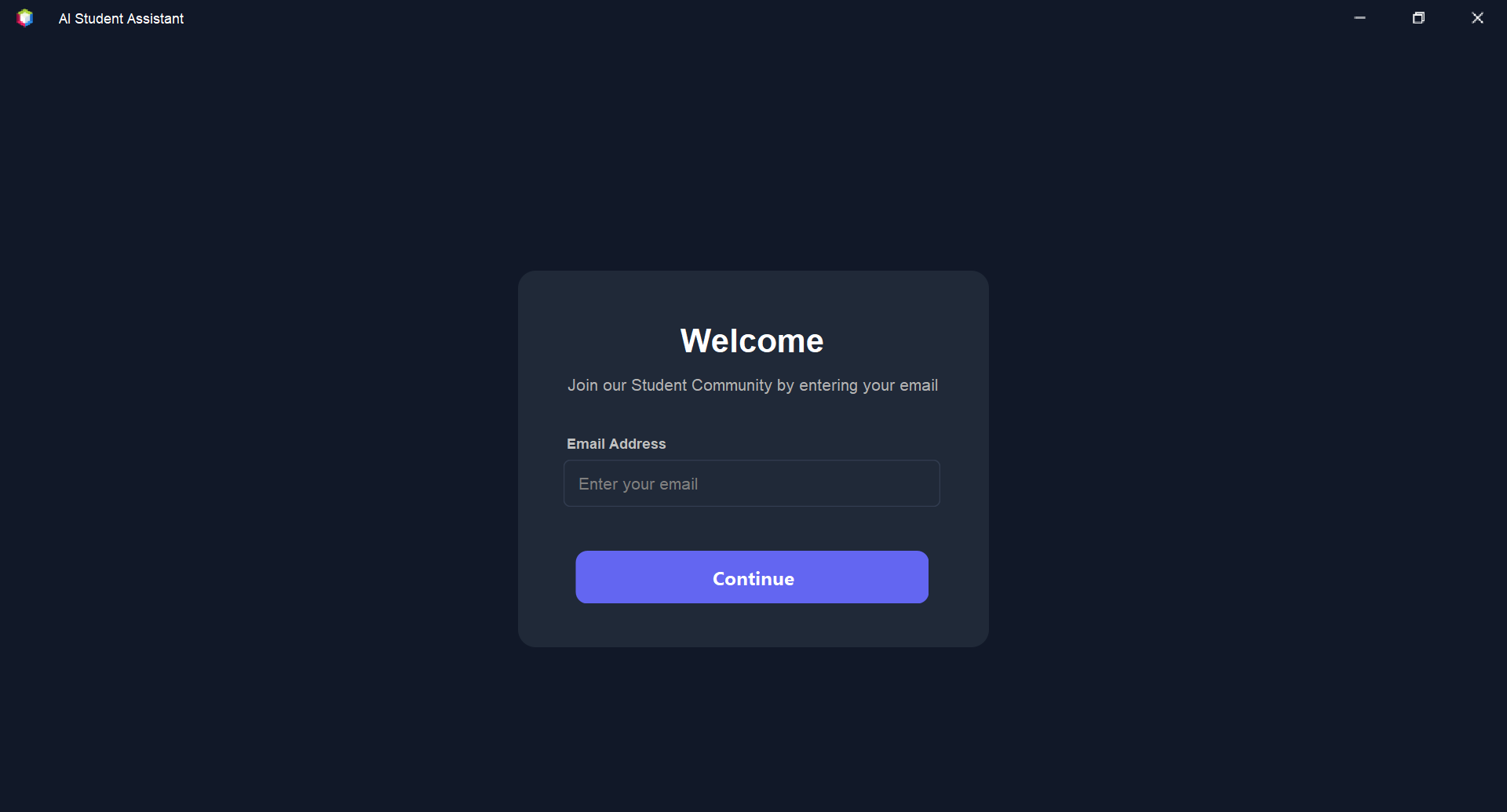
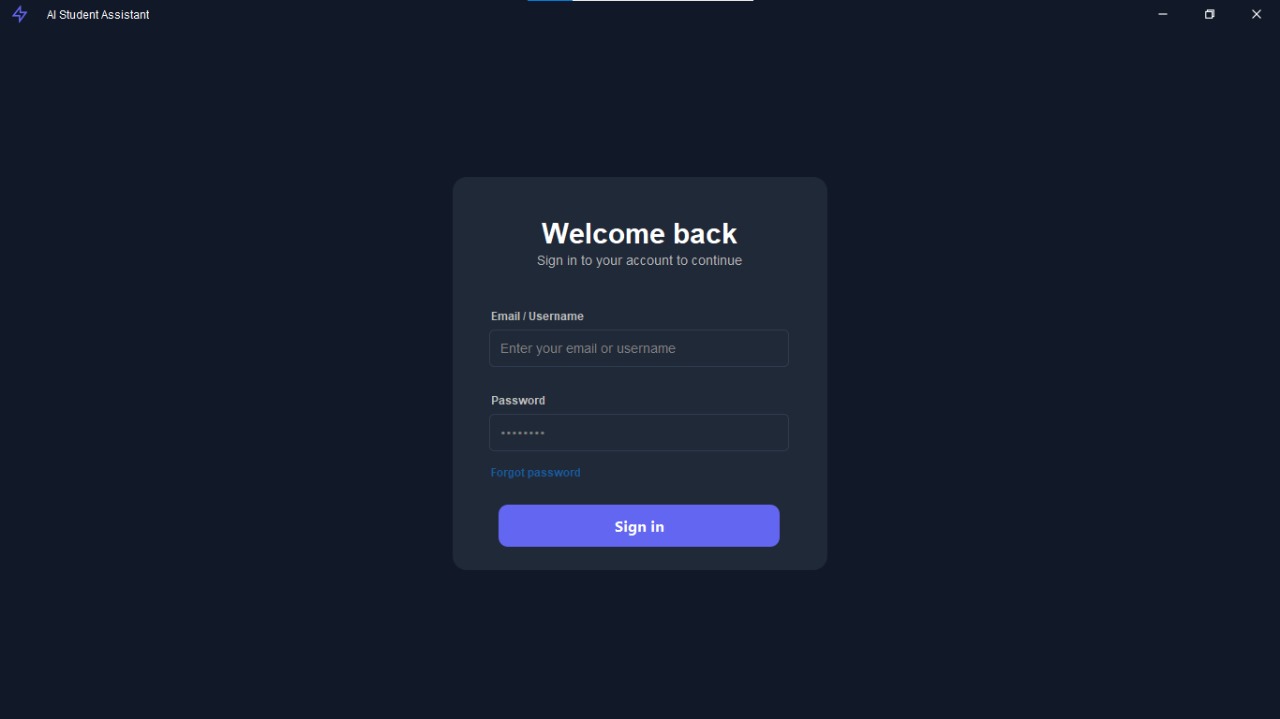
Login UI

Project Background

This project was developed as a university group project to showcase advanced OOP concepts, file handling, and API integration in a real-world context. The assistant helps students interactively by answering questions, managing logins, and recovering passwords.

  1. Built using Java (Swing), SQLite, and Gemini AI (Google Generative API).
  2. SHA-256 hashing for secure password storage.
  3. Forgot password feature using file-based recovery.
  4. Gemini API used to respond to queries in natural language.
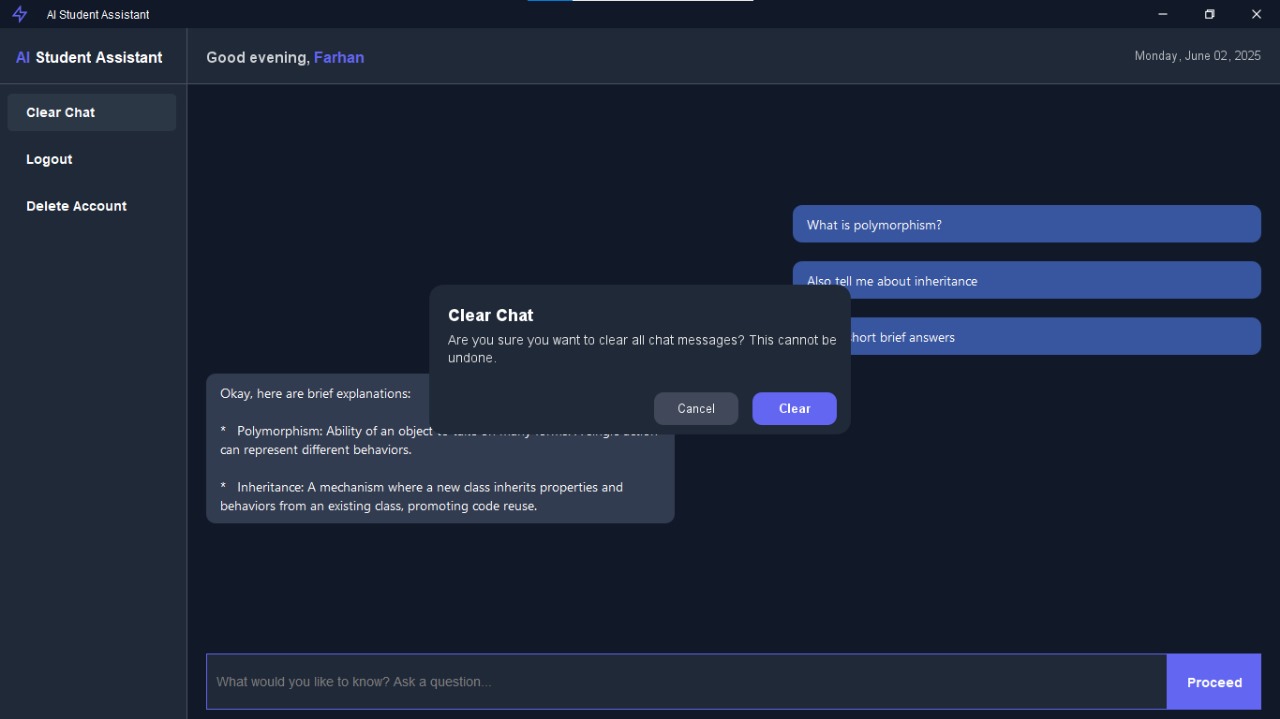
AI Dashboard Forgot Password UI

App Features

  • Dynamic Login & Signup

    Users can register, login, and manage credentials securely.

  • AI-Powered Dashboard

    Students can ask academic or general questions powered by Gemini AI.

  • Password Recovery

    Forgot password feature uses file search and username match.

  • OOP-Based Architecture

    Code is modular, class-based, and easy to maintain.

  • File & DB Integration

    Data is saved using Java files & SQLite where needed.

  • Simple & Modern UI

    Clean GUI with intuitive layout using Java Swing.

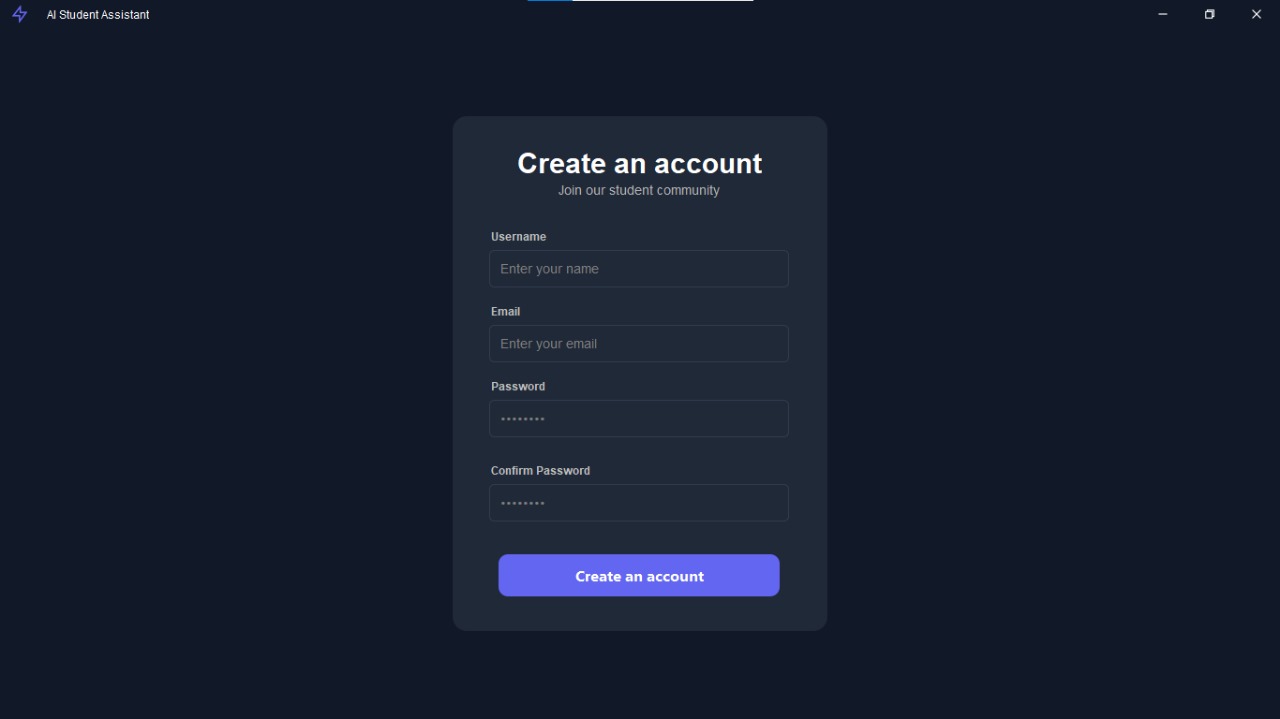
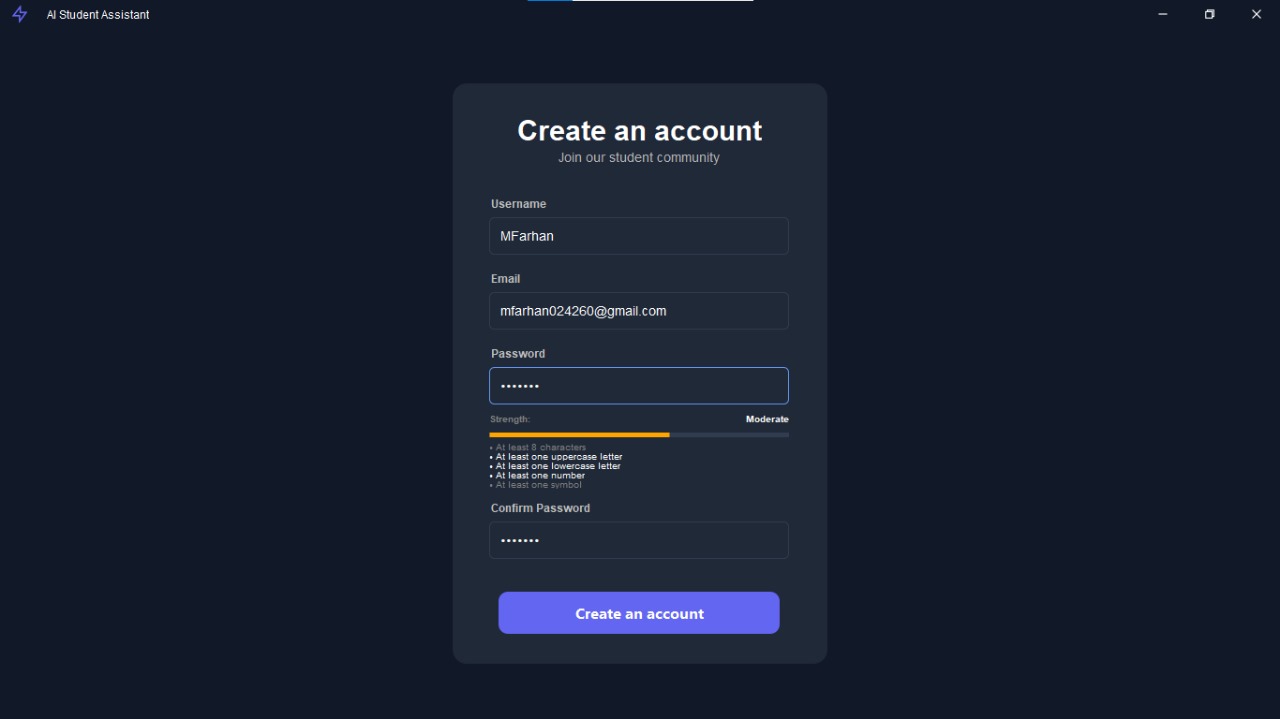
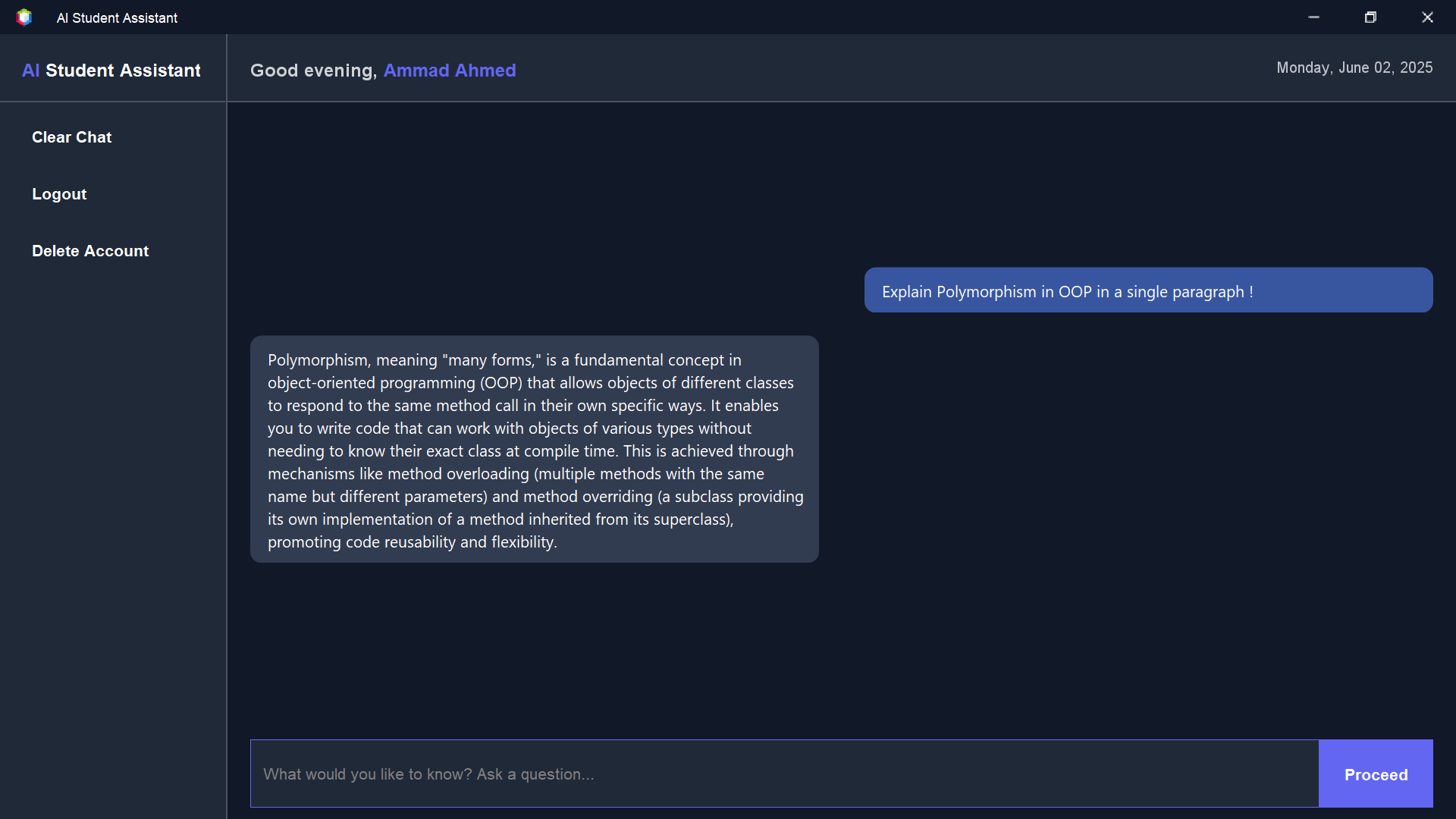
Signup Screen AI Query Response

Learning Experience

  1. OOP principles and modular Java design.
  2. Integrating and consuming APIs (Gemini by Google).
  3. File handling and user data persistence.
  4. Using SHA-256 for password hashing in Java.
  5. Building real applications with GUI using Swing.
Console Output

FlappyBoss - 2D Game

Overview

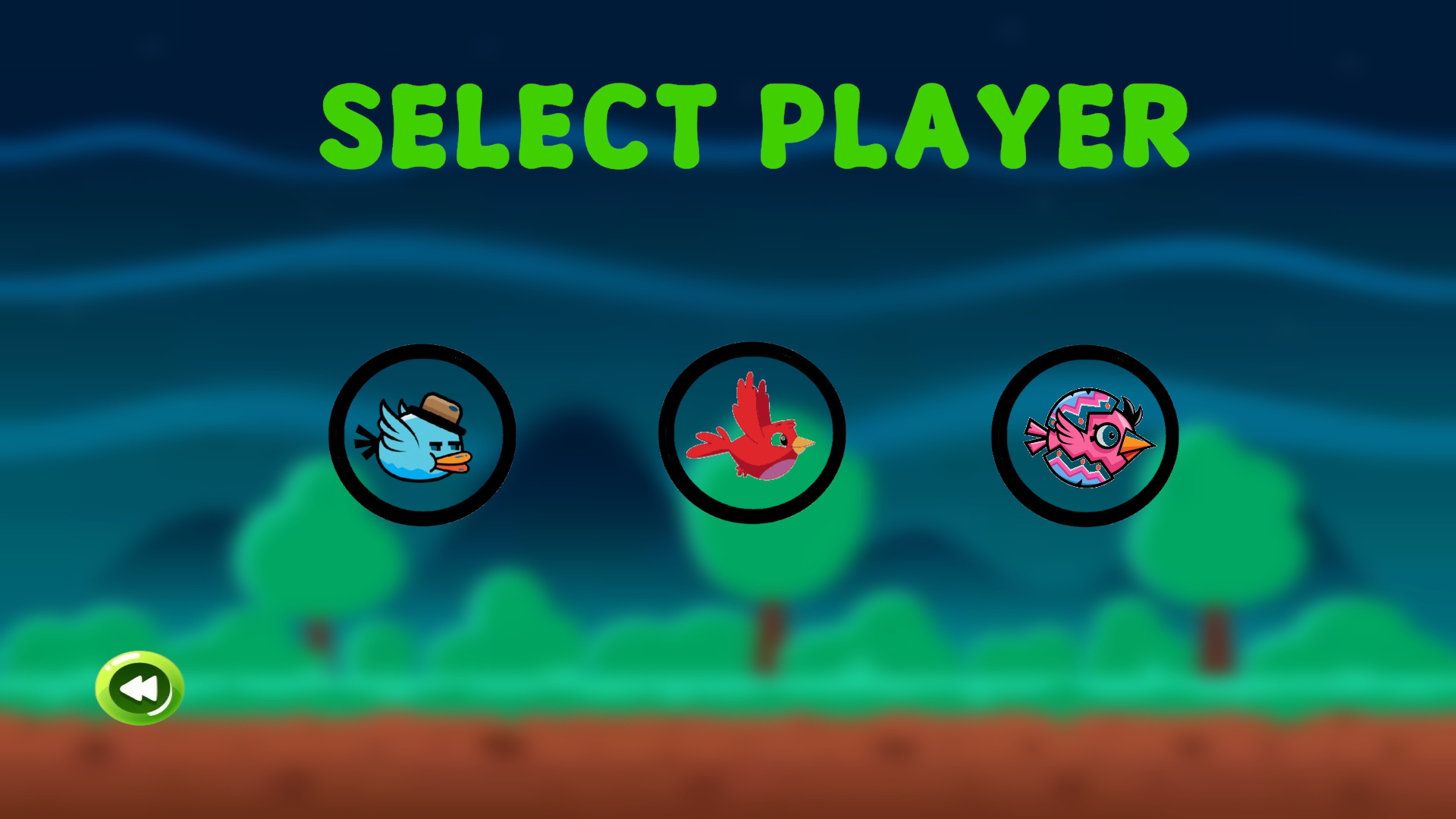
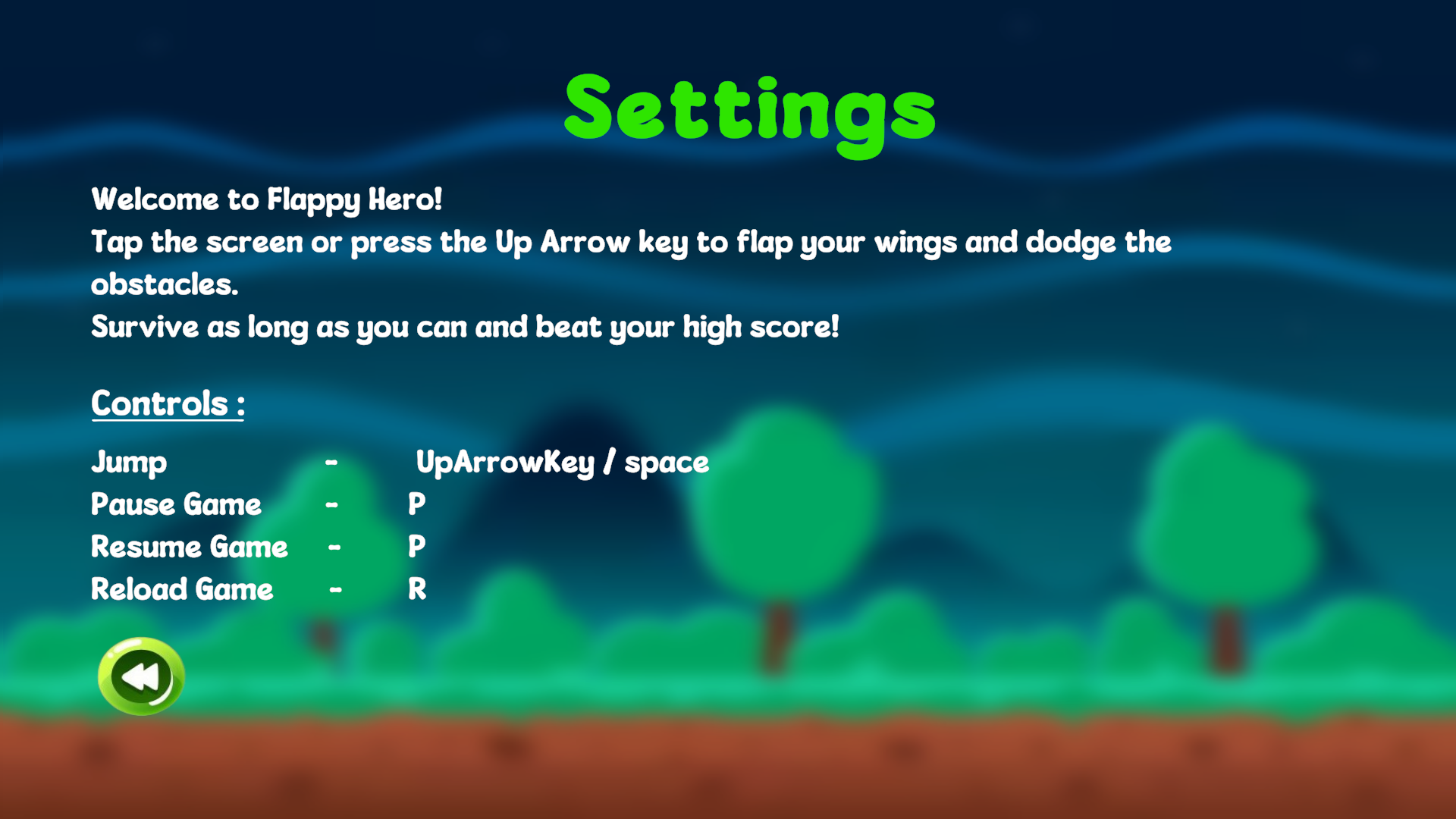
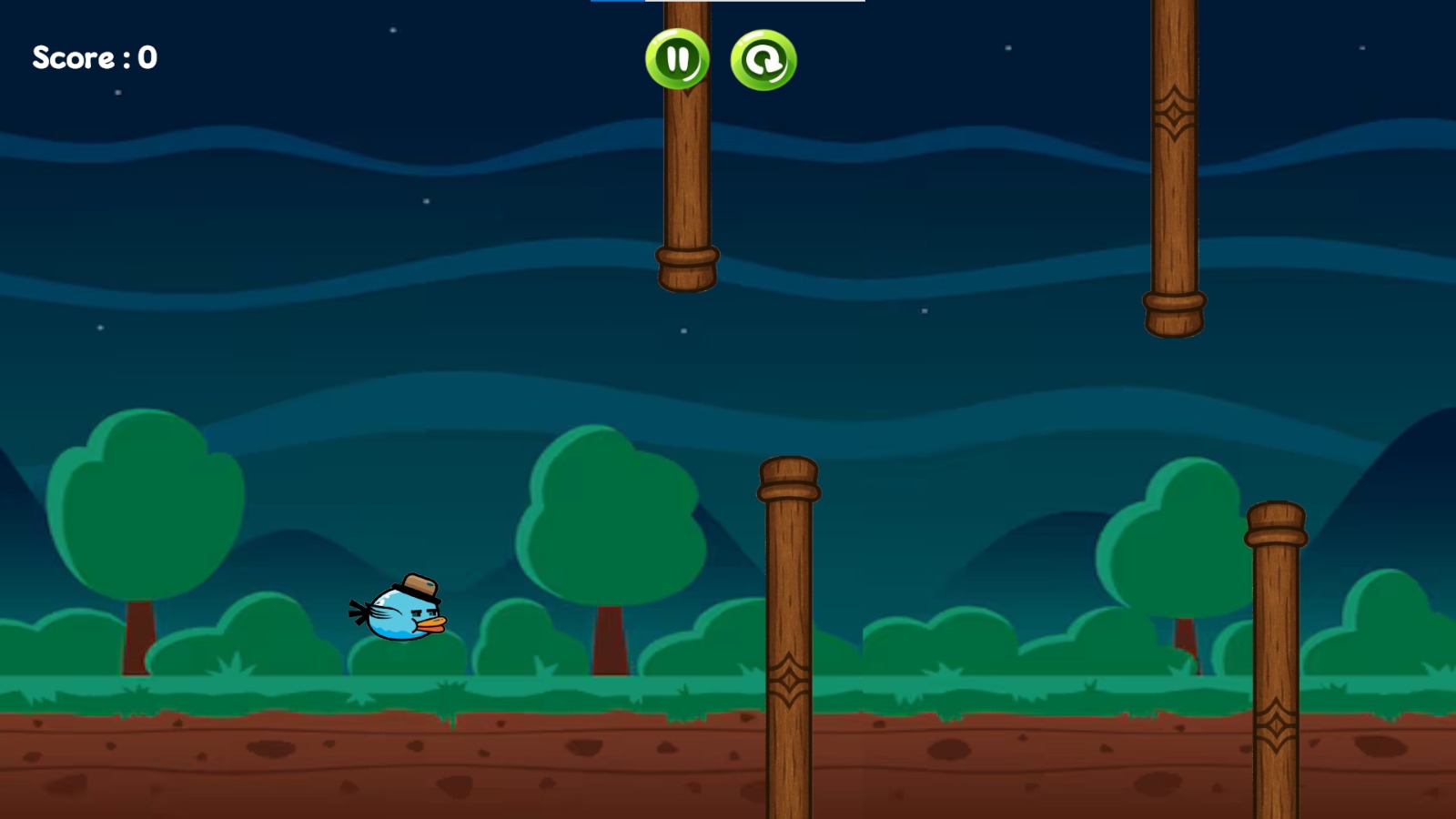
Flappy Boss is a fun, addictive, and polished arcade-style game inspired by the classic Flappy Bird โ€” but with a modern twist! Featuring dynamic UI, animated characters, and a top 5 leaderboard system, the game offers players a competitive yet entertaining experience across multiple platforms, both downloadable and playable online.
๐ŸŽฎ Available for PC, Android, and Web โ€” Play anywhere, anytime!

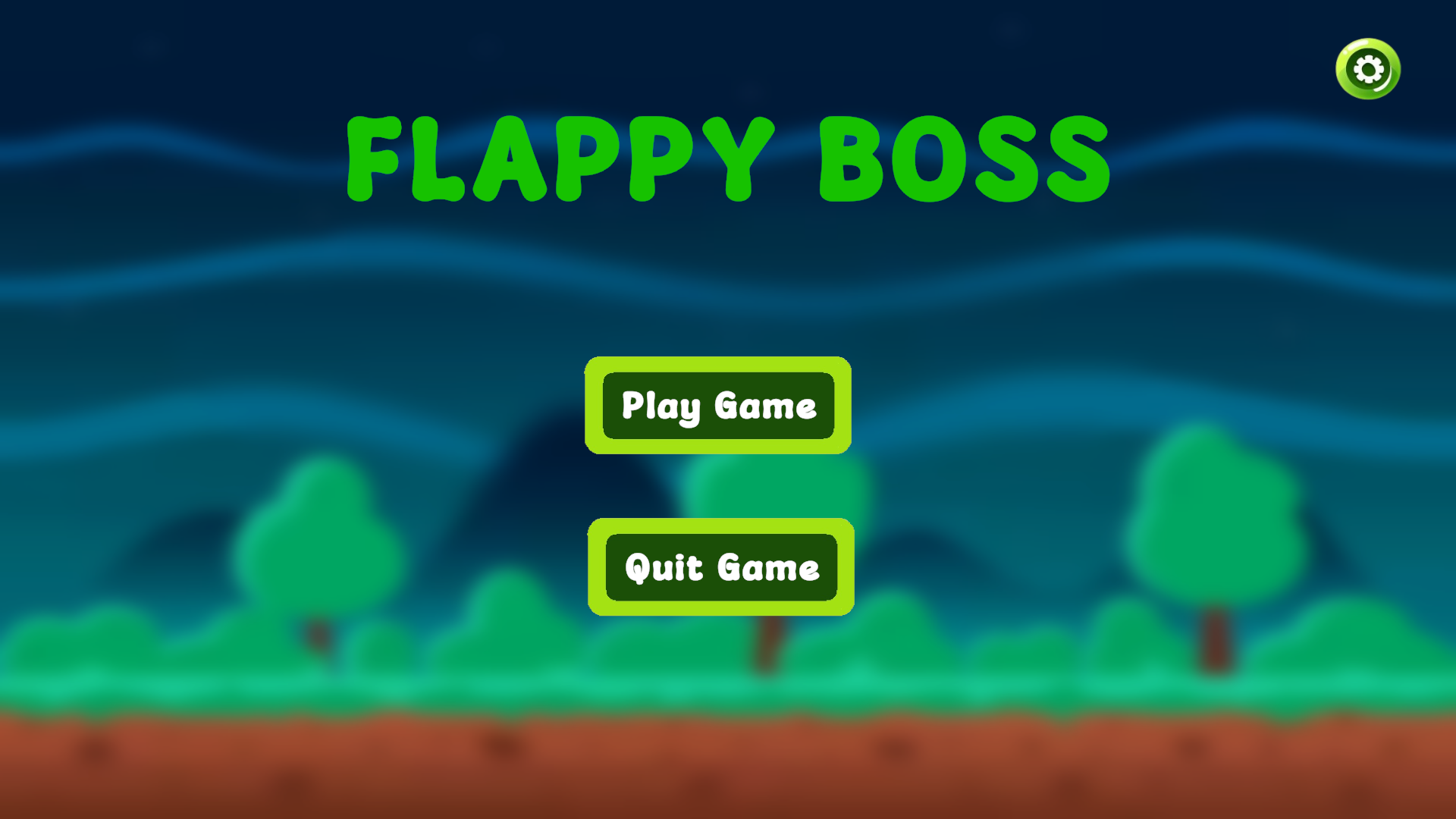
Gameplay Screenshot

Project Background

Flappy Boss was created as a personal project in my free time during my first year of Software Engineering. It was a way to explore Unityโ€™s 2D capabilities, UI design, and leaderboard systems โ€” all built from scratch just for fun!

  1. All game assets, design, and logic were implemented by me.
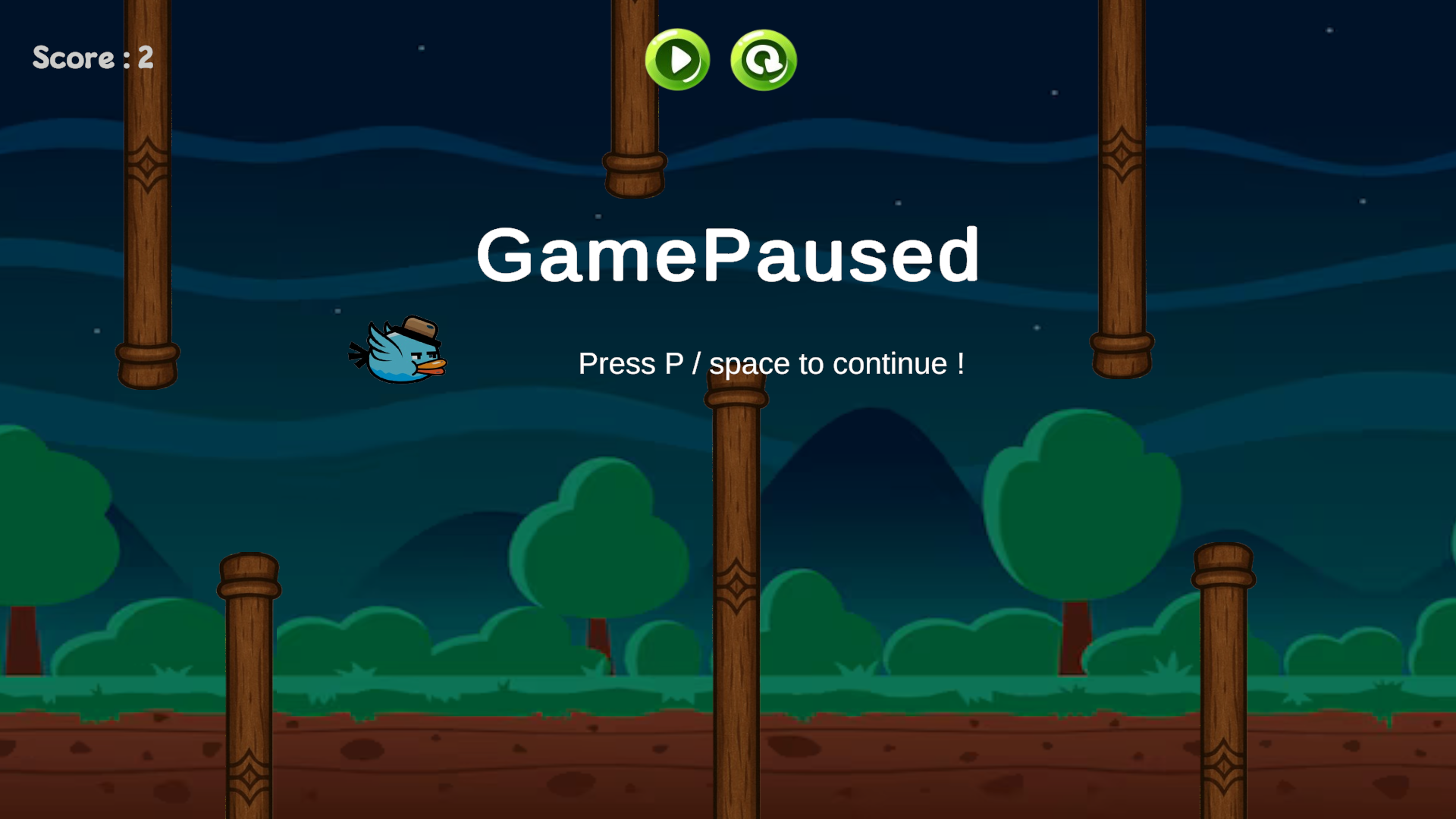
  2. Integrated scene transitions, pause/resume, and game over window.
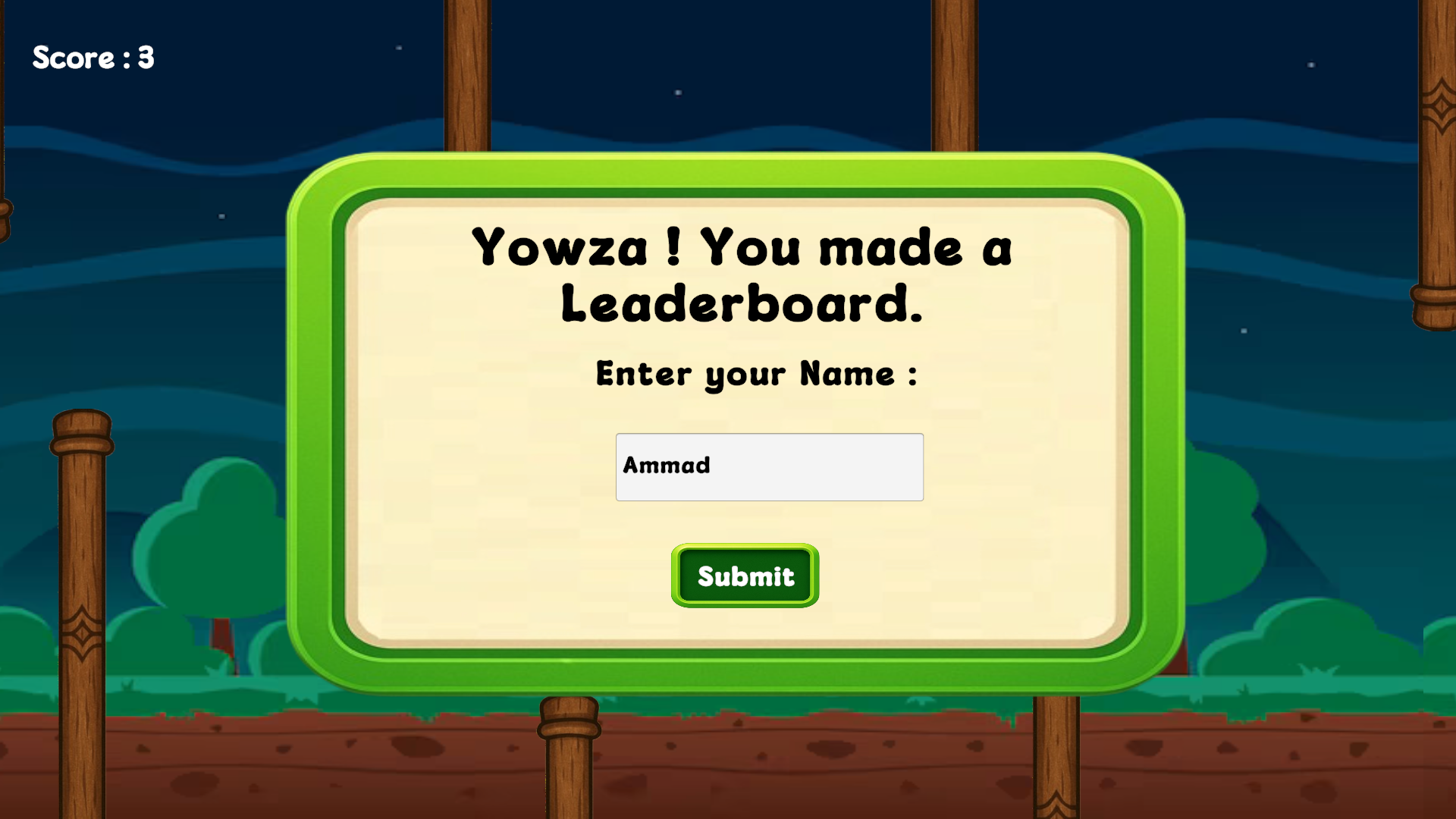
  3. Built a leaderboard system that tracks and saves the top 5 scores with names.
  4. PlayerPrefs used for player selection and high score tracking.
Gameplay Screenshot

Game Features

  • Smooth Player Animations

    Characters move and react fluidly, enhancing gameplay experience.

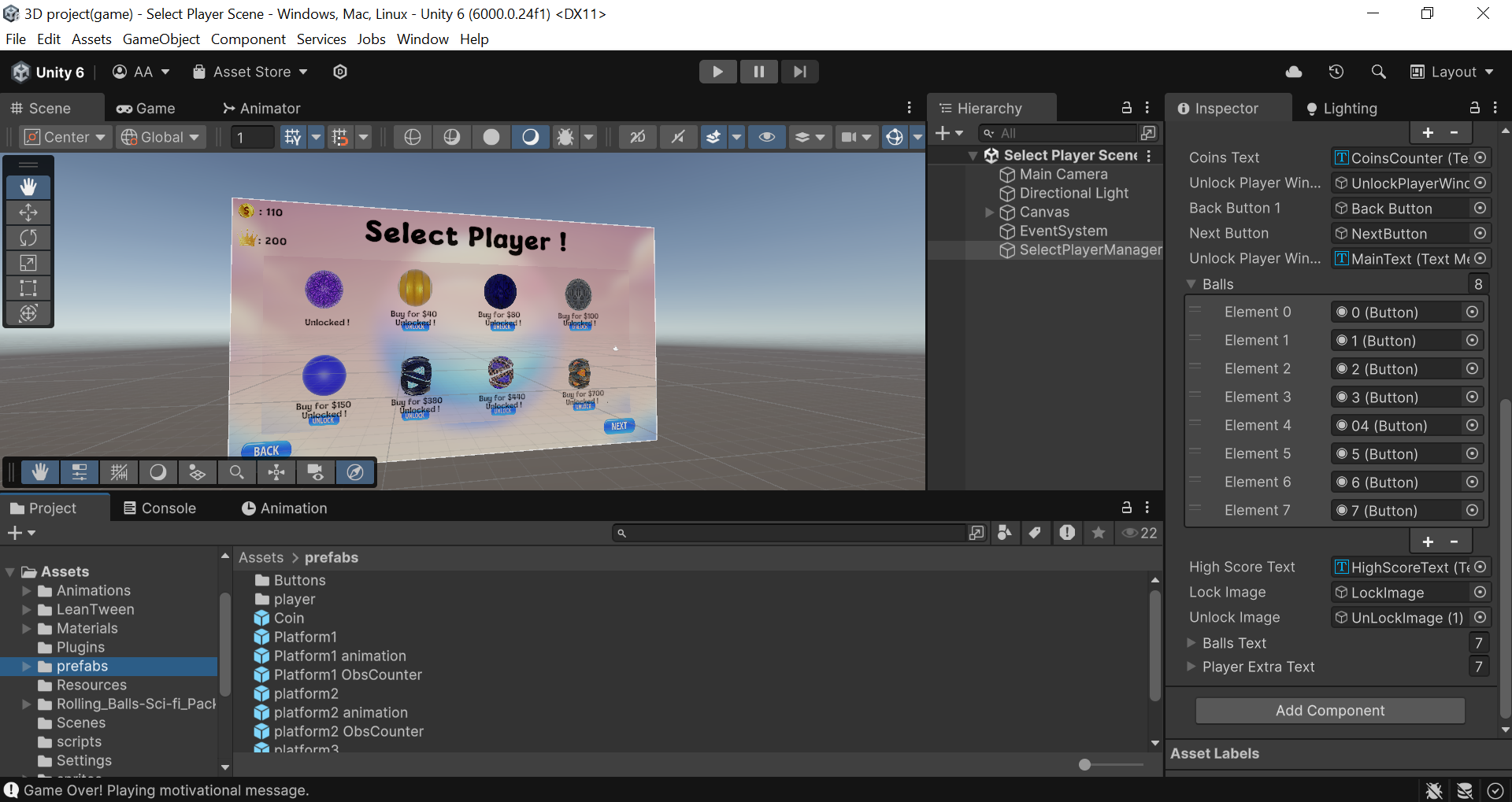
  • Player Selection System

    Choose your character using a stylish selection menu โ€” your choice is remembered!

  • Brilliant UI & UX

    Includes responsive design, game over window, and pause/restart features.

  • Dynamic Scene Management

    Seamless transitions between gameplay, menus, and leaderboard.

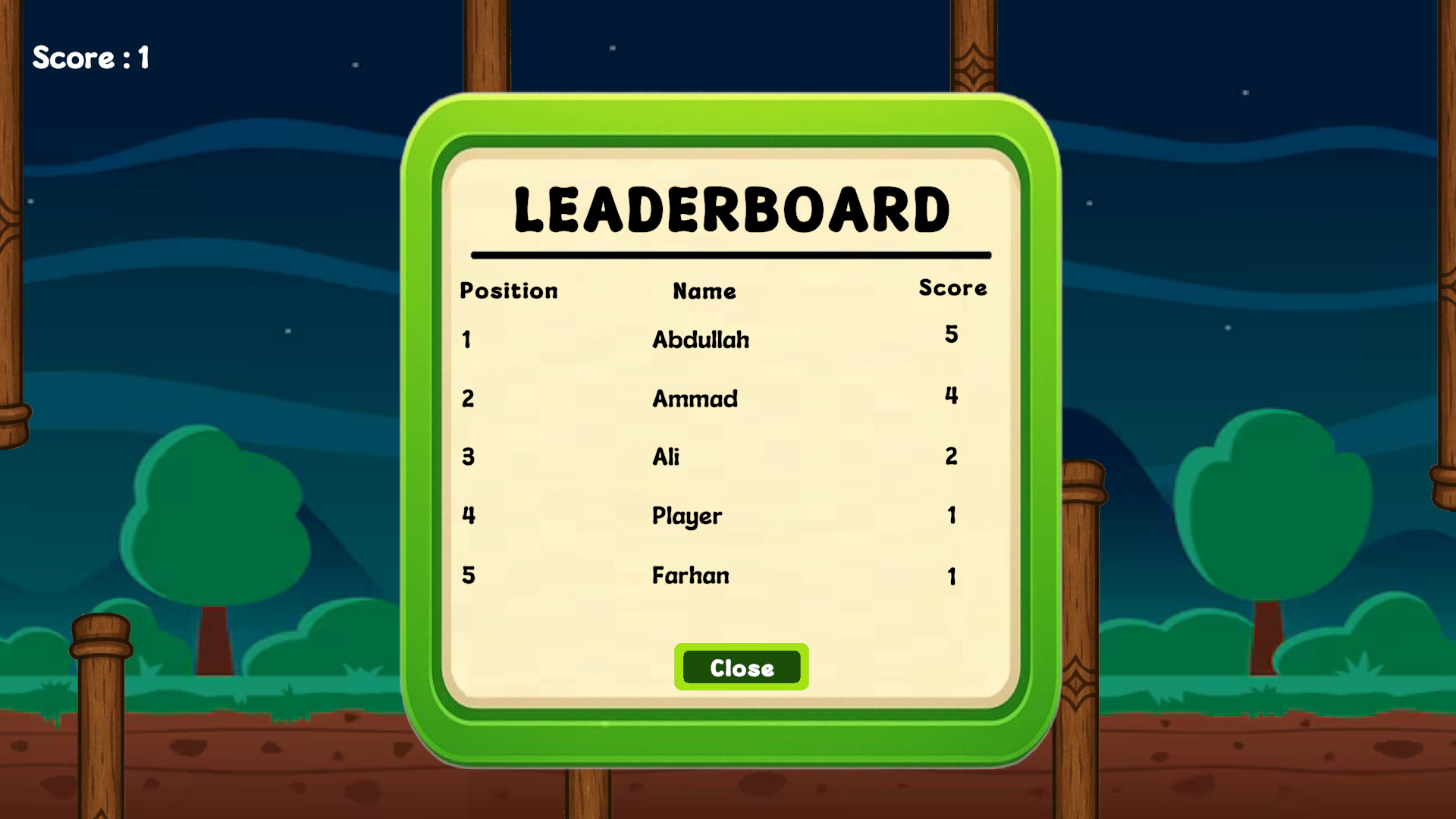
  • Top 5 Leaderboard

    Stores top scores โ€” players enter their name, or โ€œPlayerโ€ is saved by default if skipped.

  • Cross-Platform Builds

    Downloadable for Android & PC โ€” or play instantly online on any device!

  • Version Controlled & Live

    Project files hosted on GitHub + game is live on Itch.io.

Gameplay Screenshot Gameplay Screenshot LeaderBoard

Learning Experience

  1. Scene and UI management in Unity
  2. Saving data with PlayerPrefs
  3. Game loop design and player feedback handling
  4. Cross-platform export (APK, EXE, and WebGL)
  5. Implementing real-time scoreboards and user input
Gameplay Screenshot

TODOs List Website

Overview

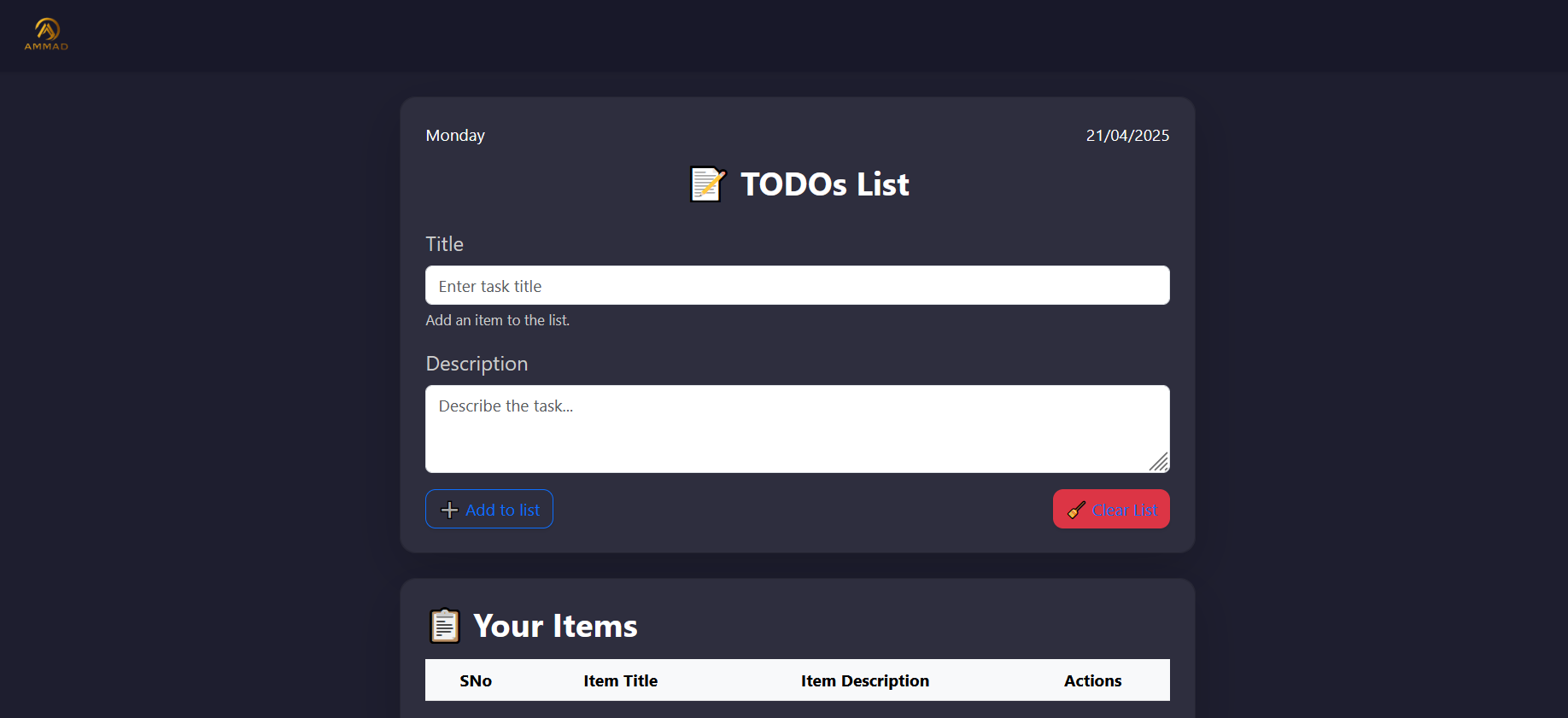
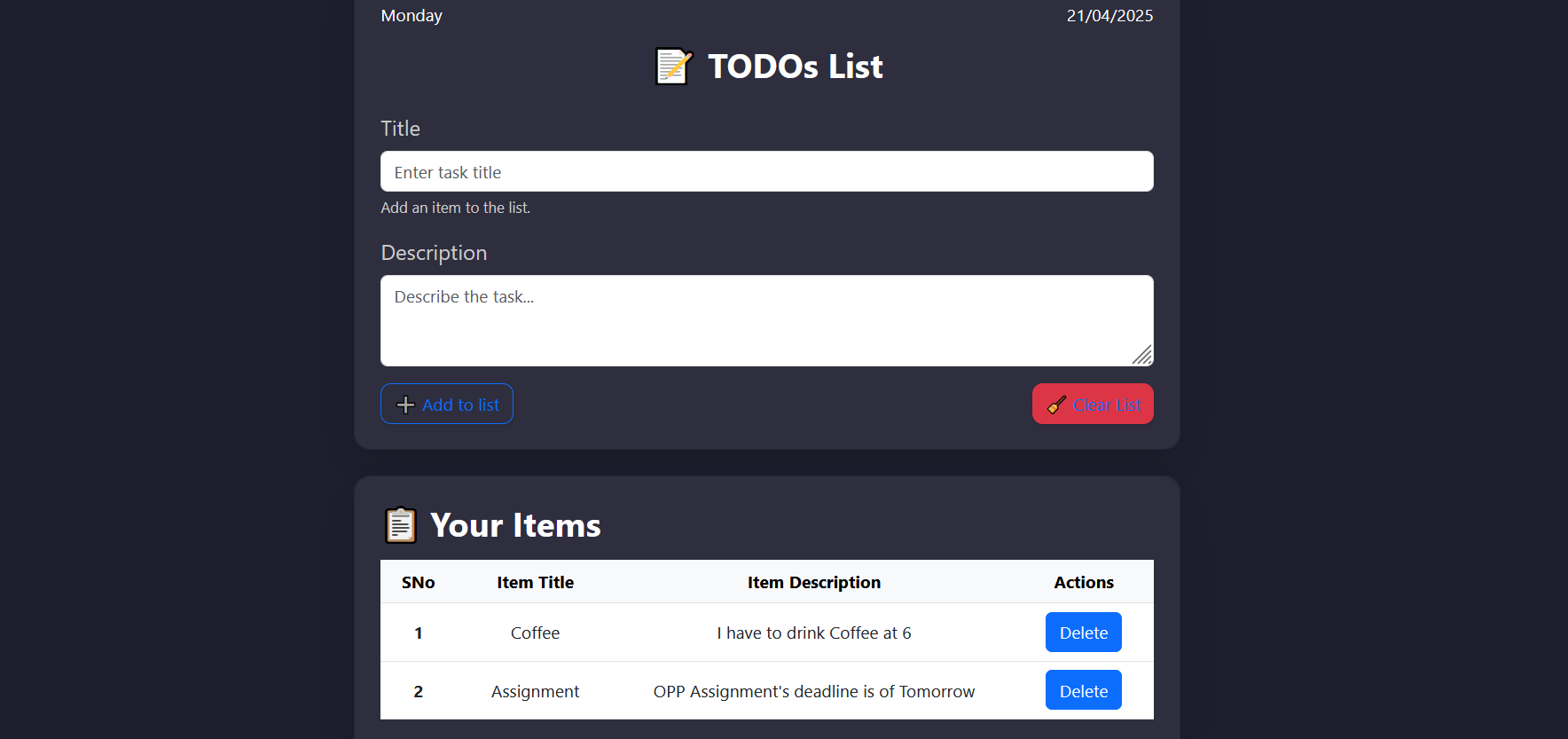
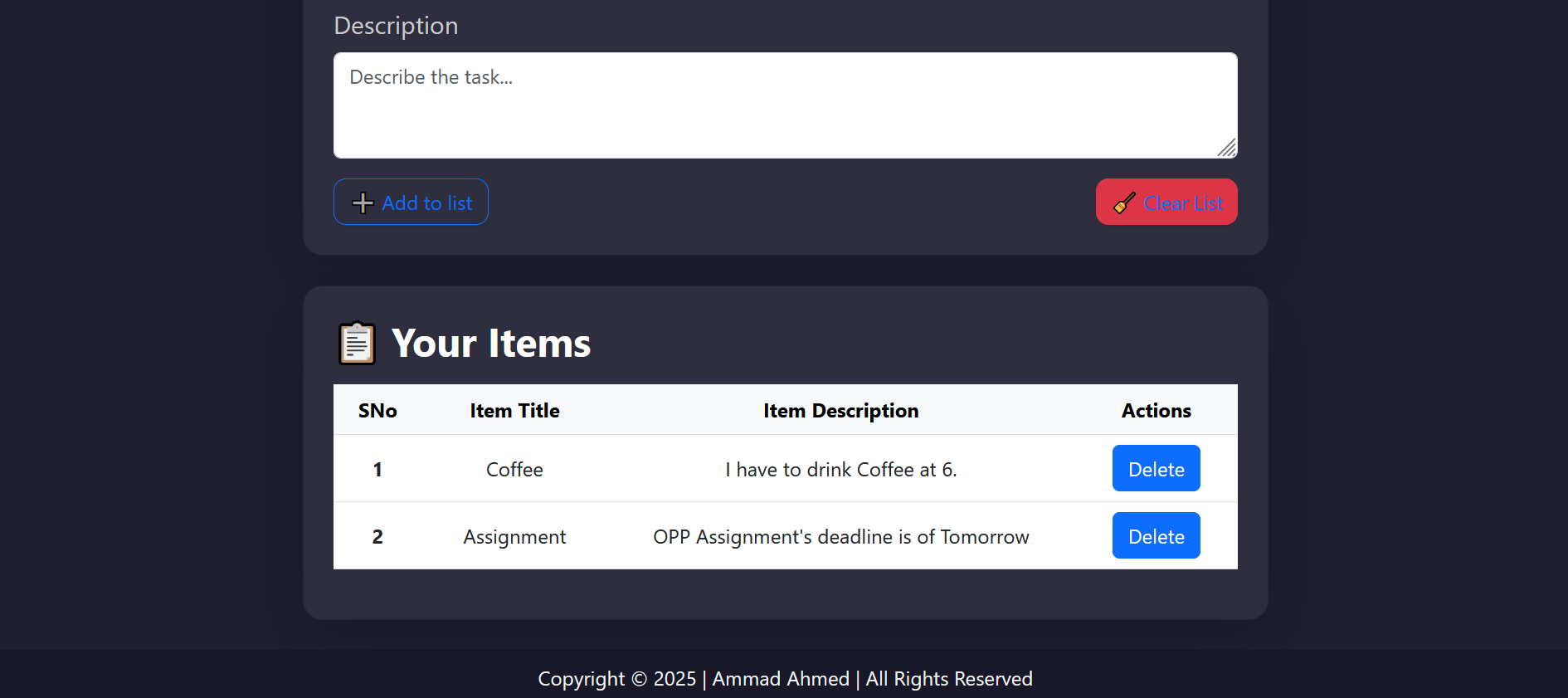
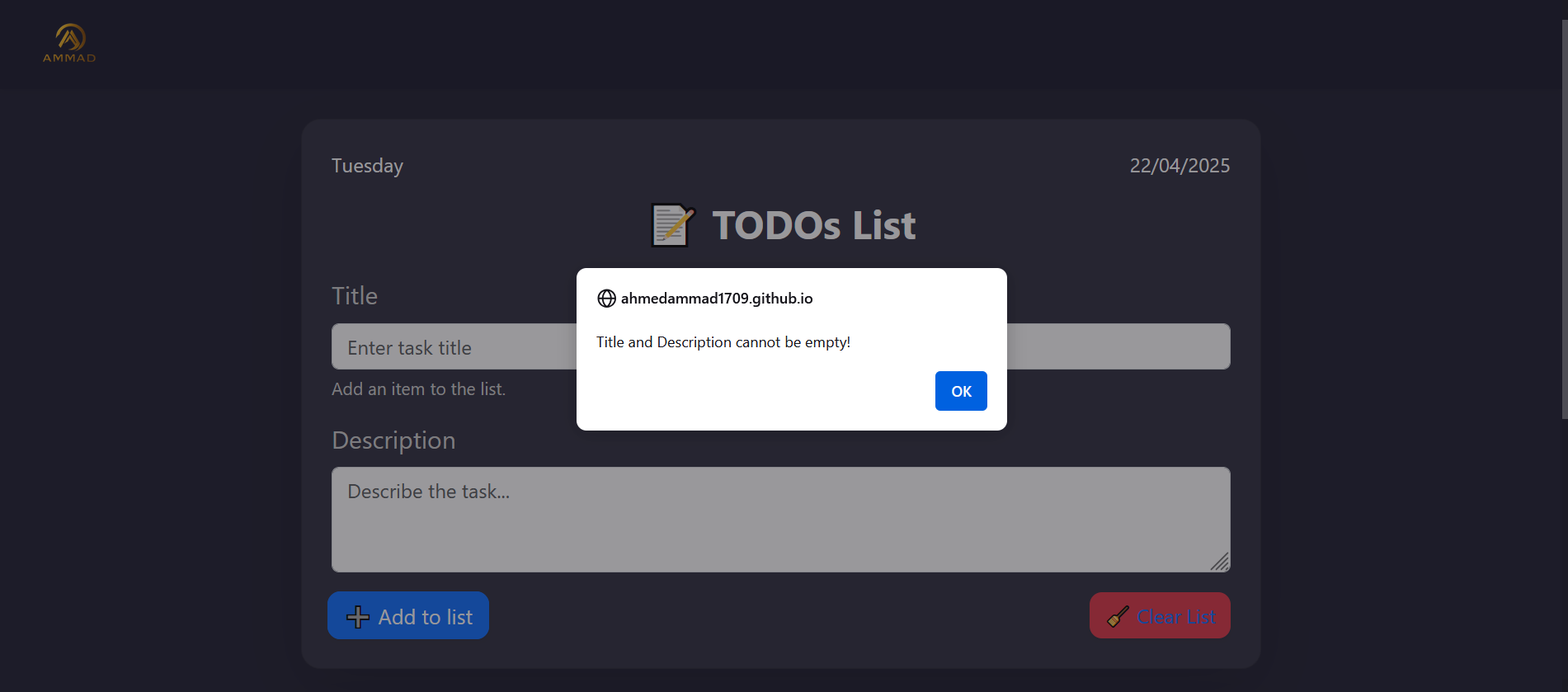
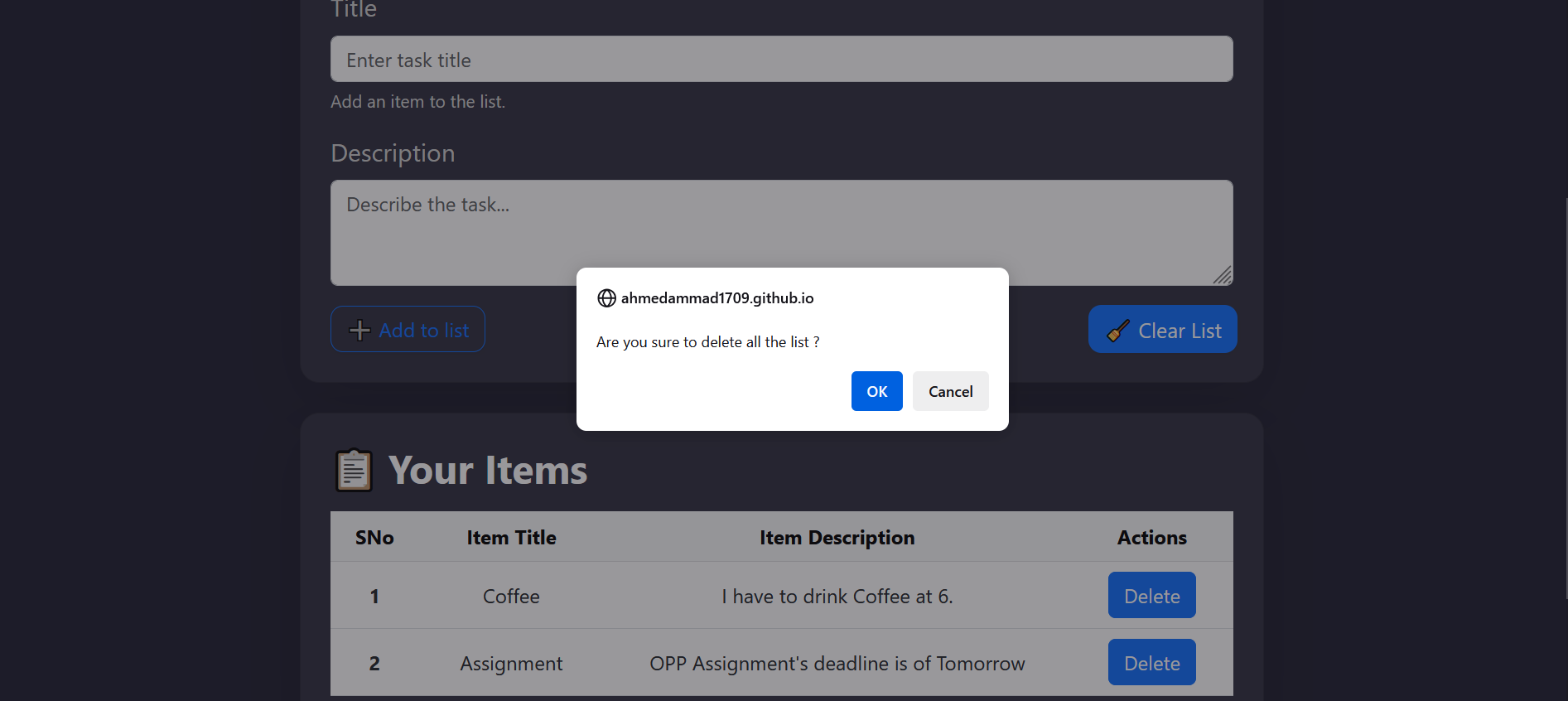
ToDo Pulse is a sleek and intuitive to-do list web application designed to help users stay organized and productive. Built with HTML, CSS, Bootstrap, and JavaScript, this app offers a seamless task management experience across devices. With features like task persistence using Local Storage, interactive UI, and real-time date display, itโ€™s your everyday productivity companion.

Gameplay Screenshot

Development Journey

This project marked a pivotal moment in my journey as a web developer. I built it during my early days of learning JavaScript and spent dedicated time understanding DOM manipulation, event handling, and data persistence in the browser. It was both a creative outlet and a deep dive into the foundational mechanics of web interactivity.

Gameplay Screenshot

App Features

  • Clean UI & Responsive Design:

    Built with Bootstrap, the app adapts beautifully to any screen size, whether you're on desktop or mobile.

  • Task Management Made Simple:

    Add, delete, or mark tasks as complete with smooth transitions and visual feedback.

  • Real-Time Date Display:

    Automatically updates the day and date using the browserโ€™s clock.

  • Local Storage Integration:

    All your tasks are saved in the browser, even after you close the tab.

  • Smooth Interactions:

    Subtle animations enhance the user experience without getting in the way. .

Gameplay Screenshot Gameplay Screenshot

Technology Stack

  • Frontend:

    HTML, CSS, JavaScript.

  • Frameworks:

    Bootstrap.

  • Browser API Usage:

    DOM Manipulation, Event Listeners, Local Storage.

Gameplay Screenshot

What I Learned

Creating ToDo Pulse helped me understand the core mechanisms of JavaScript, especially:

  1. DOM selection and manipulation.
  2. Event-driven programming with listeners.
  3. Data handling using localStorage.
  4. Cross-browser styling using Bootstrap.

This project significantly sharpened my front-end skills and gave me confidence in building dynamic, responsive web applications.

Hyper Sphere : 3D Game

Overview

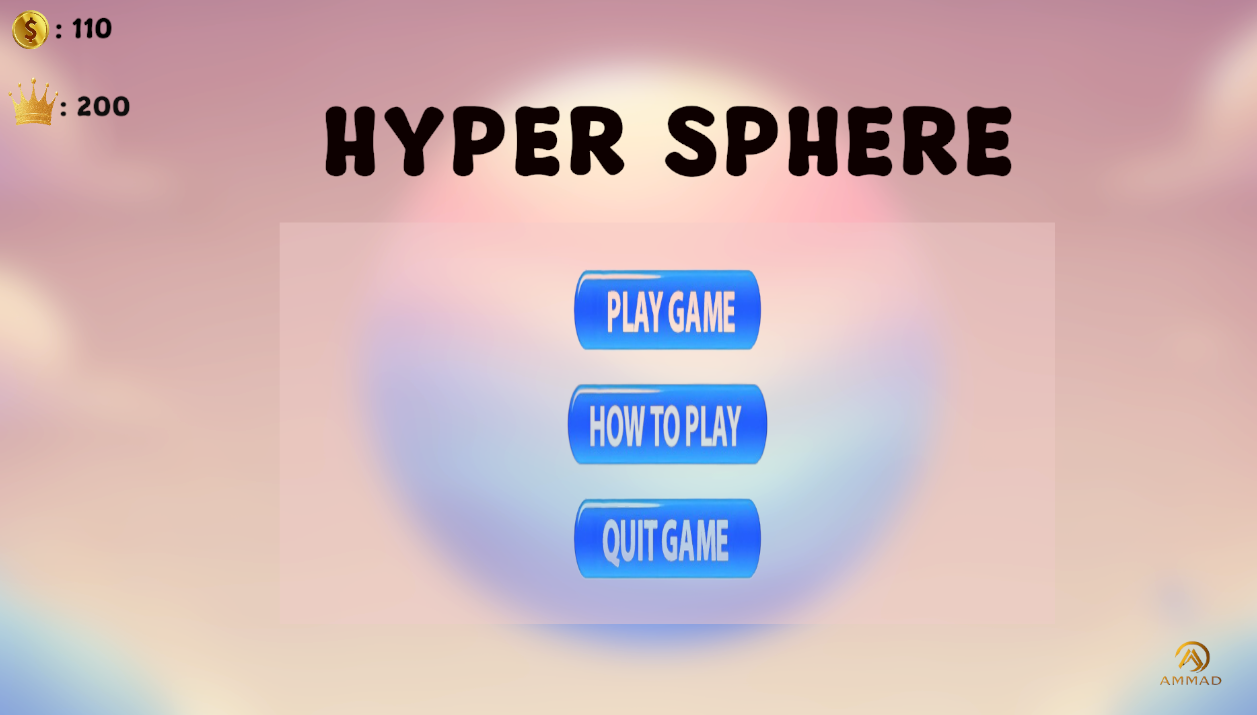
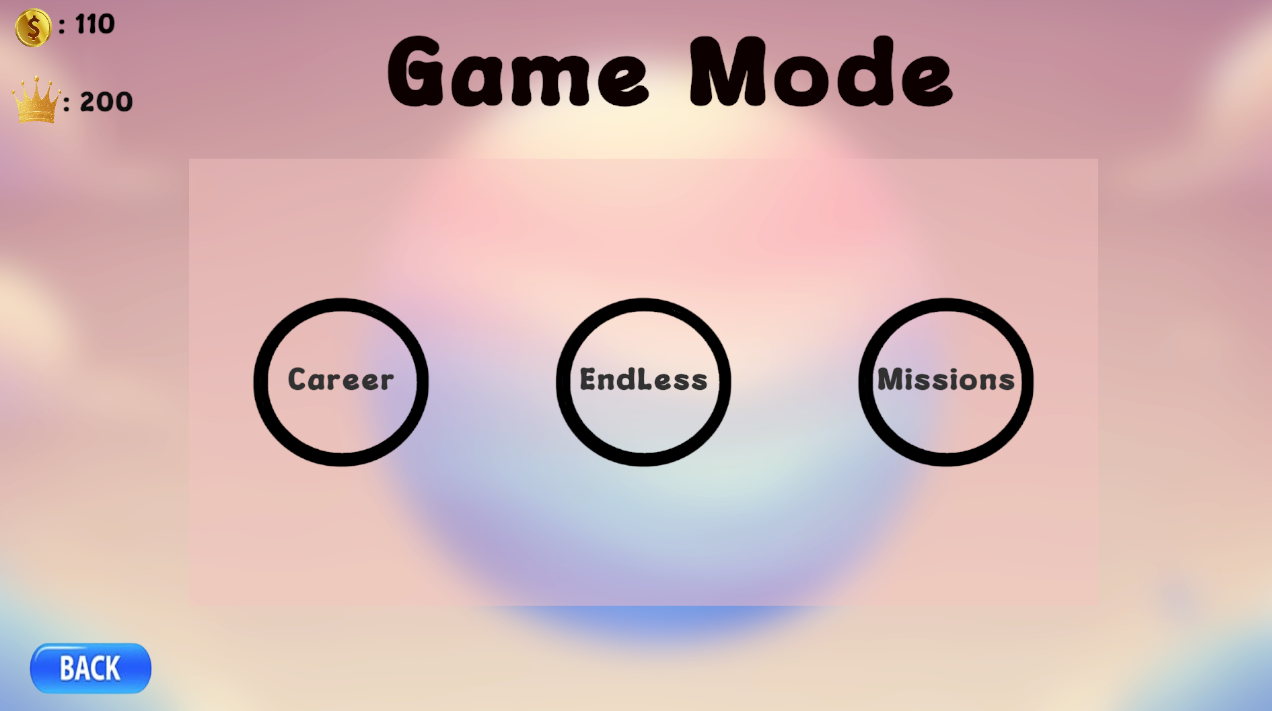
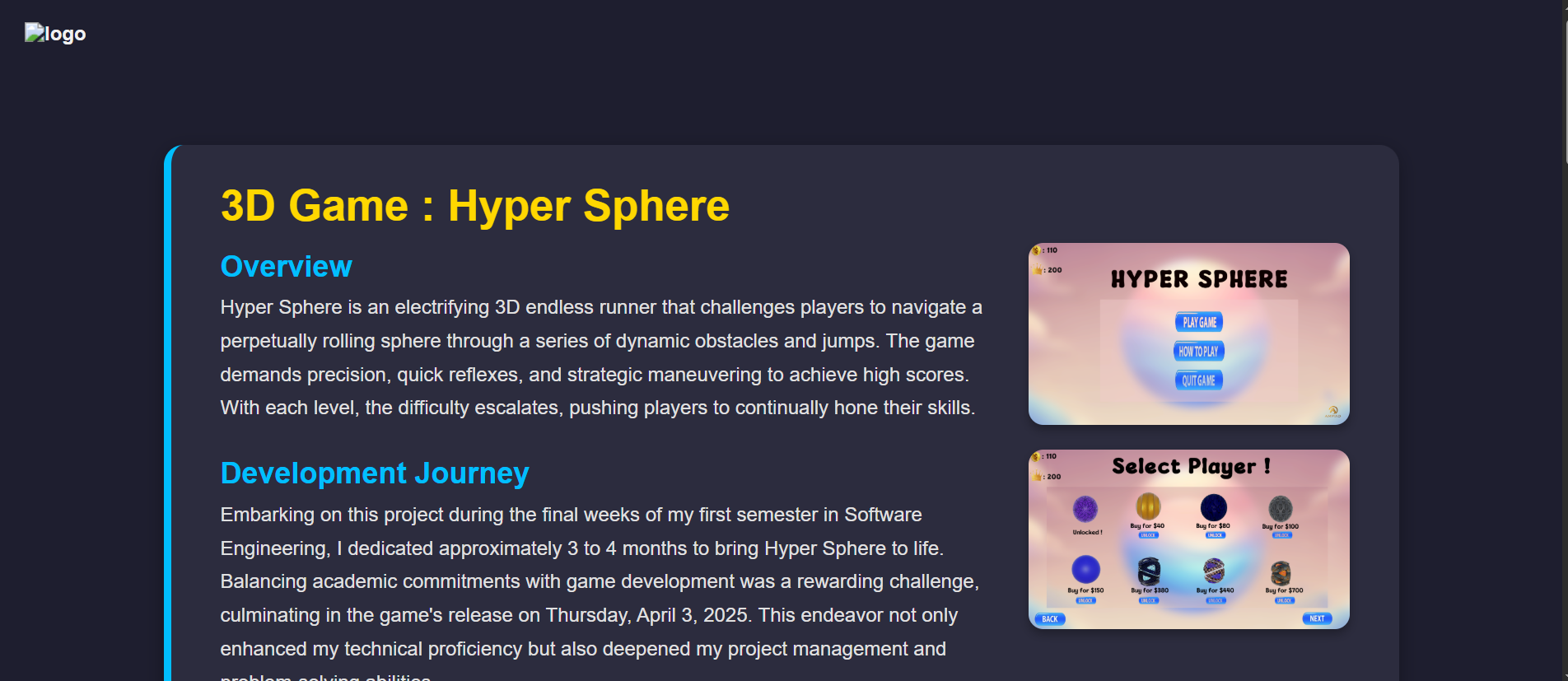
Hyper Sphere is an electrifying 3D endless runner that challenges players to navigate a perpetually rolling sphere through a series of dynamic obstacles and jumps. The game demands precision, quick reflexes, and strategic maneuvering to achieve high scores. With each level, the difficulty escalates, pushing players to continually hone their skills.

Gameplay Screenshot

Development Journey

Embarking on this project during the final weeks of my first semester in Software Engineering, I dedicated approximately 3 to 4 months to bring Hyper Sphere to life. Balancing academic commitments with game development was a rewarding challenge, culminating in the game's release on Thursday, April 3, 2025. This endeavor not only enhanced my technical proficiency but also deepened my project management and problem-solving abilities.

Gameplay Screenshot

Game Features

  • Dynamic Movement:

    Experience smooth and responsive controls that make navigation intuitive and engaging.

  • Challenging Levels:

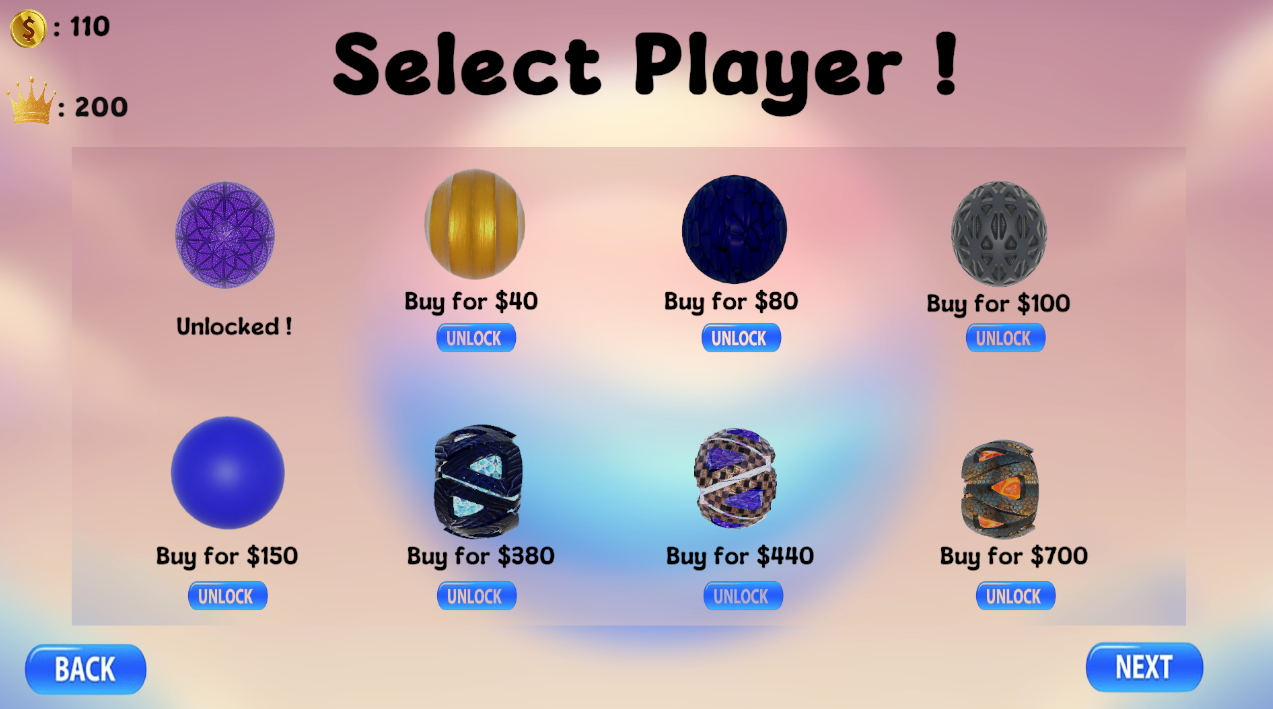
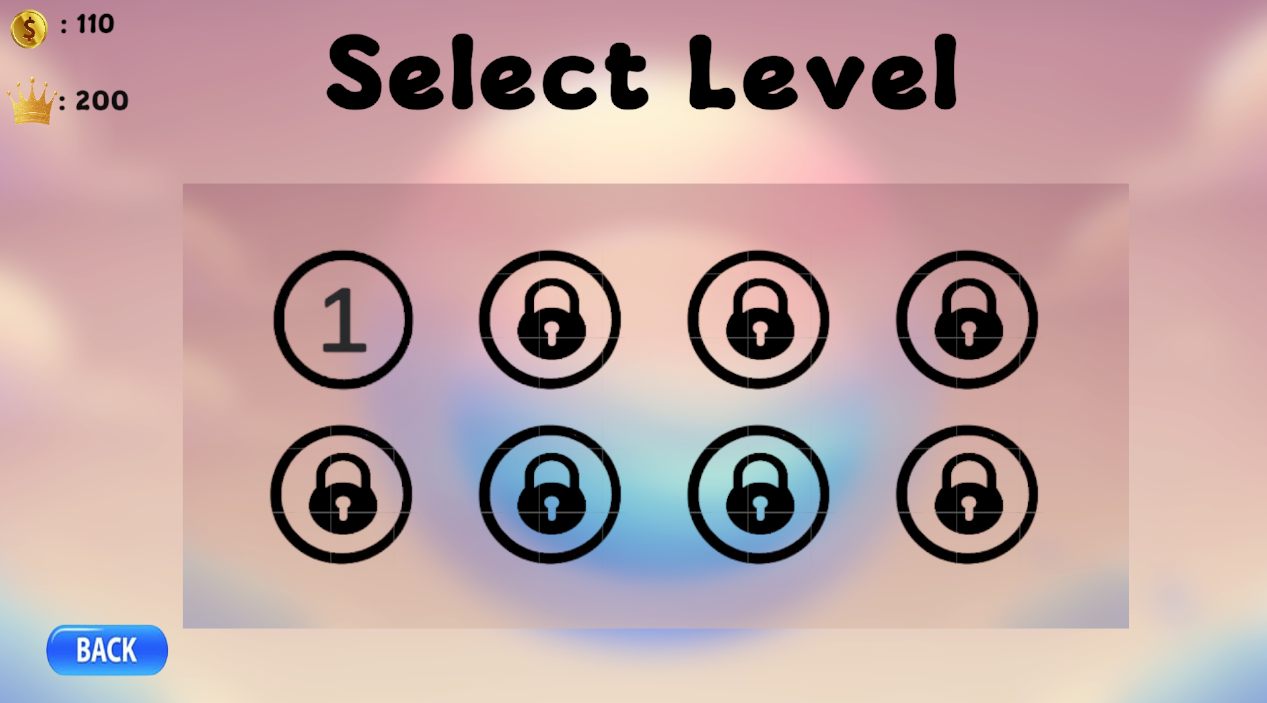
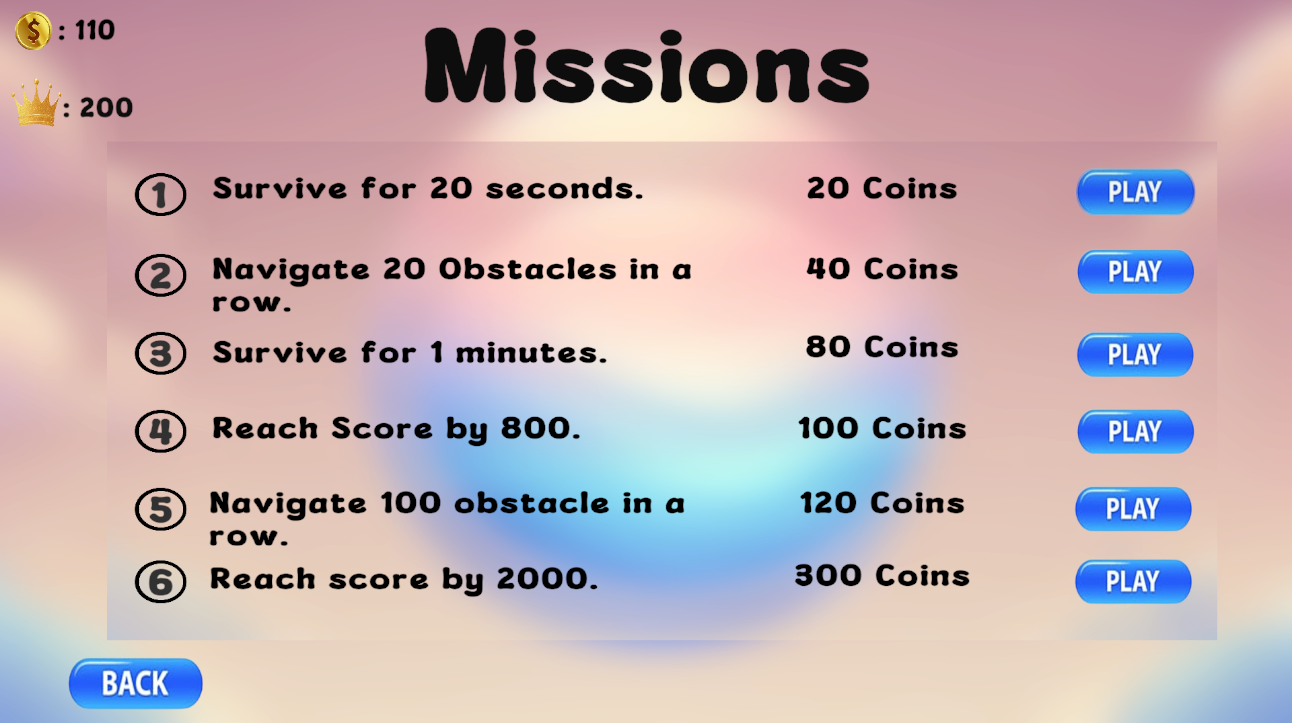
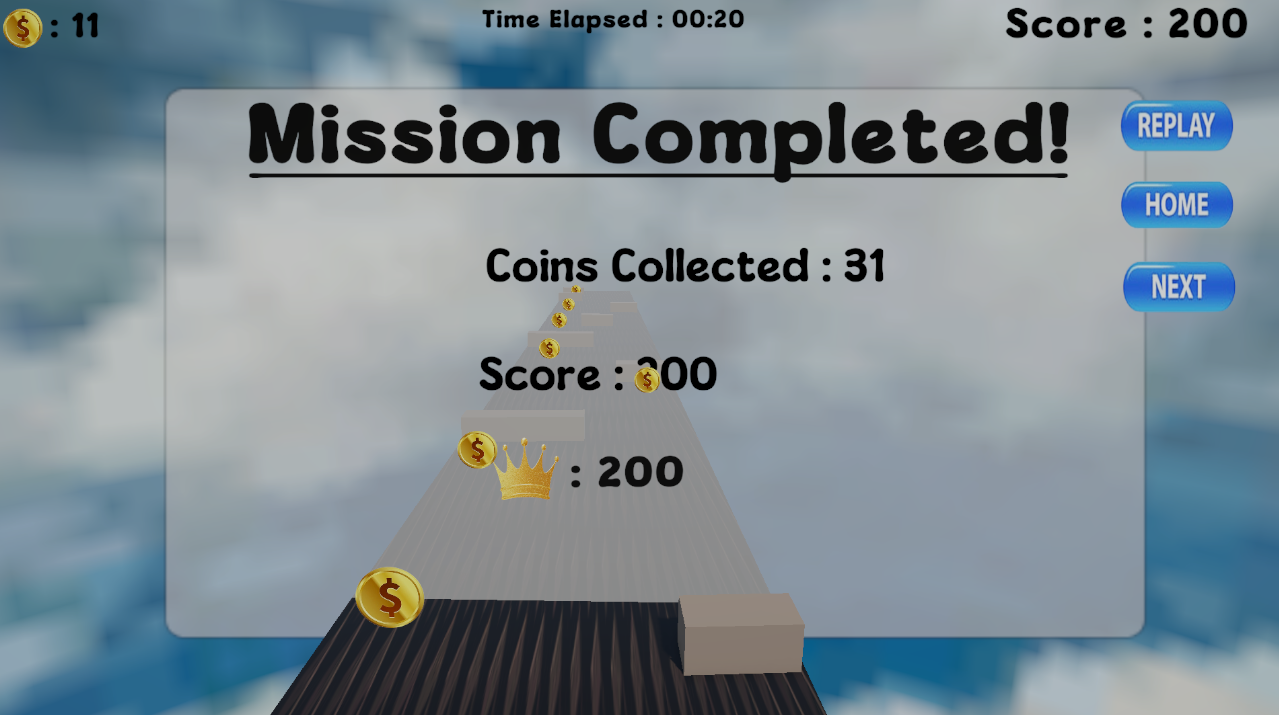
    Traverse through 8 meticulously designed levels and tackle 5 unique missions, each escalating in complexity.

  • Score Boosters:

    Collect in-game items to amplify your score and climb the leaderboards.

  • Engaging Interface:

    Immerse yourself in a sleek and user-friendly UI that enhances the overall gameplay experience.

  • Endless Entertainment:

    Test your endurance and skills in an infinite running environment that keeps you coming back for more.

Gameplay Screenshot Select Level

Platform Availability

To ensure accessibility across various devices, Hyper Sphere is available on multiple platforms:

  • Windows and macOS:

    Downloadable versions are hosted on itch.io.
    For Windows ~ Click here

  • Android:

    A mobile-optimized version is available for Android devices, offering on-the-go gameplay.
    For Andriod ~ Click here

  • WebGL:

    Play directly in your browser without the need for downloads. Both on PC and Mobile.
    Play Online ~ Click here

  • Google Drive:

    Additionally, all versions are accessible via Google Drive for direct download.
    Google Drive Link ~ Click here

Gameplay Screenshot Gameplay Screenshot

Development Insights

Creating Hyper Sphere was an ambitious endeavor that involved implementing physics-based movement and designing engaging missions. One of the significant challenges was managing PlayerPrefs correctly and optimizing game performance for smooth builds. Overcoming these obstacles made the final product even more rewarding.

IQify : IQ Test Website

Overview

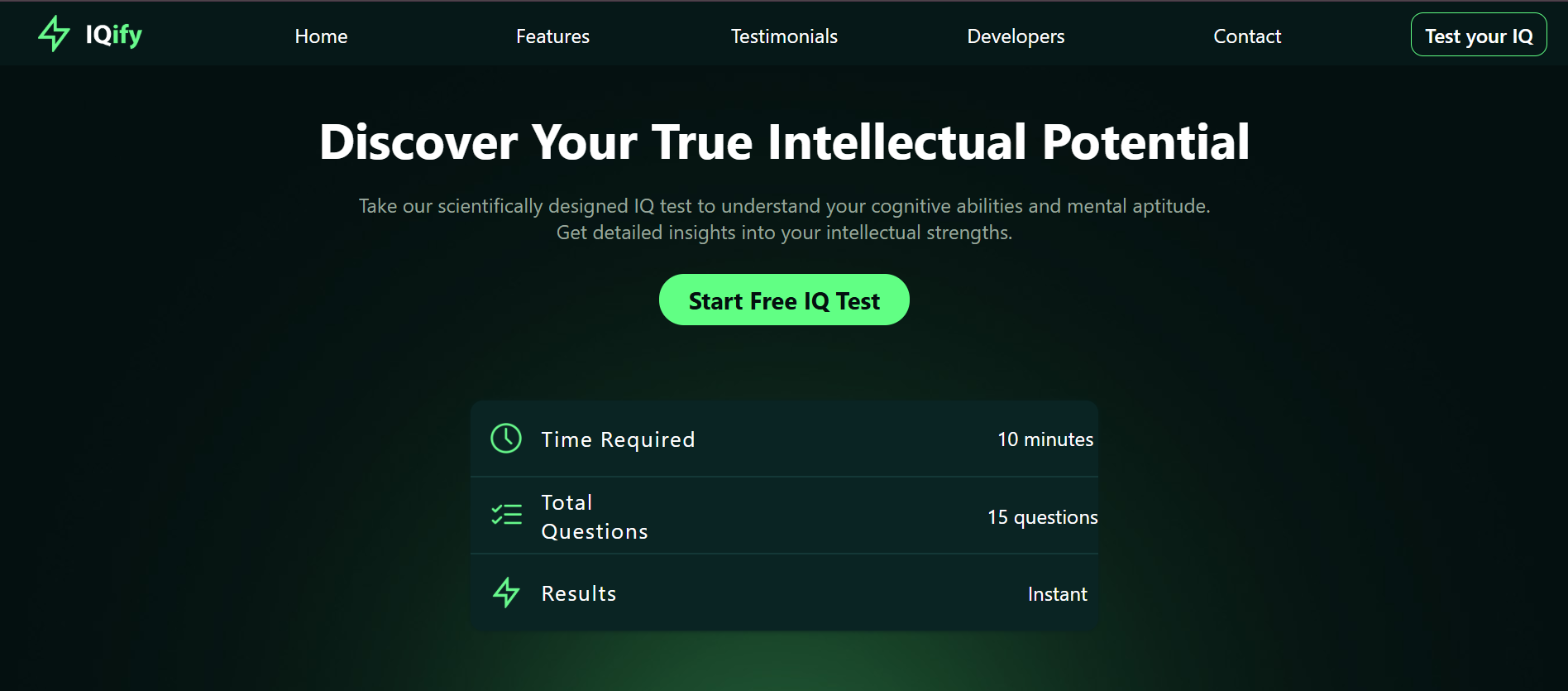
IQify is a smart, fun, and responsive IQ testing platform that allows users to challenge their minds through a series of well-designed questions and instantly view their results. The website provides a smooth, engaging experience across all devices, making it accessible to anyone, anytime.

Gameplay Screenshot

Project Background

This was my first-semester project for the Computing Fundamentals course, developed in collaboration with my university friend Muhammad Farhan. The project was officially deployed on December 31st, 2024, marking a huge milestone in my learning journey.

  1. The Home Page was crafted by Farhan, focused on elegant design and layout.
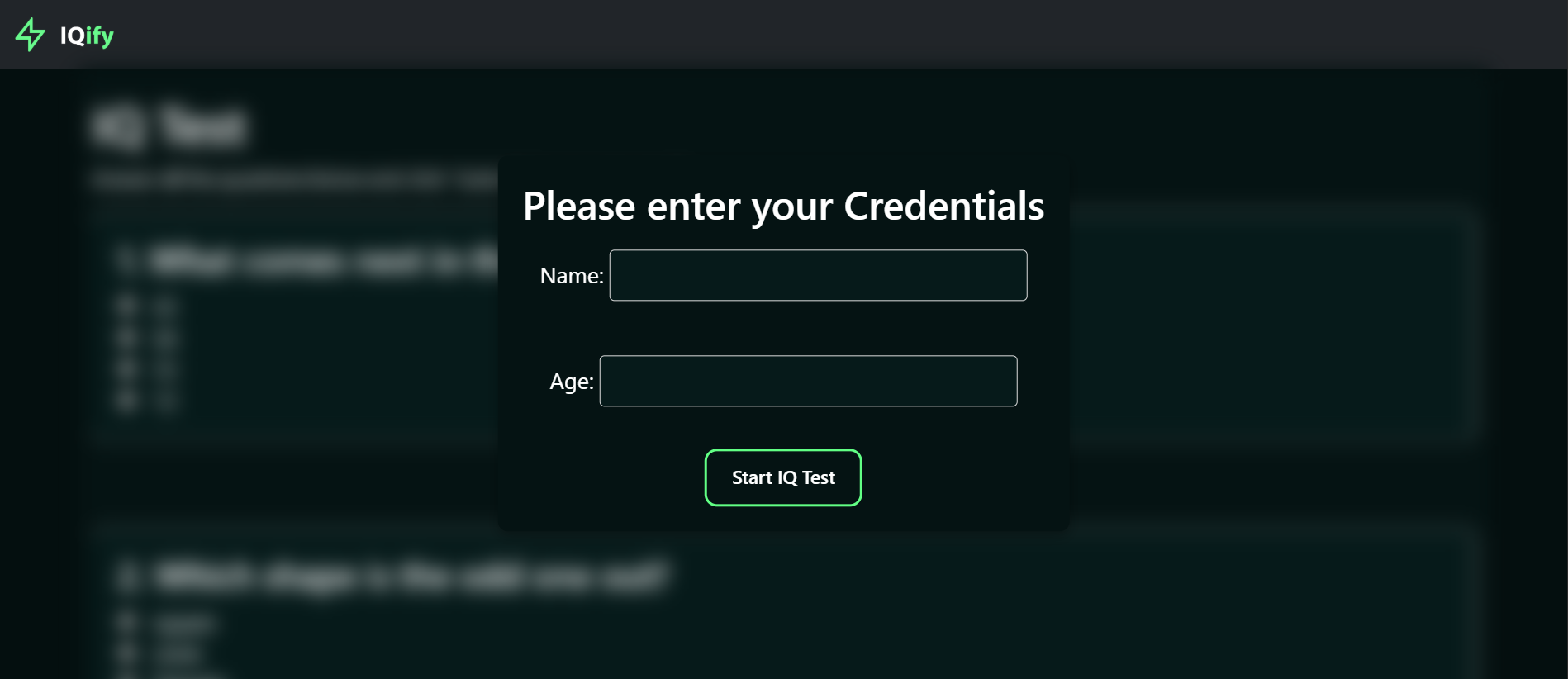
  2. I developed the Test Page and Result Page, using HTML, CSS, and JavaScript, with an emphasis on interactivity and performance.
Gameplay Screenshot

Key Highlights

  • โœ… 200+ IQ Tests Taken

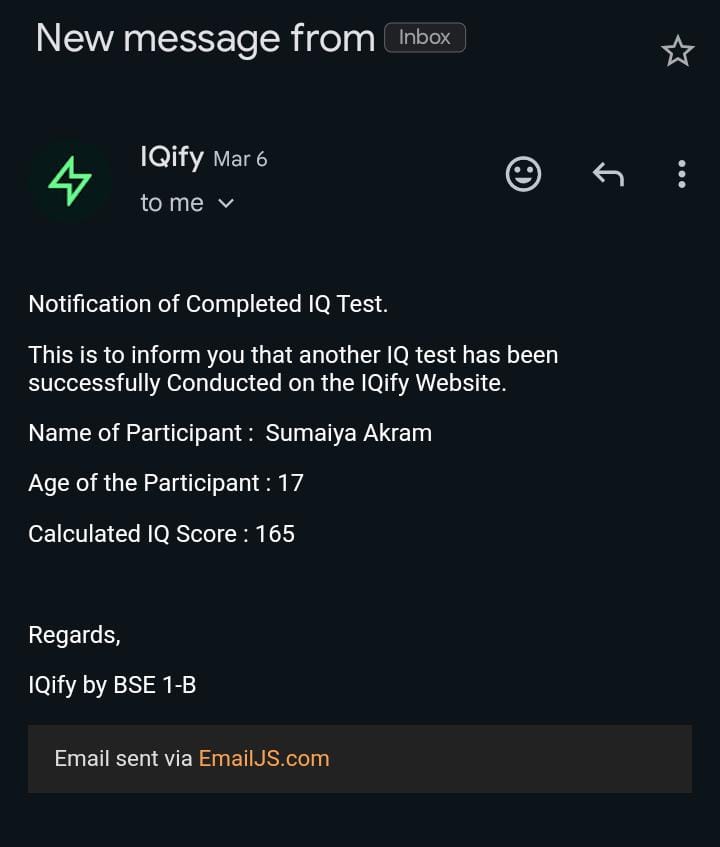
    More than 200 users have completed the quiz.

  • ๐ŸŒ Thousands of Visitors

    The website has gained traction with a wide audience.

  • ๐Ÿง  Instant IQ Score

    Users get real-time results after completing the quiz.

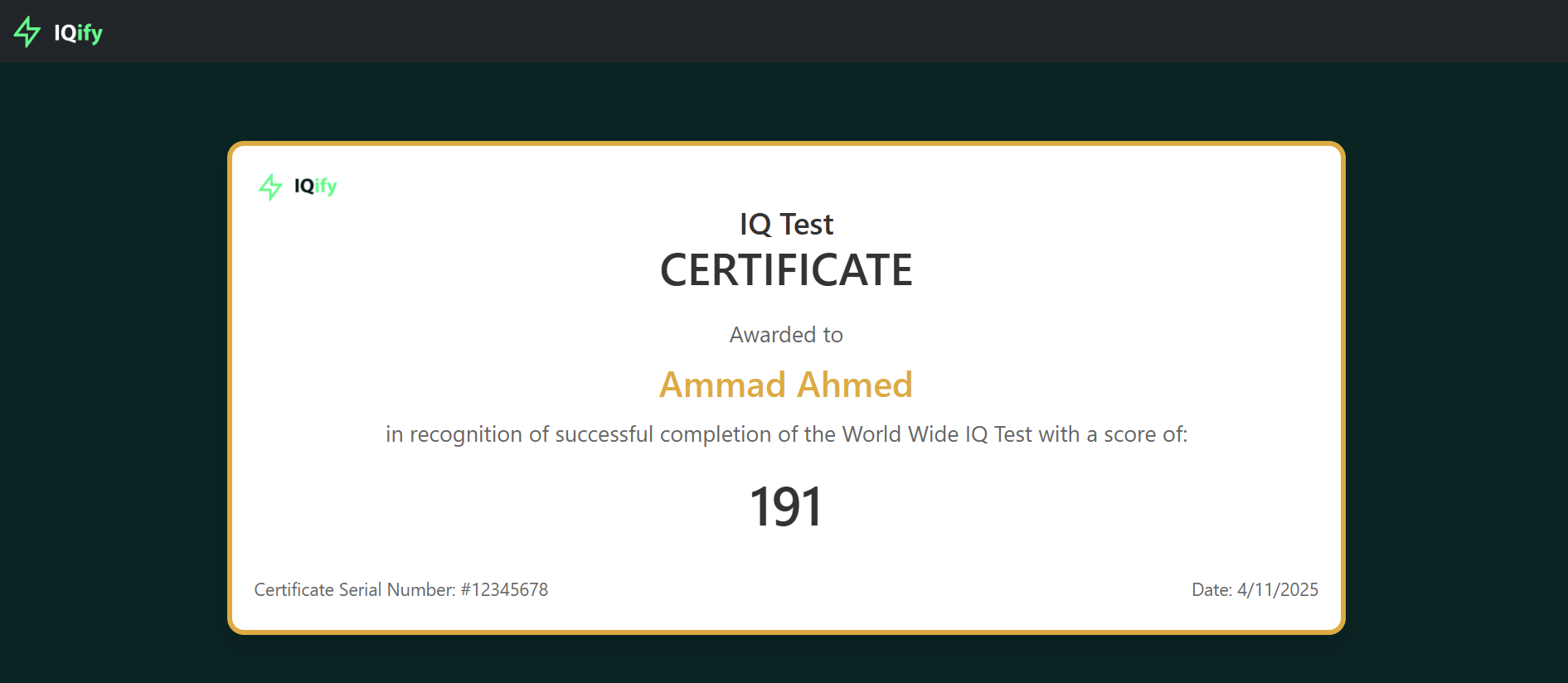
  • ๐Ÿ–จ๏ธ Certificate Generation

    Personalized certificates are generated on the result page.

  • ๐Ÿ“ฑ Fully Responsive

    Works smoothly on desktop, tablet, and mobile.

  • ๐Ÿ’ฌ Valuable Feedback

    Appreciated by mentors and elders for its practical implementation.

Gameplay Screenshot Select Level

Learning Experience

IQify wasnโ€™t just a website; it was a learning breakthrough. It helped me:

  1. Understand real-world frontend development.
  2. Practice DOM manipulation with JavaScript.
  3. Explore UX/UI fundamentals.
  4. Experience how users interact with a product.
  5. Build confidence through community feedback.
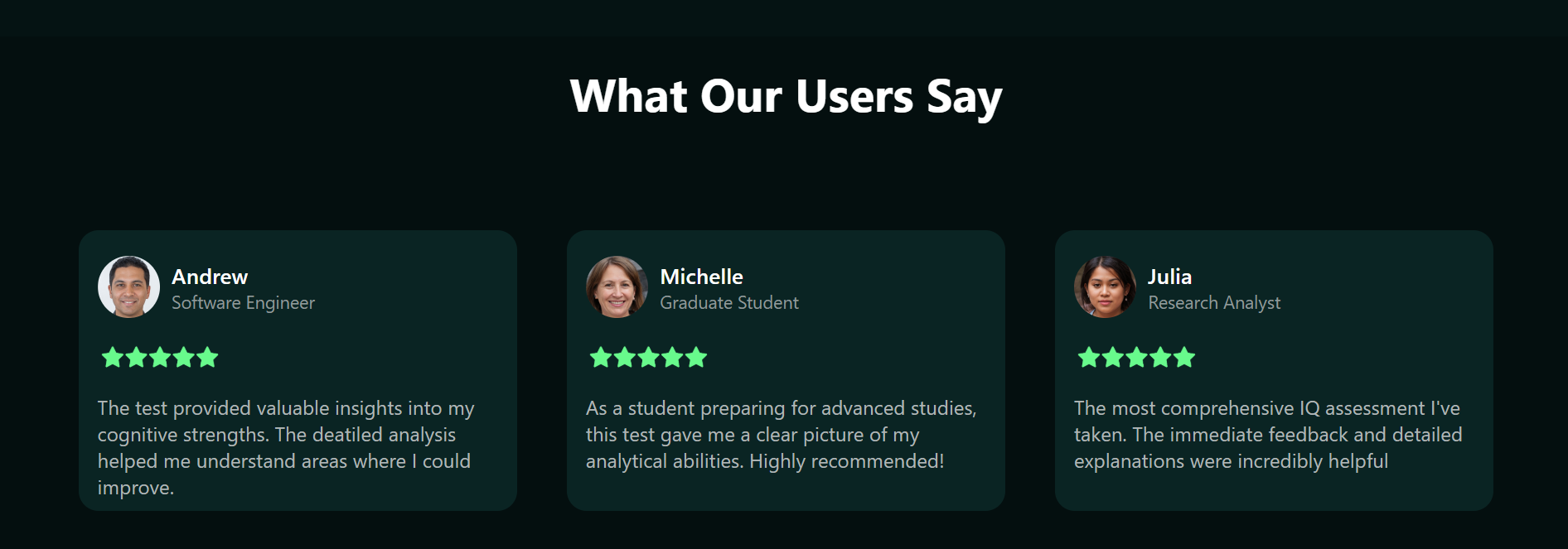
EnterCredentials User Sayings

Visit the Project


~ Visit IQify now

Digital Analog CLock Website

Overview

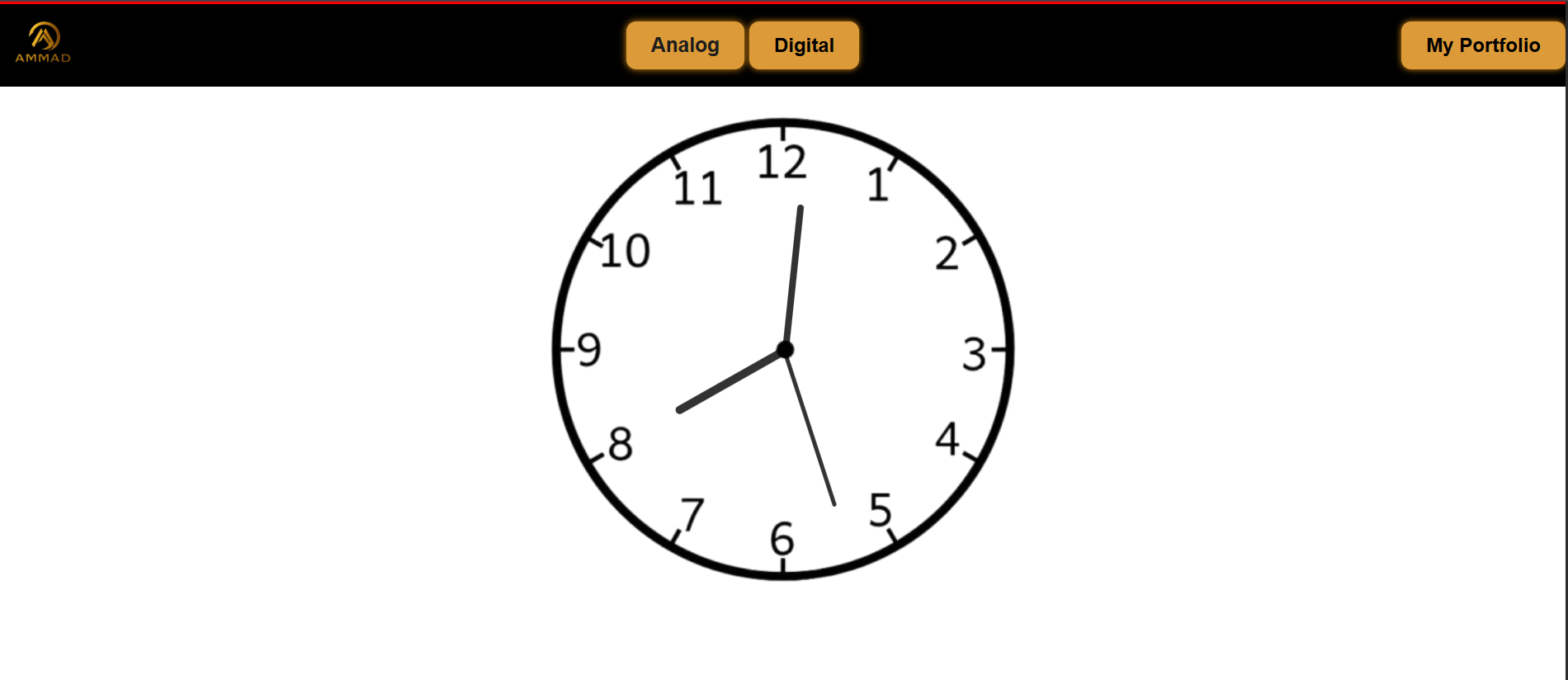
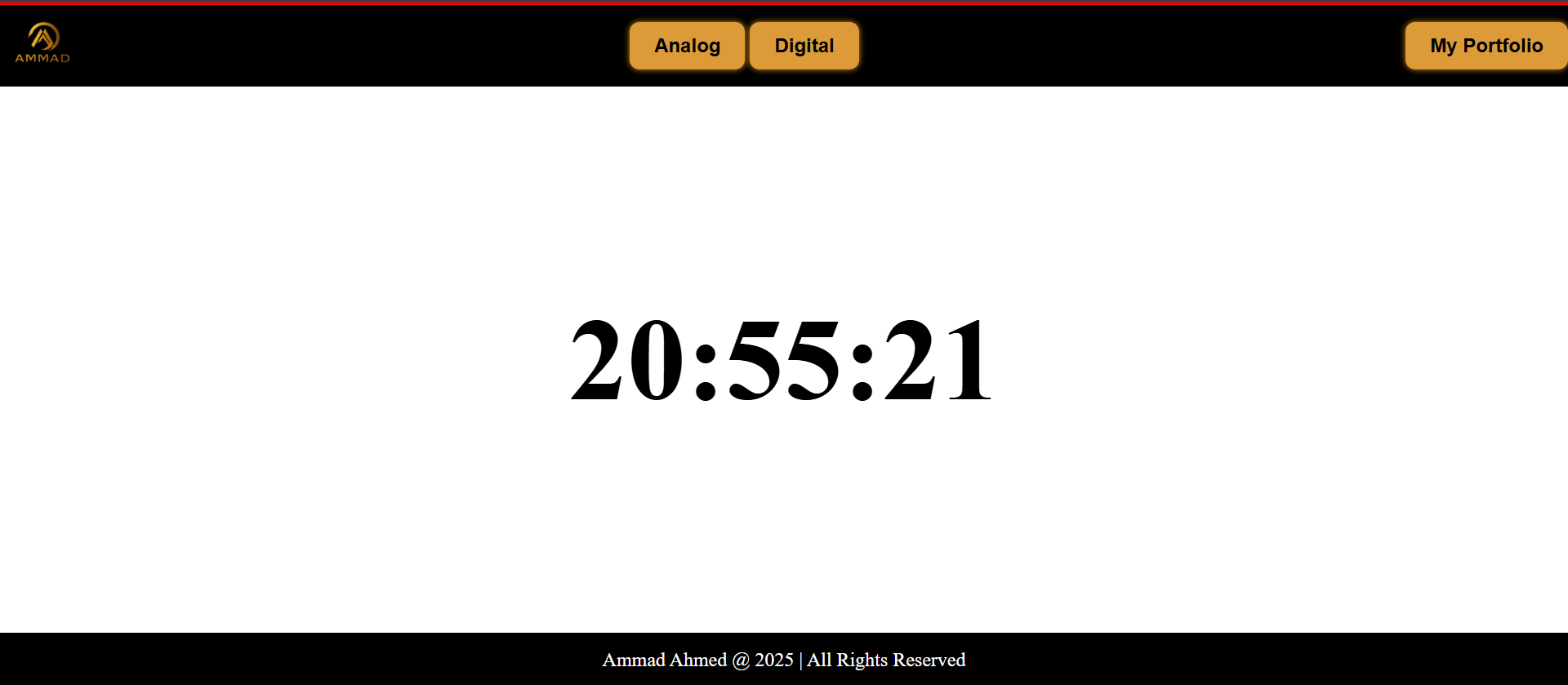
Analog Digital Clock is a sleek, real-time web application that lets users switch between an analog and digital clock interface โ€” all synced with your systemโ€™s actual time. Itโ€™s minimal, responsive, and super functional.

Gameplay Screenshot

Project Background

This was one of my personal passion projects, fully developed by me using HTML, CSS, and JavaScript. The goal? To create a visually accurate, real-time clock that mimics the behavior of a real-world timepiece โ€” both in analog and digital forms.
Key Features

  • ๐Ÿ•ฐ๏ธ Analog & Digital Modes

    Instantly toggle between the two styles.
  • โฑ๏ธ Live Real-Time Movement

    Syncs directly with your device clock.
  • ๐Ÿ’ก Clean UI & Smooth Animation

    Designed for simplicity and clarity.

  • ๐Ÿ“ฑ Fully Responsive

    Works seamlessly across all screen sizes

  • ๐Ÿง  No External Libraries

    Pure vanilla JavaScript for logic and DOM updates.

Gameplay Screenshot

What I Learned

Working on this project taught me the importance of time APIs and deepened my understanding of:

  1. Date and setInterval in JavaScript
  2. DOM manipulation and UI updates.
  3. Handling user interaction dynamically.
  4. Building from scratch without frameworks.

It was a hands-on way to sharpen my JS logic and UI/UX skills โ€” and I loved every second of it (pun intended ๐Ÿ˜„).

Haunted Horizons : 2D Game

Overview

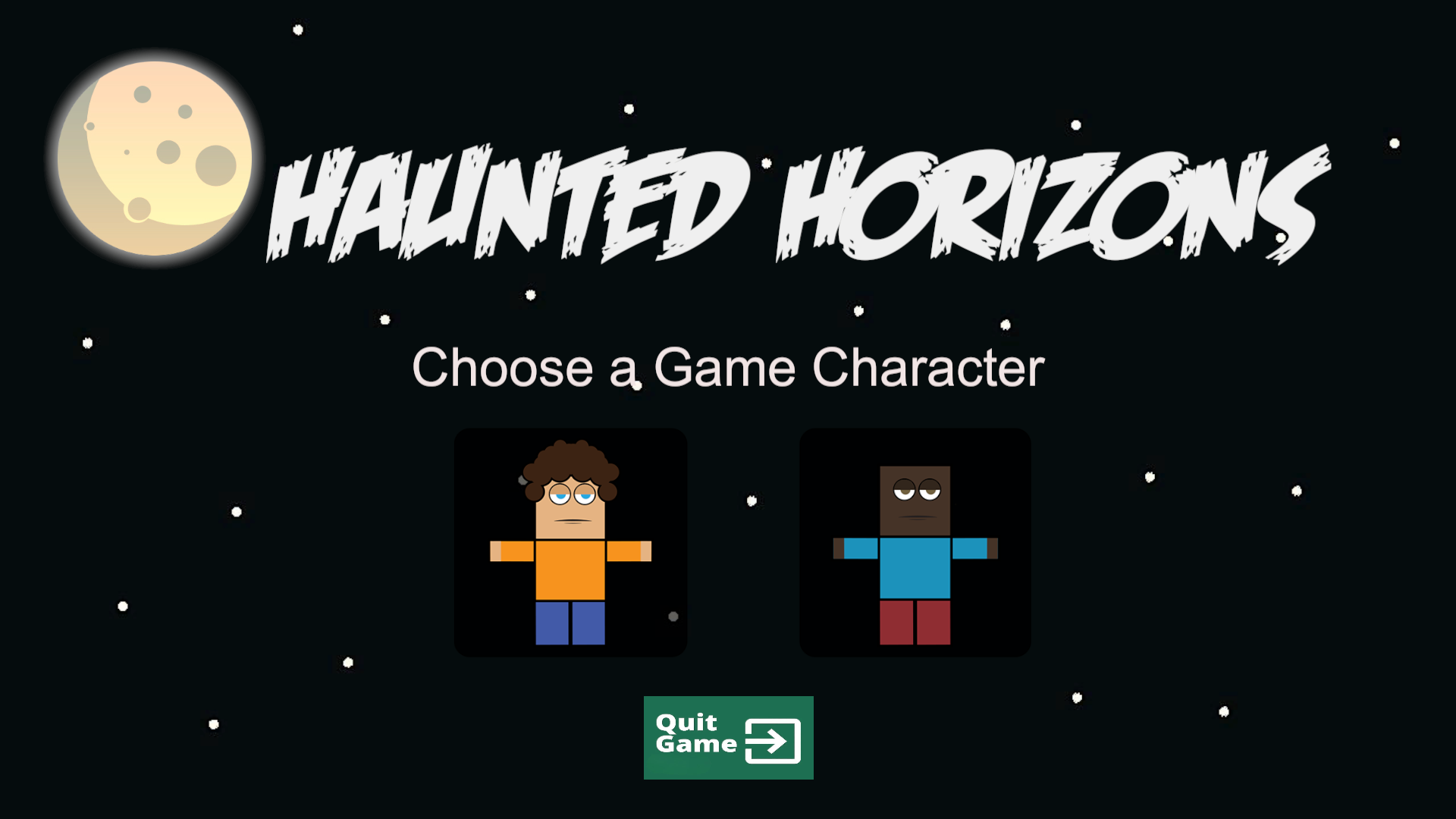
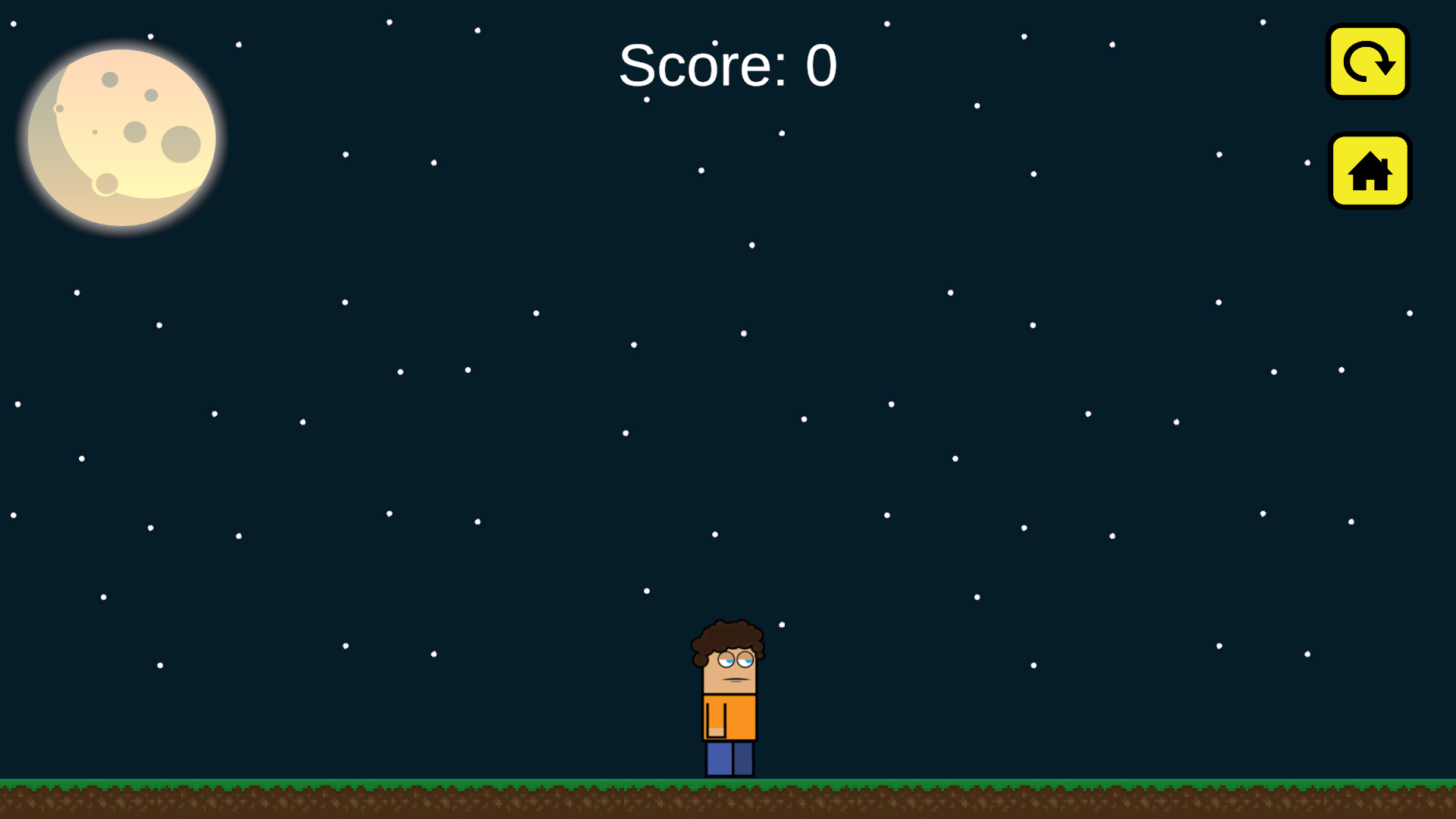
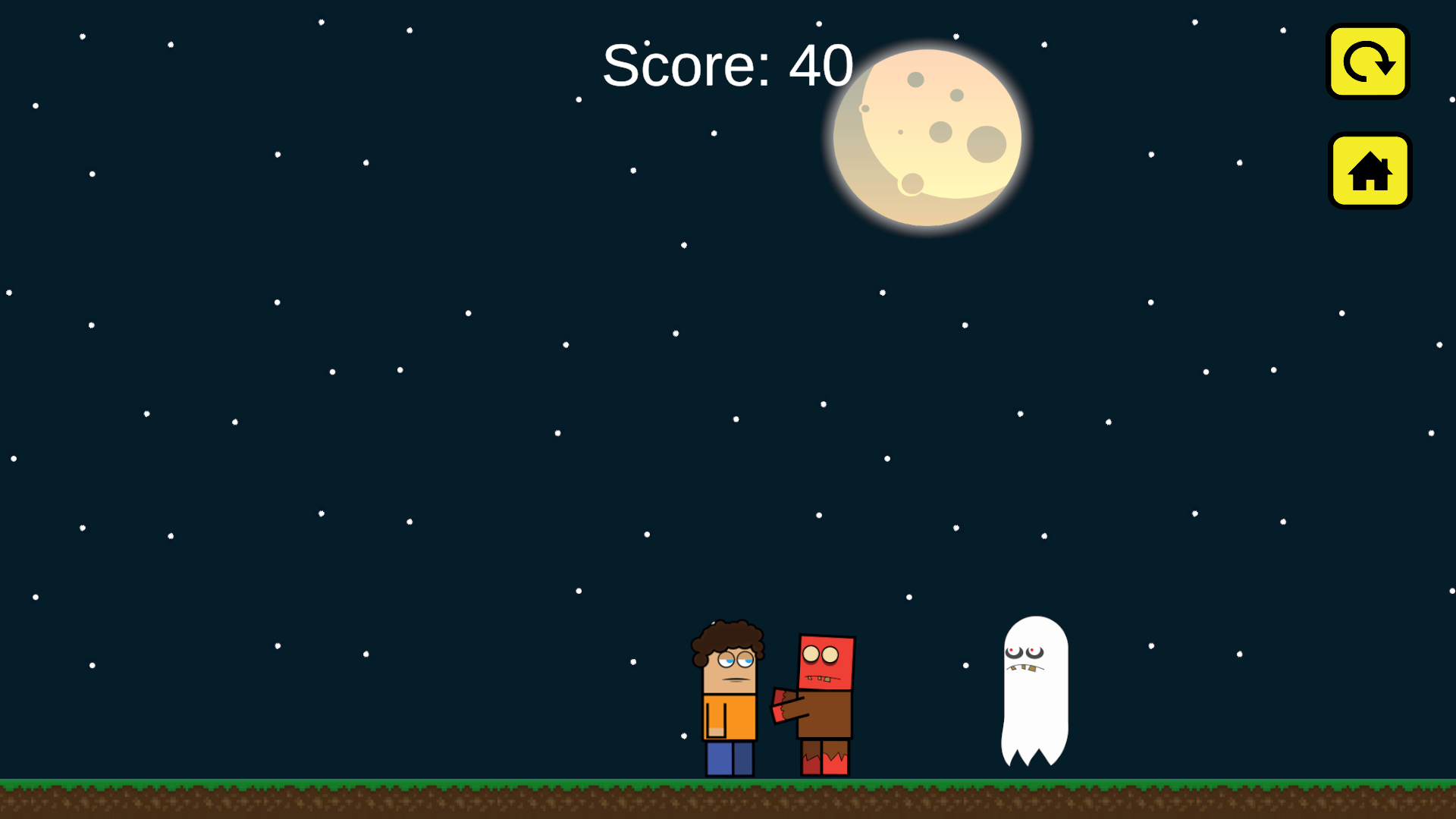
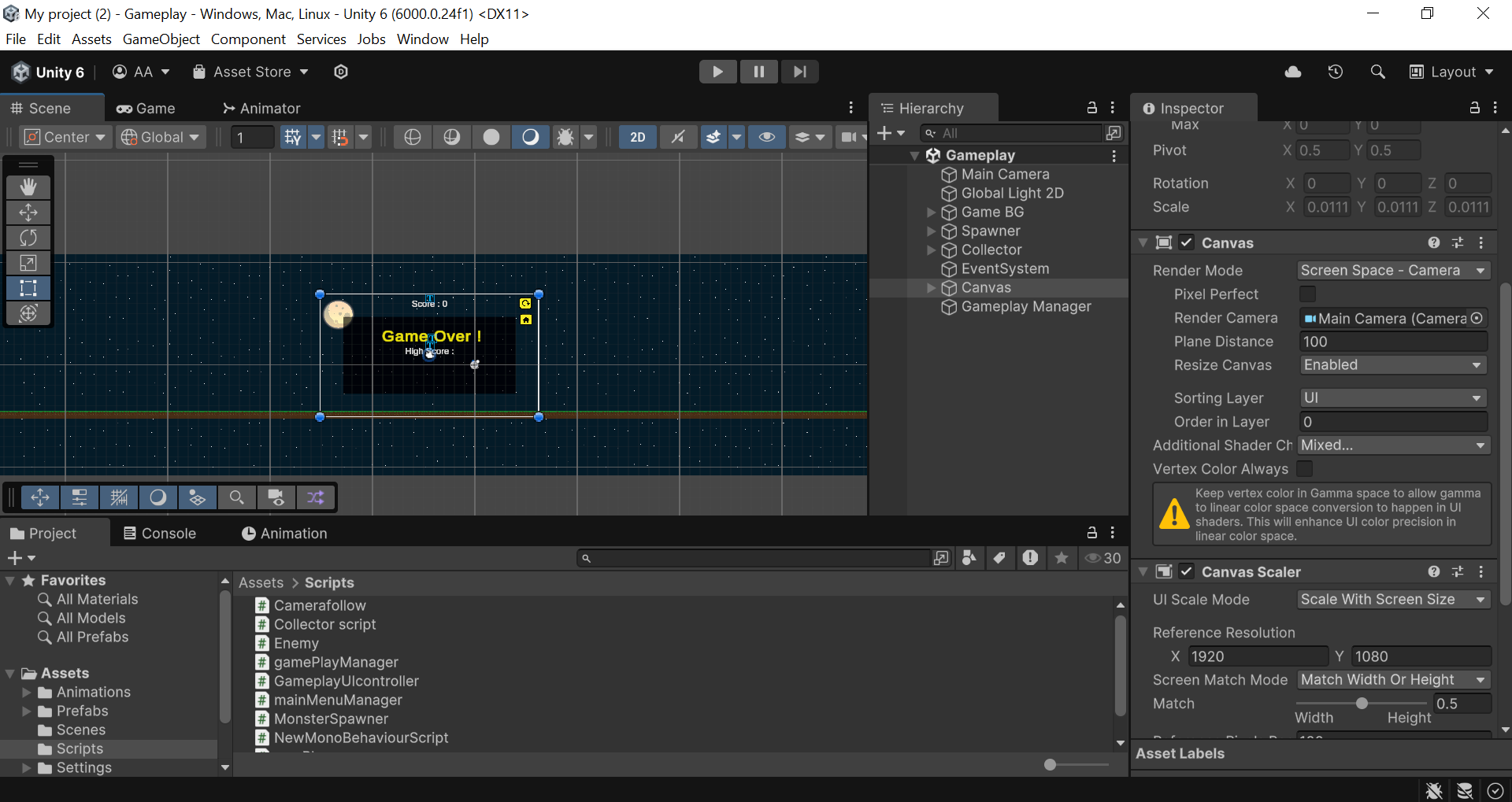
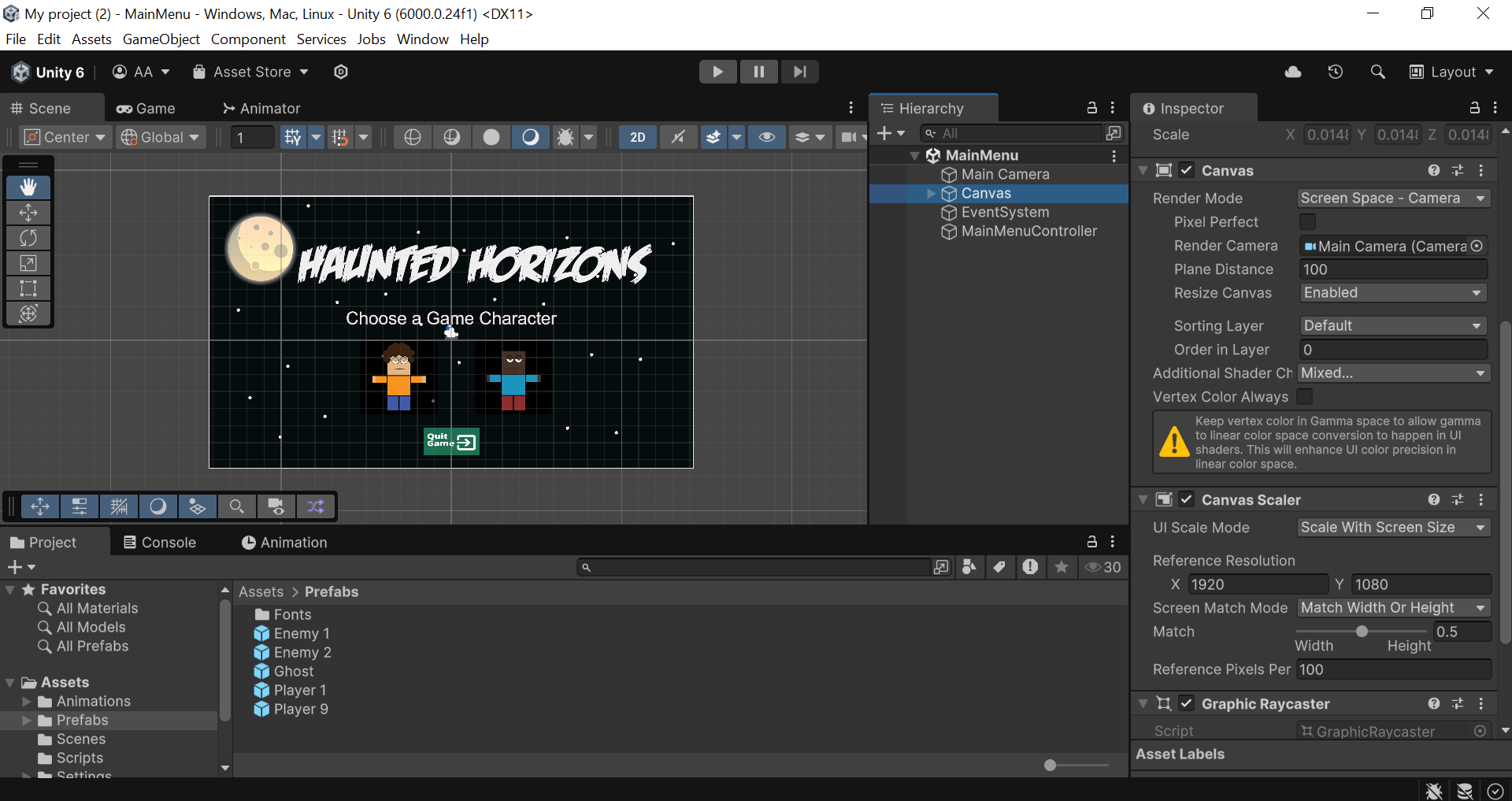
Haunted Horizons is a thrilling 2D platformer game developed in Unity using C#, where survival is everything. From dodging creepy creatures to chasing high scores, players are dropped into a spooky world full of random enemy spawns and intense platforming action.

Main Menu

Project Background

TThis was my Computer Programming Course Project during my first semester, and I developed the entire game solo โ€” from core gameplay logic to UI design. It was not only my introduction to Unity but also a deep dive into game development, and I enjoyed every bit of the learning process.

  1. ๐Ÿ“… Deployed on: November 24, 2024
  2. ๐Ÿ’ป Platform: Windows
  3. ๐Ÿ’พ Downloadable for Free
GamePlay

Gameplay Highlights

  • ๐Ÿ‘พ Three Monster Types

    Enemies spawn randomly from both sides of the screen.

  • ๐Ÿ•น๏ธ Two Playable Characters

    Choose your favorite and get jumping.

  • ๐Ÿ”ผ Score System

    Jump over monsters to earn points (๐Ÿ’ฏ +10 for every jump!)

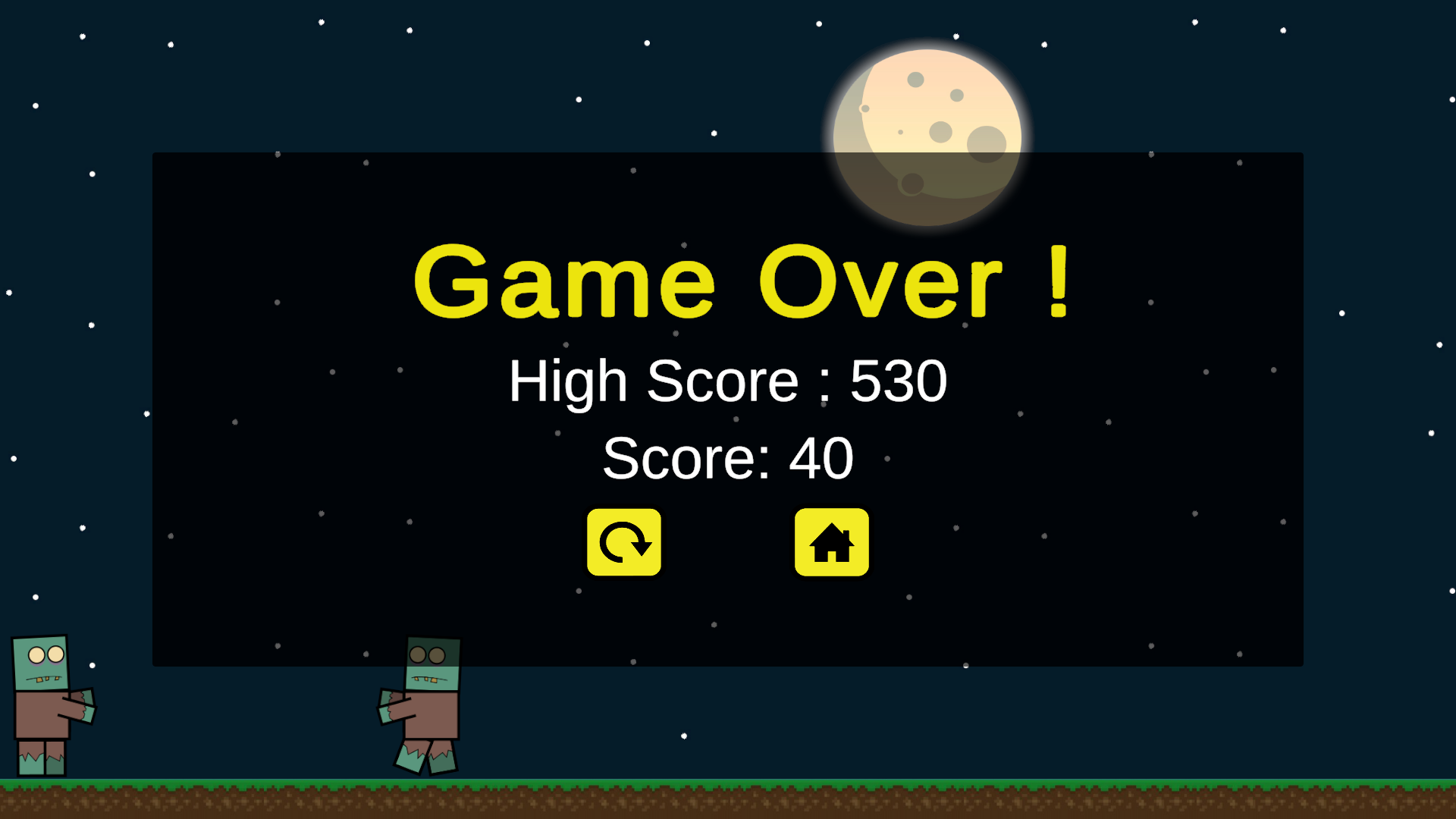
  • ๐Ÿ High Score System

    Keeps track of your top performance.

  • ๐Ÿšซ Game Over System

    Fall or collide and it's game over!.

  • ๐ŸŽจ UI Design

    Clean, custom-designed game menus and HUD.

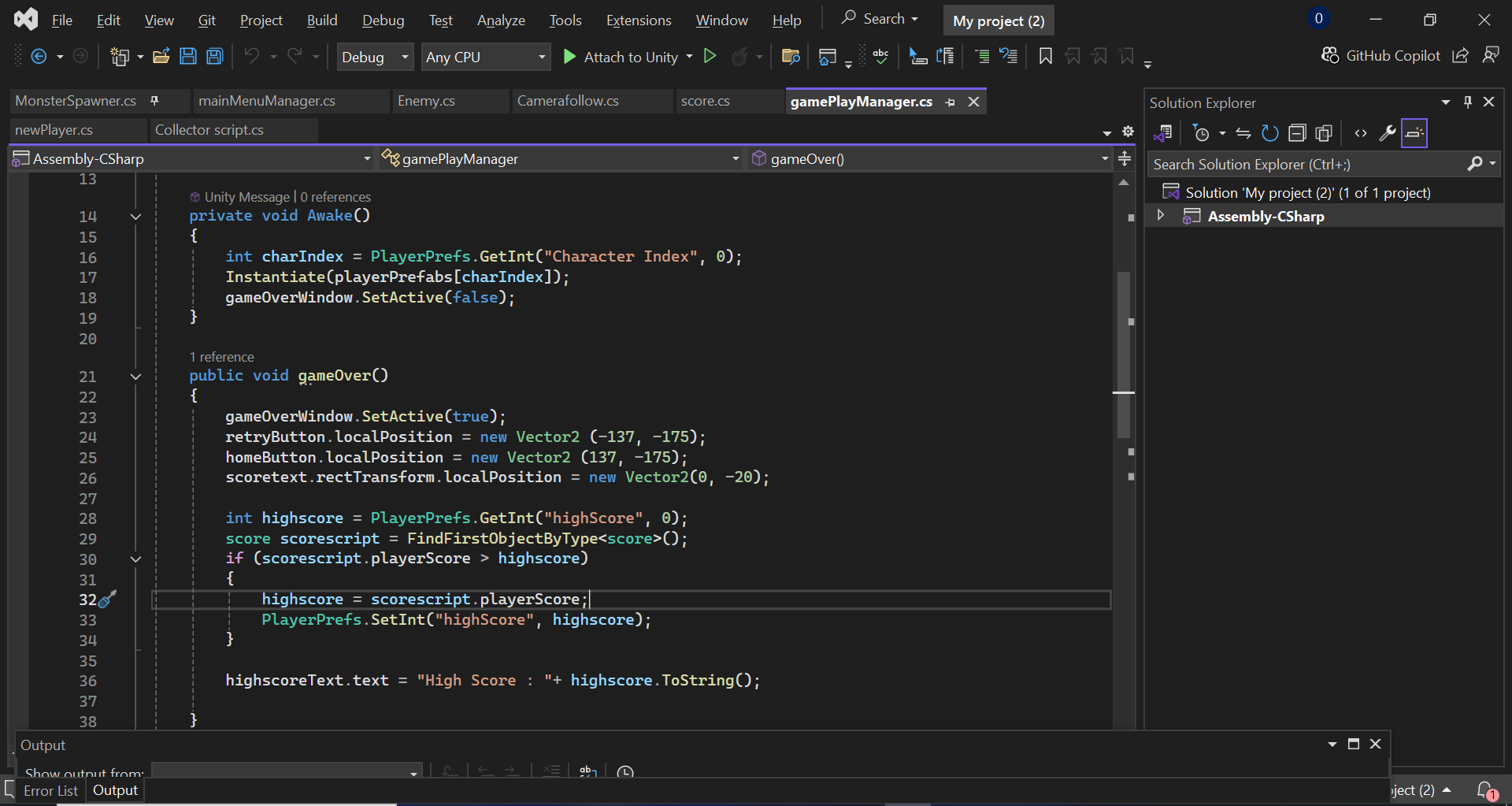
  • ๐Ÿ’พ PlayerPrefs Integration

    Persistent scores and settings across sessions.

  • ๐ŸŽฌ Smooth Animations

    From jumping to game transitions.

HomeScene2 HomeScene2 HomeScene2 HomeScene2

What I Learned

This project became my hands-on gateway to the world of game development. Some of the most valuable things I learned include:

  1. Unity scene management.
  2. Using PlayerPrefs for saving data.
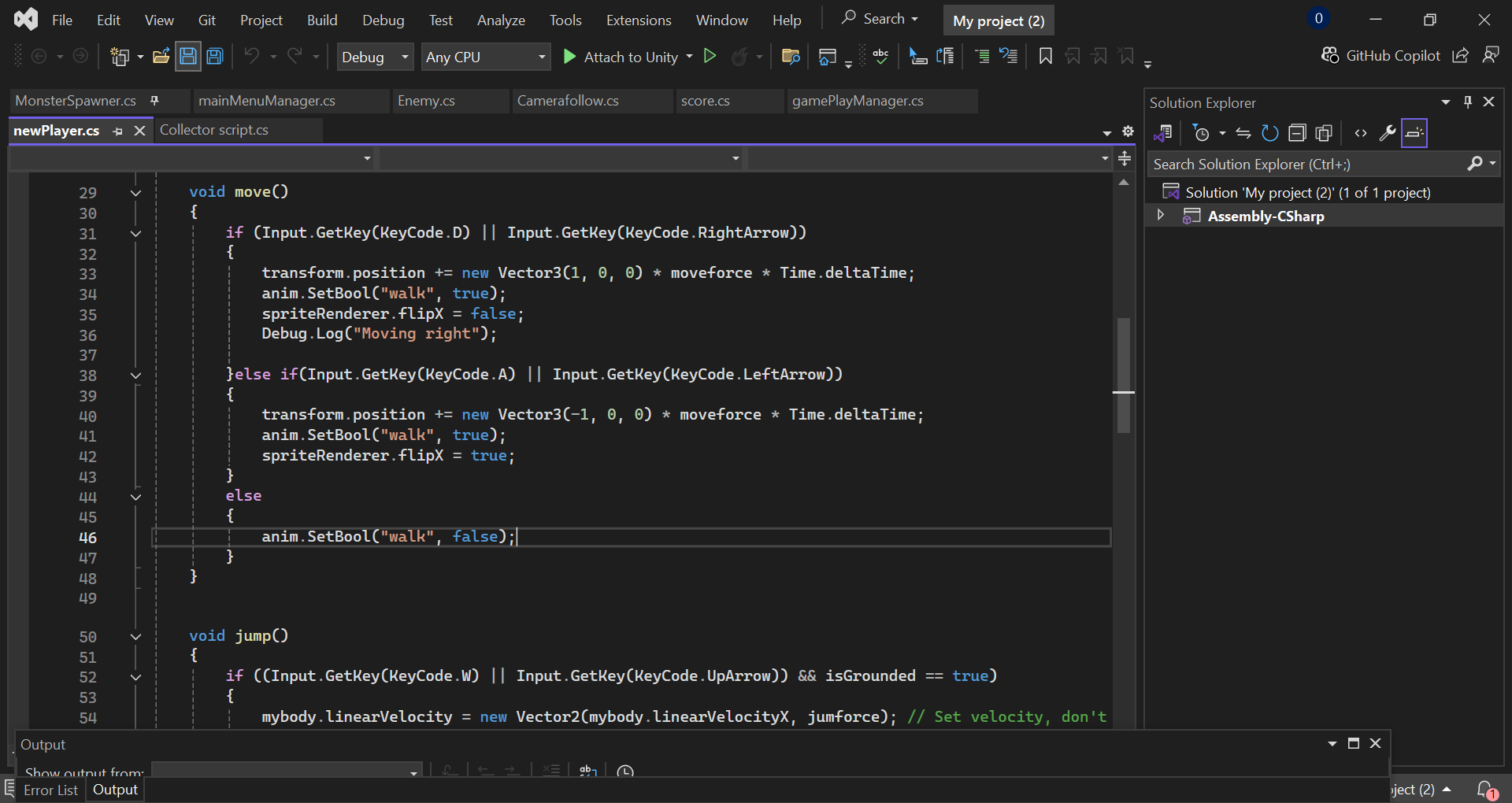
  3. Scripting in C# for gameplay mechanics.
  4. Creating and managing animations and UI.
  5. Designing responsive gameplay for PC.

IIt taught me how to bring all the components of a game together โ€” art, logic, interactivity โ€” into a fully functional and exciting experience.

HomeScene2 HomeScene2

Play the Game


๐Ÿ•น๏ธTotally Free ~ Download Haunted Horizons

Want to test your reflexes and beat the high score? Jump into the haunted world now โ€” but beware, the monsters are always watching... ๐Ÿ‘ป

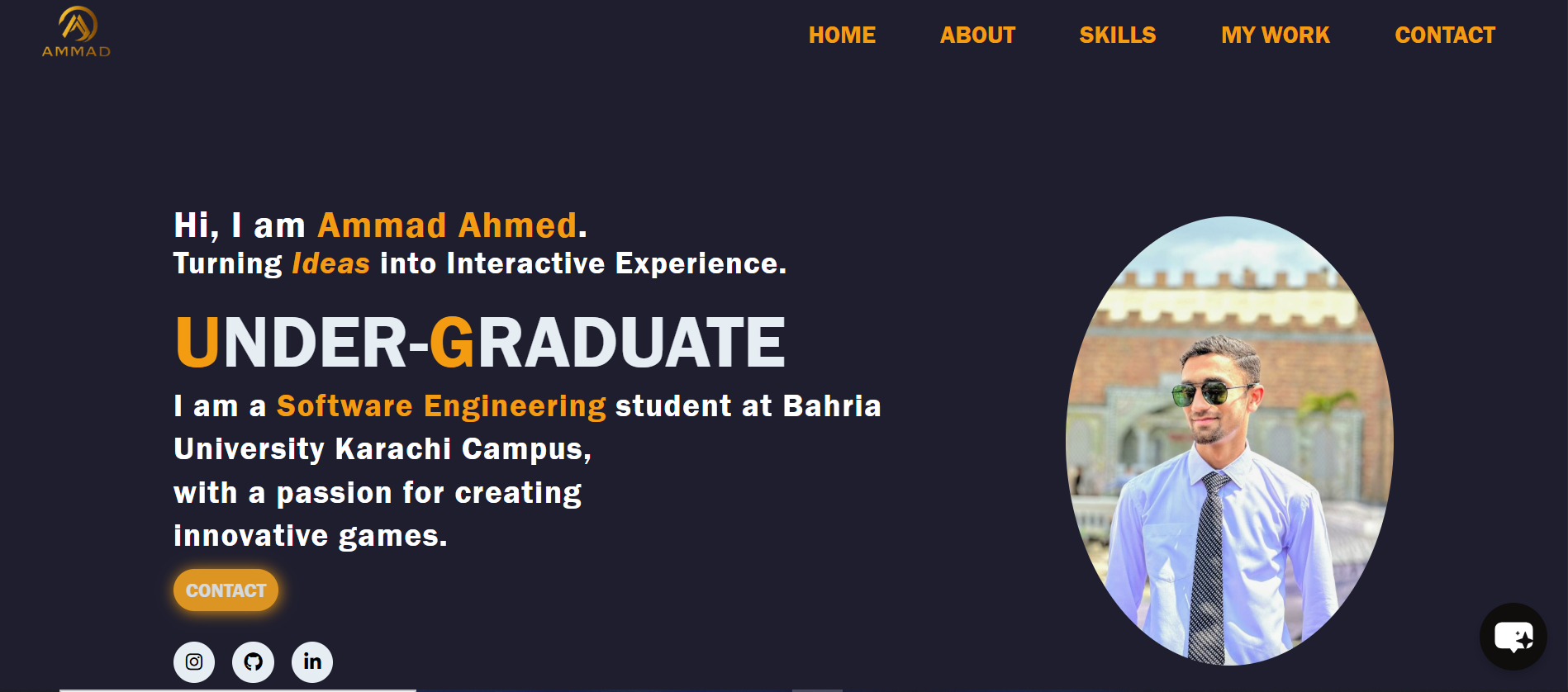
My Portfolio

Overview

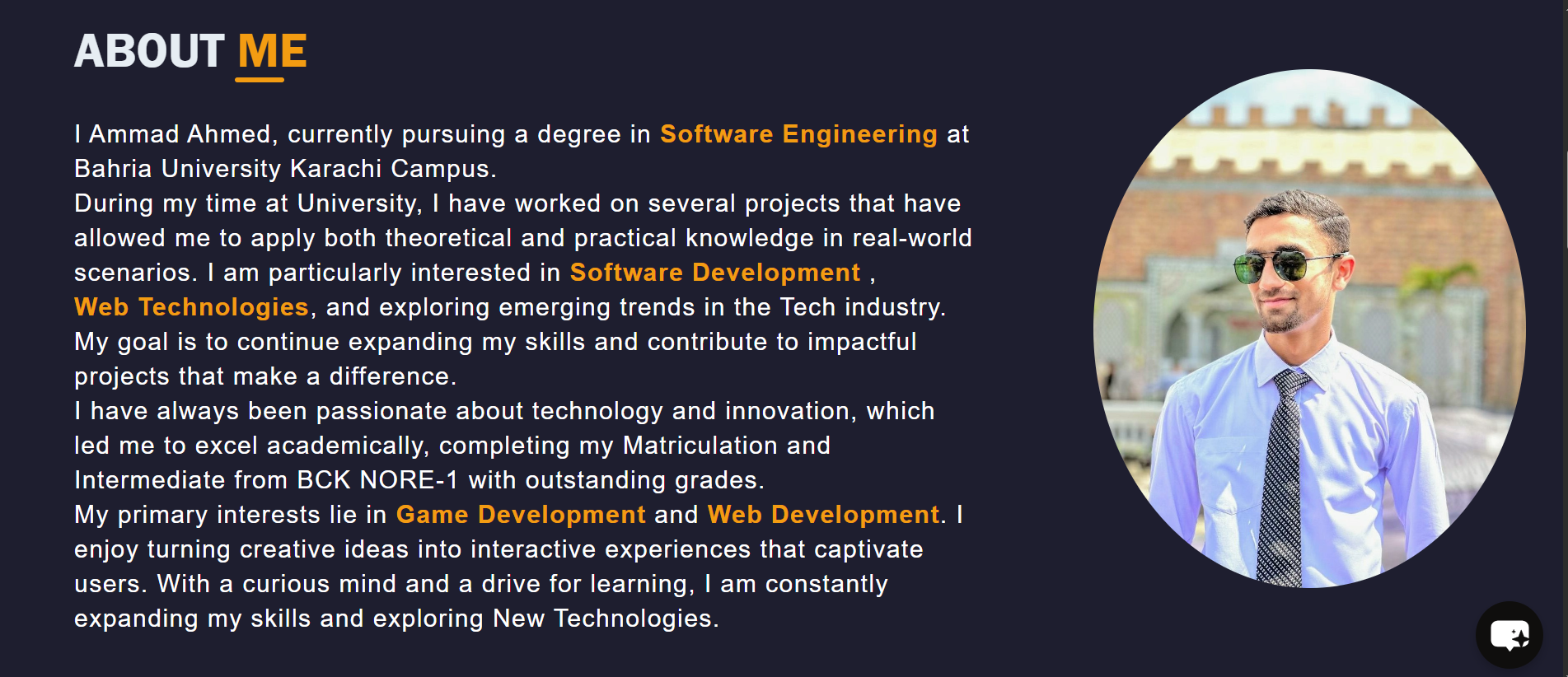
This is my personal developer portfolio website, built entirely by me to showcase my passion, skills, and projects in web development and game development. It acts as my digital resume and professional identity โ€” a place where visitors can learn about me, explore my work, and connect with me easily.

  1. ๐Ÿ“… First Deployed: December 9, 2024
  2. ๐Ÿ’ป Technology Used: HTML, CSS, JavaScript
  3. ๐Ÿ”ง Source Control: Fully version-controlled on GitHub
Main Menu About Me

Features

  • ๐Ÿ“ Project Showcases

    All of my major personal and academic projects, including games and websites, are presented with detailed descriptions, images, and external links.

  • ๐Ÿ“ฑ Fully Responsive Design

    eamlessly adapts across all devices, from desktops to smartphones.

  • ๐Ÿงญ Smooth Navigation

    Clean and minimal layout with clear sections like About Me, Skills, Projects, and Contact.

  • ๐Ÿง  Live Updates via GitHub

    Since itโ€™s hosted through GitHub Pages, visitors can even view my commit history to track changes, improvements, and updates over time.

About Me About Me About Me

Structure

The portfolio is divided into 5 main sections to ensure a smooth user experience:

  • ๐Ÿ  Home

    A warm introduction and welcoming vibe.

  • ๐Ÿ‘ค About

    A brief look into who I am and what drives me.

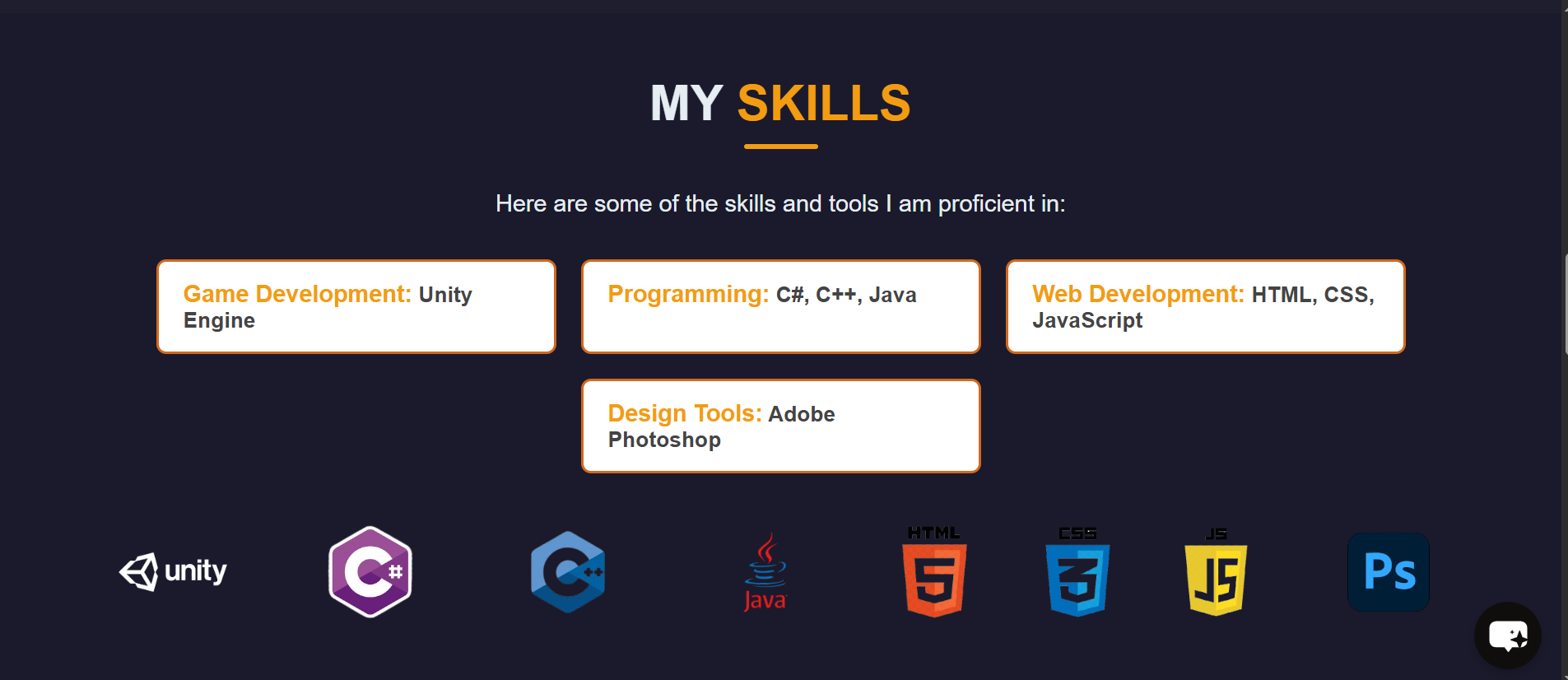
  • ๐Ÿ’ก My Skills

    Technologies and tools Iโ€™ve mastered.

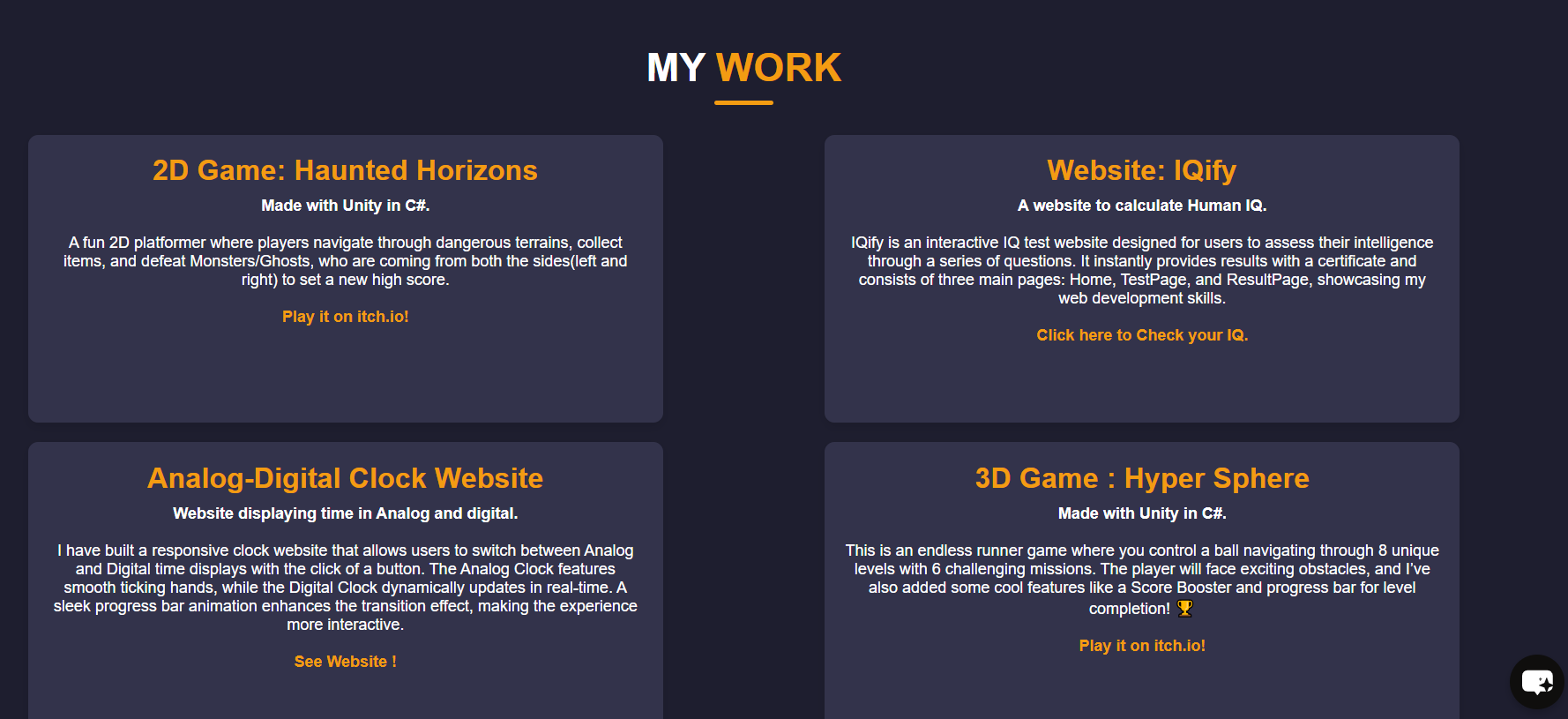
  • ๐Ÿ› ๏ธ My Work

    A showcase of my top projects.

  • ๐Ÿ“ฌ Contact

    Easy ways to reach out to me.

HomeScene2 About Me About Me

What Makes It Special?

This portfolio isnโ€™t just a static page โ€” itโ€™s the hub of my digital journey. I keep it updated as I grow in experience and explore new technologies. Creating it taught me how to:

  1. Design layouts that balance information and aesthetics.
  2. Write modular and maintainable code.
  3. Showcase my identity and work with confidence on the web.

Whether you're a recruiter, collaborator, or curious visitor, this site gives you a complete insight into who I am and what I do.

Visit my Portfolio ~ Click Here

Copyright © 2024-2025 | Ammad Ahmed | All Rights Reserved